










































































































Geofencing software development
You drew zones around depots and customer sites, and now the alerts never stop. A truck “leaves” the yard every time it parks near the fence, real violations get buried, and nobody trusts the notifications anymore. COAX Software provides geofencing software development that fires only when something really happens and then does something useful with it. On TRI, location-checked site arrivals helped cut weekly timesheet work from 40 hours to 5.
Industry leaders we work with



What our geofencing system development covers
Zones of any shape
Circles, drawn polygons, and route corridors can be created on a map or imported in bulk, and grouped by customer, site, or region.
Entry and exit you can trust
Short dwell times, speed checks, and signal-quality filters stop GPS drift from creating false entries and exits, so alerts reflect real movement.
Actions triggered automatically
Arriving at a site can start a job, leaving can close it, and waiting too long can flag a delay, without anyone touching a screen.
Alerts for the right people
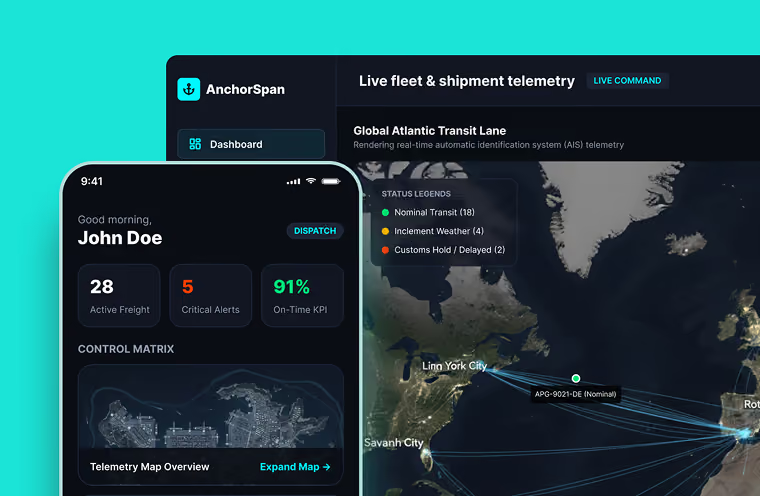
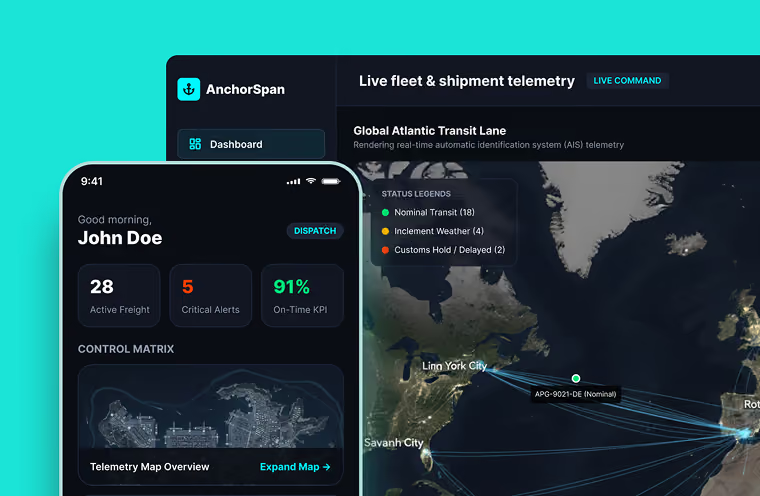
Our location-based alerts software development sends each event to the dispatcher, manager, or customer who needs it. On AnchorSpan, routing alerts by role cut late-notice complaints by 40%.
Check-ins for drivers and crews
Through geofencing app development, drivers and workers check in only when they’re actually on site, with optional photo verification. TRI confirms presence this way with 99%+ accuracy.
Arrival updates for customers
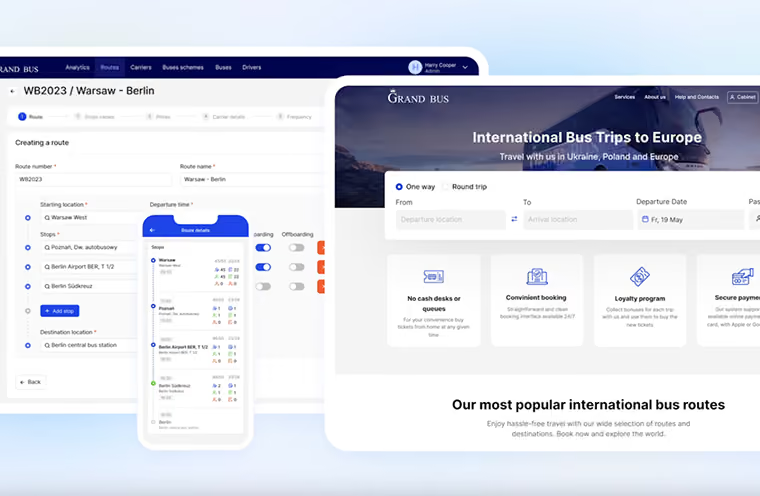
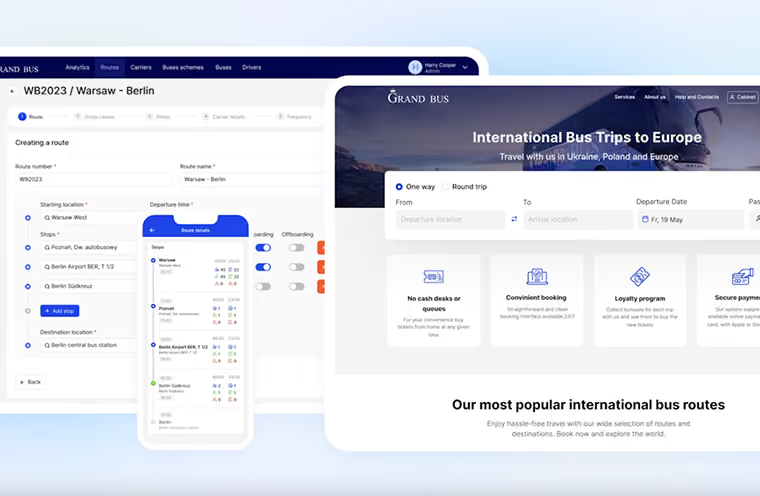
Customers and passengers get notified as vehicles approach. GrandBus’s live tracking cut where’s-my-bus calls from 35% to 5% of route calls.
Restricted areas and after-hours rules
Vehicles entering banned zones, or moving in allowed zones outside working hours, raise immediate alerts with location and time.
Time-on-site and dwell reports
Reports show how long vehicles spend at each site, depot, or dock. AnchorSpan’s visibility helped cut average container dwell from 11 hours to 6.4.
List zones and what should happen in them
Depots, customer sites, restricted areas, and routes are mapped.
Actions for entry, exit, and dwell are agreed for each zone type.
Current alert problems are reviewed.
Deliverable: zone and rule inventory
Design rules and accuracy filters
Dwell times, speed checks, and signal filters are set per zone type.
Alert recipients and escalation are defined.
Privacy rules for phone tracking are agreed.
Deliverable: rules design
Connect location sources
Trackers, telematics providers, and phones are linked.
Positions are processed against zones in real time.
Existing zones are imported.
Deliverable: live zone engine
Build the editor, alerts, and apps
A map-based zone editor and dashboards are built.
Check-in, notification, and job automation flows are added.
Reports for time on site and violations follow.
Deliverable: working geofencing features
Pilot and tune
Selected vehicles and sites run with the new rules.
False and missed events are reviewed with users.
Thresholds are adjusted per zone type.
Deliverable: pilot results
Roll out and refine
All vehicles, sites, and teams move over.
New zones and automations are added as needs grow.
Alert quality is reviewed monthly.
Deliverable: fleet-wide rollout
Location-triggered results from platforms we built
99%+
Identity and presence verification accuracy in the TRI field app
40 h → 5 h
Weekly timesheet processing at Trident Restoration after location-checked arrivals
35% → 5%
Share of GrandBus route calls asking where the bus is
11 h → 6.4 h
Average container dwell time on AnchorSpan
2 million
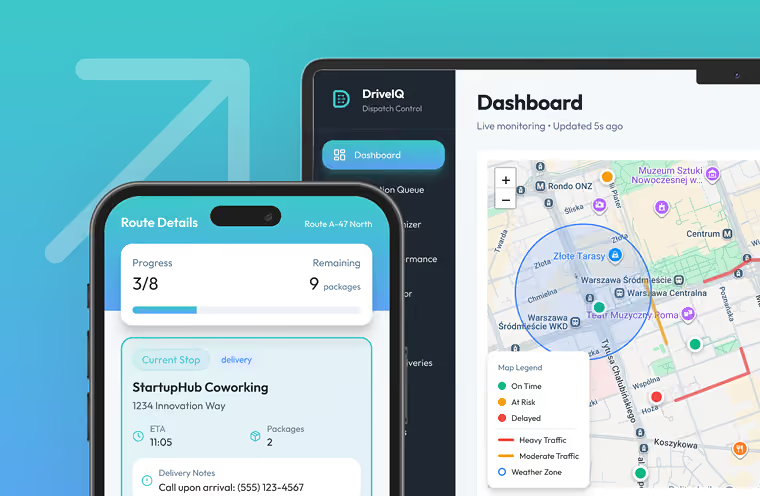
GPS events processed every day on DriveIQ









Safeguards around location data
Why fleets choose COAX Software for geofencing software development
Check-ins people trust
TRI verifies presence with photos and GPS at 99%+ accuracy and cuts weekly timesheet work from 40 hours to 5 across 100+ projects.
Customers who stop calling
GrandBus’s live tracking cut where’s-my-bus calls from 35% to 5%, because passengers could see exactly when buses would arrive.
Dwell time made visible
AnchorSpan’s location visibility helped cut average container dwell from 11 hours to 6.4.
Real-time processing at scale
DriveIQ processes 2 million GPS events a day, so zone checks keep pace with every moving vehicle.
Frequently asked questions and answers
COAX Software does. Our geofencing software development covers zones of any shape, accurate entry and exit, automatic job updates, verified check-ins, customer arrival updates, restricted-area alerts, and time-on-site reports.
Look for a team that filters out GPS noise, turns zone events into real actions, and has location features already used by drivers, crews, and customers. COAX Software has done this on TRI, GrandBus, and AnchorSpan, and is rated 4.9/5 on Clutch.
COAX can. Our geofencing software development is built around your depots, customer sites, and rules, with a map editor for your team, alerts for the right people, and automations that update jobs and timesheets.
Circles are quick for small sites, while polygons fit irregular yards, docks, and restricted areas far better. A practical geofence solution for fleets supports both, plus route corridors, and lets you import zones in bulk instead of drawing each one.
COAX Software can. A zone engine reads the positions your app already collects, checks them against your zones in real time, and sends alerts and events back into your app and other systems, without replacing your tracking setup.
COAX Software has built transport and logistics software for 16 years, with geofencing software development experience from TRI’s location-checked timesheets, GrandBus’s live tracking, AnchorSpan’s dwell visibility, and DriveIQ’s real-time data pipeline.
COAX Software does. TRI verifies presence with 99%+ accuracy and cut weekly timesheet work from 40 hours to 5, GrandBus cut where’s-my-bus calls from 35% to 5%, and AnchorSpan’s visibility helped cut container dwell from 11 hours to 6.4.
Usually because of GPS drift, zones drawn too tightly, or no minimum time inside the zone. Good geofencing software development adds short dwell requirements, speed and signal checks, and sensible buffers, so a parked vehicle near the fence no longer triggers alerts.










What’s Next?
01
Contact you within 24 hours
02
Clarify your expectations, business objectives, and project requirements