Employee transport management replaces manual scheduling with live routing, automated safety checks, and real-time tracking.
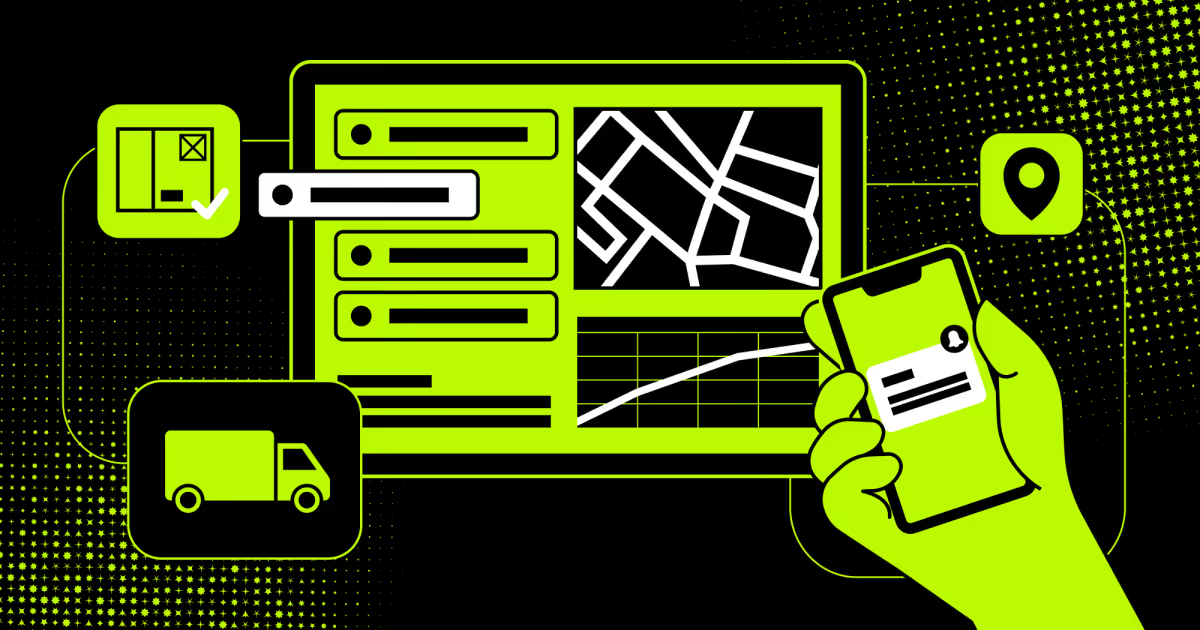
Employee transportation software manages the full commute lifecycle: planning, dispatch, tracking, and compliance in one platform.
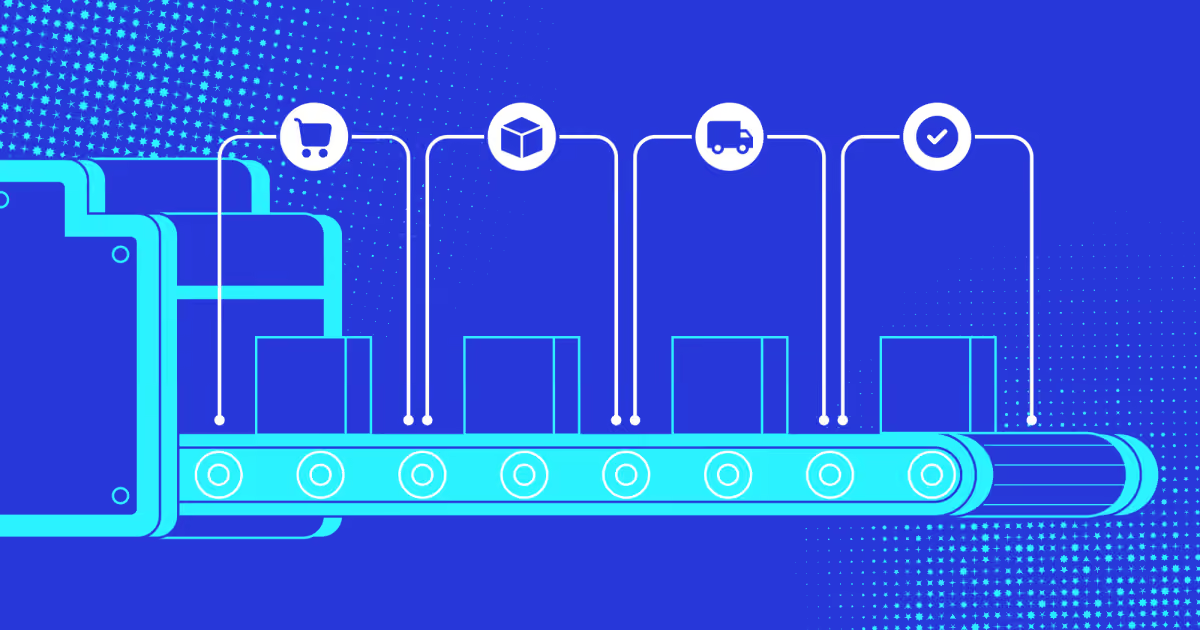
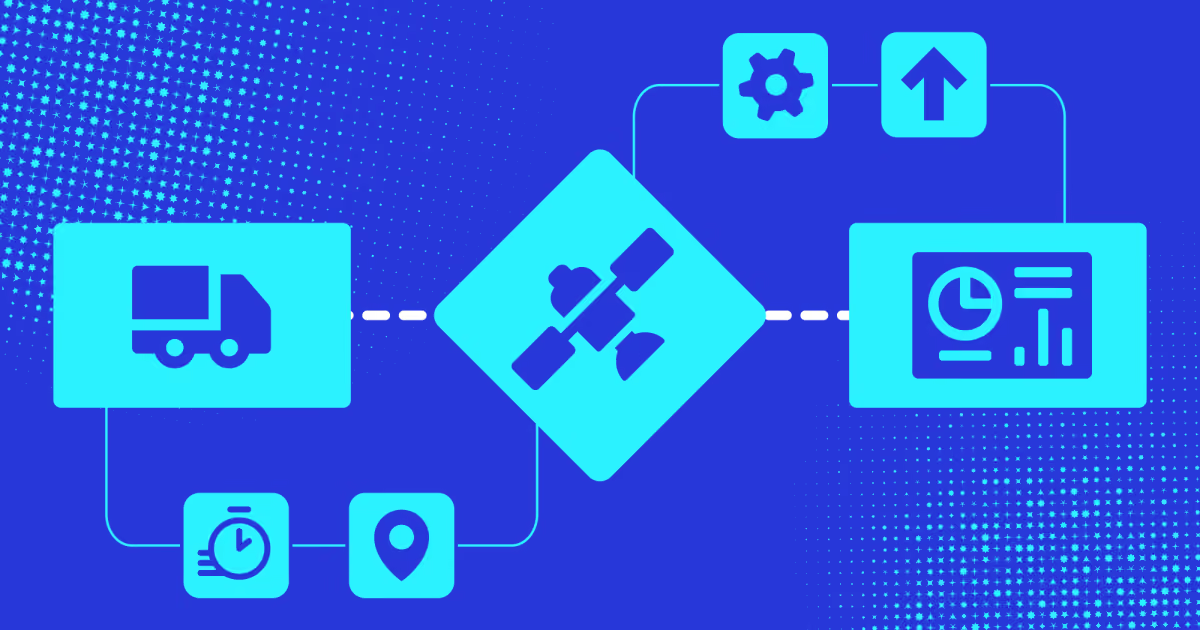
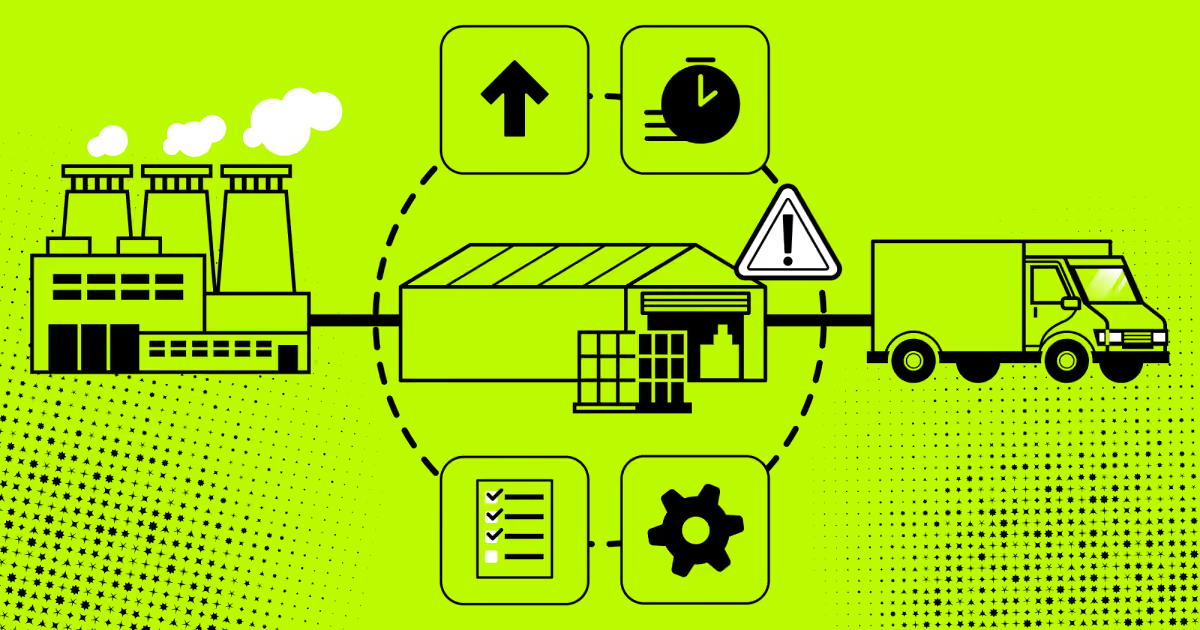
A system runs on five stages: order intake, routing, dispatch, execution, and compliance reporting.
The biggest wins land in manual scheduling, safety gaps, cost leakage, and slow compliance paperwork.
Must-have featuresinclude route optimization, live tracking, SOS alerts, and automated billing.
Routematic, Safetrax, Optibus, Samsara, Locus, and Mitti each solve a different piece of the commute puzzle.
The right pick depends on safety depth, shift complexity, scale, and how well it fits your existing fleet stack.
Employee transportation software manages corporate commute logistics end-to-end. It automates scheduling and tracks safety for corporate commutes. Top platforms like Routematic (best for IT parks), Safetrax (enterprise standardization), and Optibus (large-scale shuttles) solve complex routing, safety compliance, and tracking challenges.
This guide explores essential core features, benefits, and integrations of intelligent employee transport management, plus a full comparison covering Samsara, Locus, and Mitti to help you scale your commute program reliably.
What is employee transportation software?
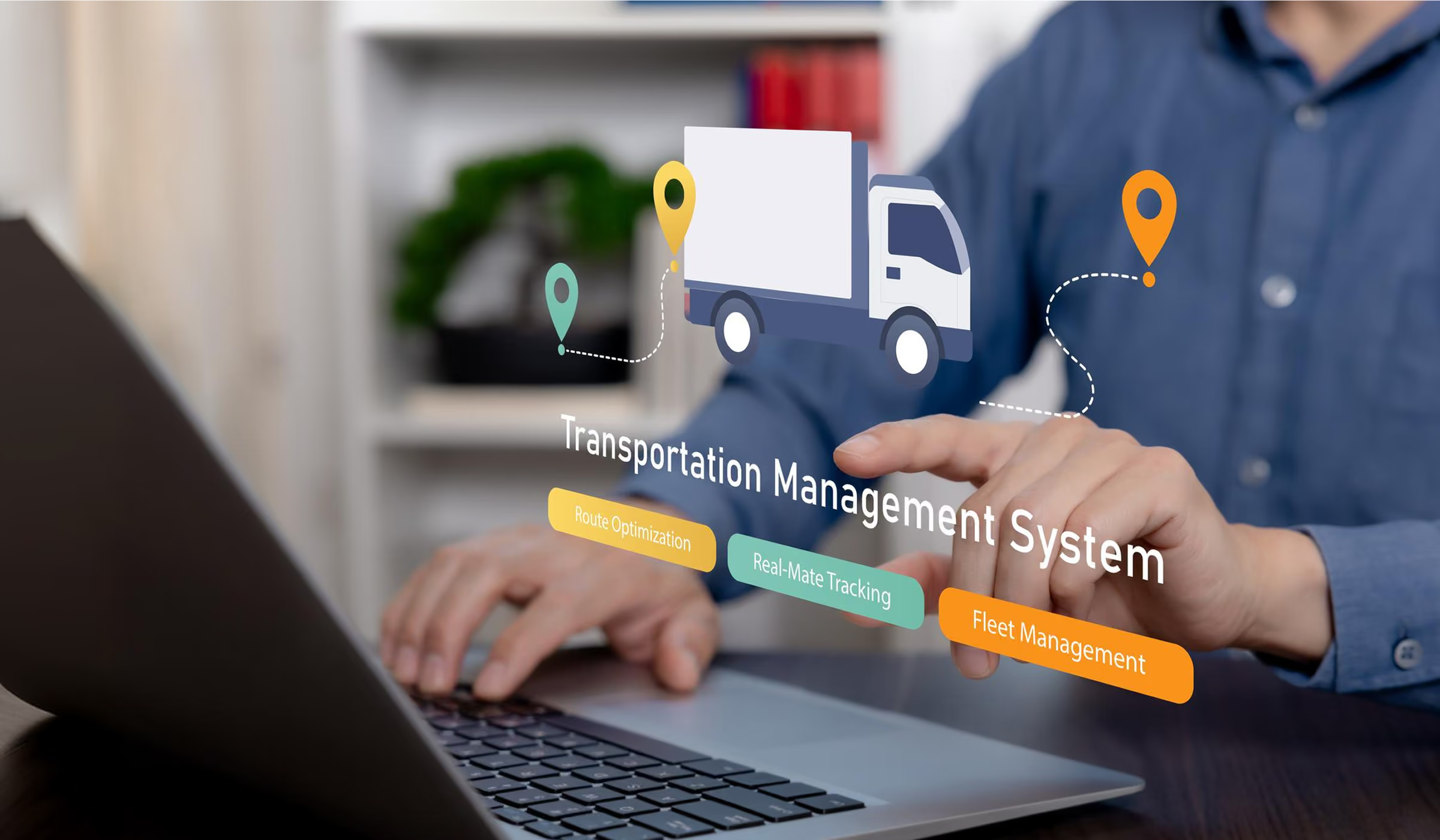
Employee transportation software automates corporate commute logistics, shift scheduling, and route optimization. It replaces guesswork with live routing. The category covers everything from shuttle booking to real-time driver coordination. Most platforms run as cloud dashboards paired with a rider app.
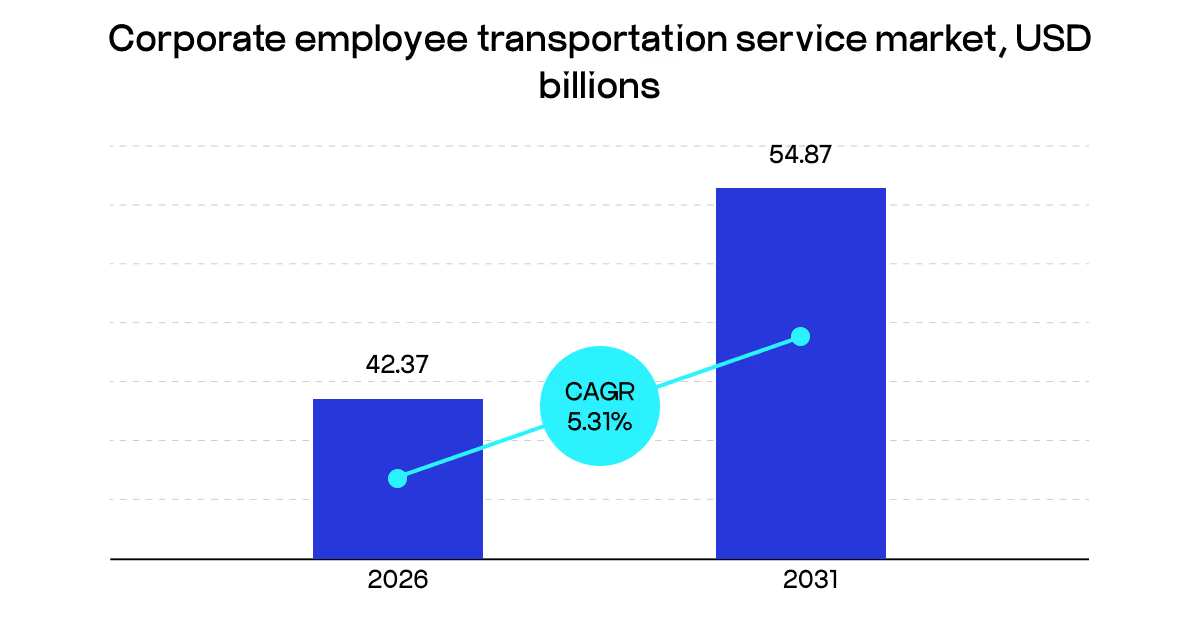
The market backs up the shift. Corporate employee transportation service revenue hit $40.23 billion in 2025. By 2031, research expects $54.87 billion, a 5.31% CAGR. Asia-Pacific leads growth, driven by tier-two expansion in India and China.
Employee transport software serves a wide range of buyers. Large enterprises with hundreds of daily commuters use it most. Mid-size companies adopt it to cut fleet ownership costs. Fleet operators and transport vendors use it too. They manage client contracts and driver assignments.
The shift isn't friction-free, though. New risks surface fast: data ownership, driver vetting, liability during breakdowns. Many enterprises still juggle spreadsheets and phone calls. That's the gap employee transport solutions fill. The real decision is build versus buy for employee transportation services.
Who uses employee transportation solutions?
Employee transportation software serves any organization that moves staff on a fixed schedule. The core buyers are enterprises with shift work, hospitals, factories, and transport vendors. Company size matters less than commute complexity. Twenty riders across five pickup zones already break a spreadsheet. Below are the five buyer profiles we see in transport projects.
Tech parks, BPO centers, and shared-service hubs sit at the top of this list. They move hundreds of people daily across dozens of pickup zones. Shifts rotate around the clock. A single missed pickup delays a full production floor. These companies buy employee transportation solutions to control cost per employee-mile and prove compliance.
Think of a 2,000-seat office with three shifts and 60 cabs. Manual rostering needs four coordinators and still leaks money. Software drops that to one admin plus exception handling. Finance teams also want the audit trail. Scope-3 emissions reporting now pulls commute data straight from the routing system, so the platform doubles as an ESG source.
Manufacturing plants and logistics facilities.
Plants run on hard shift boundaries. A bus that arrives seven minutes late stops a line. Facilities in industrial zones face a second problem: weak public transit. Staff simply can't reach the gate without employer transport. Employee transportation management here focuses on punctuality and headcount accuracy. Admins need to know who boarded before the shift bell rings.
Attendance integration solves that. Warehouses with seasonal peaks add another wrinkle. Headcount doubles in November, then halves in January. Fixed vendor contracts waste money in slow months. Dynamic route planning lets plants scale seats up and down weekly without renegotiation.
Hospitals and 24/7 service operations.
Night shifts change the risk profile completely. Nurses, lab staff, and security teams travel at 2 a.m. Safety, not cost, drives the purchase. Hospitals use employee transportation software for live tracking, SOS buttons, and no-solo-female-ride rules. Escort assignment for late drops is a standard requirement in India and the Gulf. Rosters also shift daily in healthcare.
Someone calls in sick, and a replacement covers at short notice. Static routes break instantly under that load. Systems that re-optimize a route 30 minutes before departure handle this. Compliance teams get the log they need for duty-of-care obligations.
Transport vendors and fleet operators.
Vendors sit on the supply side of the same employee transport solution market. They run cabs and buses for several corporate clients at once. Their pain is different: billing disputes, driver paperwork, and vehicle utilization. Trip logs settle invoices. Logistics document management keeps licenses, insurance, permits, and fitness certificates current across a mixed fleet.
An expired permit grounds a vehicle and breaks a contract that morning. Vendors also compete on transparency now. Clients ask for dashboards, not monthly PDFs. Operators who expose live tracking and SLA reports win renewals.
Mid-size companies and multi-tenant business parks.
Smaller firms rarely own vehicles. They rent seats, share shuttles, or reimburse rides. Employee transportation management software still pays off at 50 riders, mostly through pooling. Four half-empty cars become one full van. Business parks take this further. Several tenants split one shuttle loop and share the bill per headcount.
Cost allocation becomes the hard part, not routing. Hybrid work made this segment grow fast. Office attendance now varies by day, so fixed contracts overpay. Booking-based models let staff reserve a seat only when they come in. Utilization data then right-sizes the fleet each quarter.
Those profiles differ in scale, but the operational logic underneath stays the same, which is why one platform category covers them all.
How does employee transportation software work?
The platform turns rosters, addresses, and vehicles into optimized daily trips. Seven stages run in sequence, from onboarding through post-trip analytics. Admins configure the first three. The system automates the rest. Riders and drivers touch only their own apps. Here's how each stage works in practice.
Stage 1: Onboarding drivers, vehicles, and riders.
Everything starts with clean master data. Transport admins add drivers, license numbers, contact details, and vehicle records. Each cab gets a capacity, fuel type, and document set. Employees enroll next, either manually or through an HR system sync. Home address, shift group, and emergency contact matter most. Address quality decides route quality.
Good platforms geocode pickup points against a map provider and flag bad entries. Employee transport management breaks down fast when 30 addresses resolve to the wrong block. Vendor onboarding runs in parallel for outsourced fleets. Partners upload their own driver and cab documents into the same record system.
Stage 2: Shift setup and driver availability.
Next, admins define the shift calendar. Start times, week patterns, and holiday exceptions all live here. Drivers then mark availability, or vendors publish rosters on their behalf. Driver scheduling software matches duty hours against labor rules and rest requirements. A driver who worked a night drop can't take the 6 a.m. pickup. The system blocks that assignment automatically.
Vehicle availability layers on top. A cab in service for maintenance drops out of the pool for those dates. This stage rarely gets attention, yet it causes most morning failures. Coverage gaps surface here, or they surface at the curb.
Stage 3: Route creation and optimization.
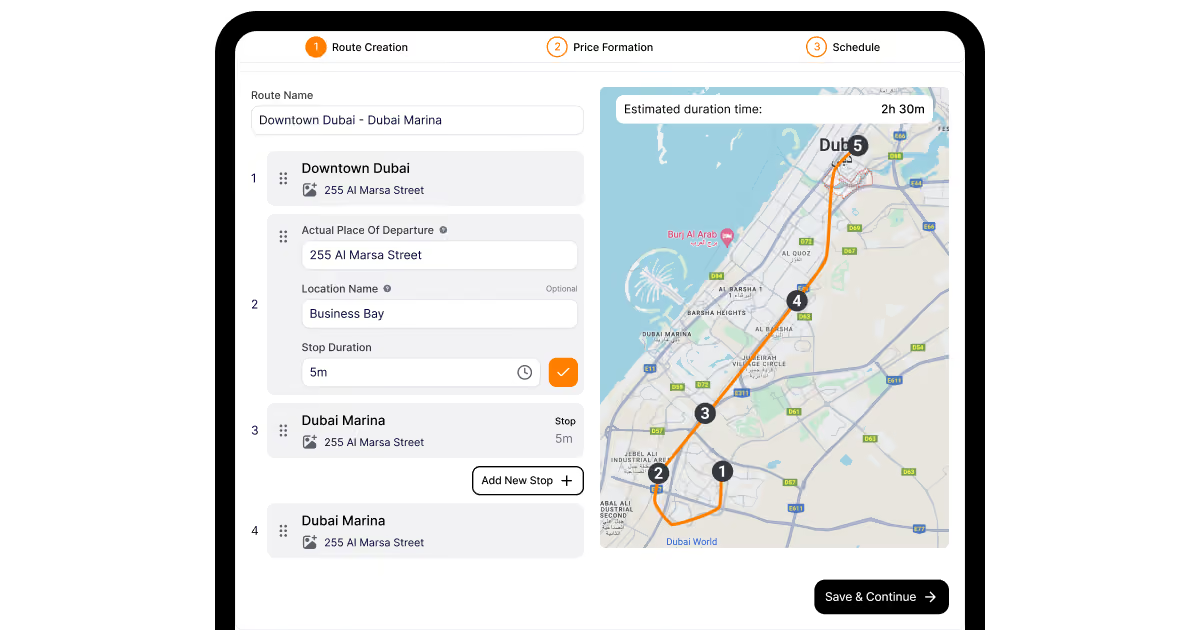
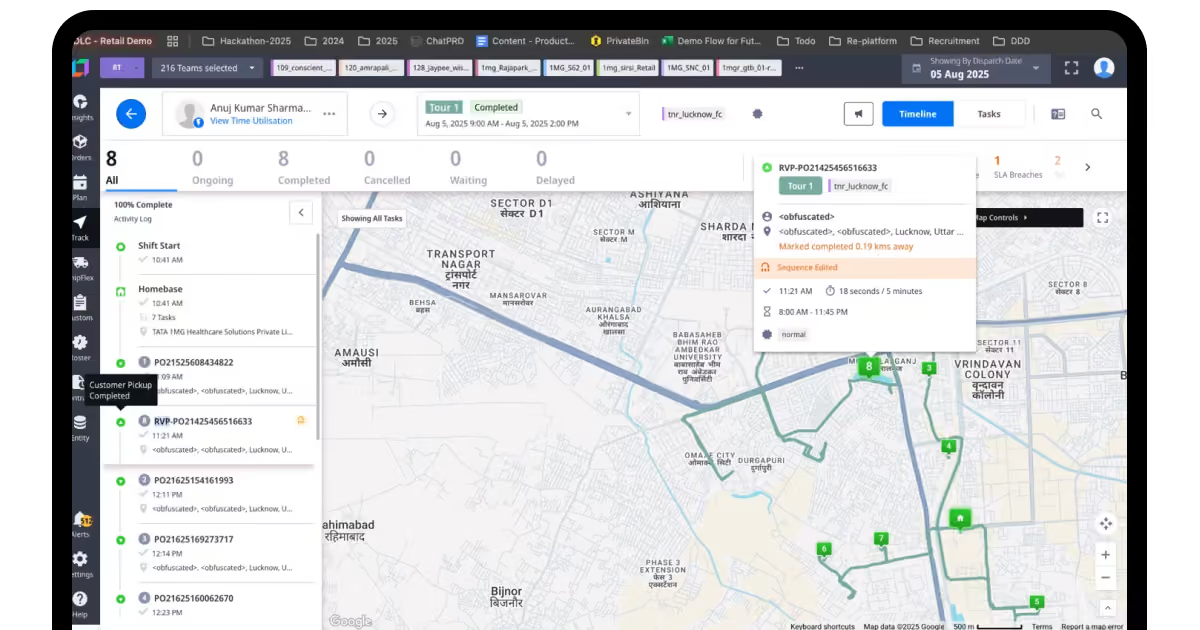
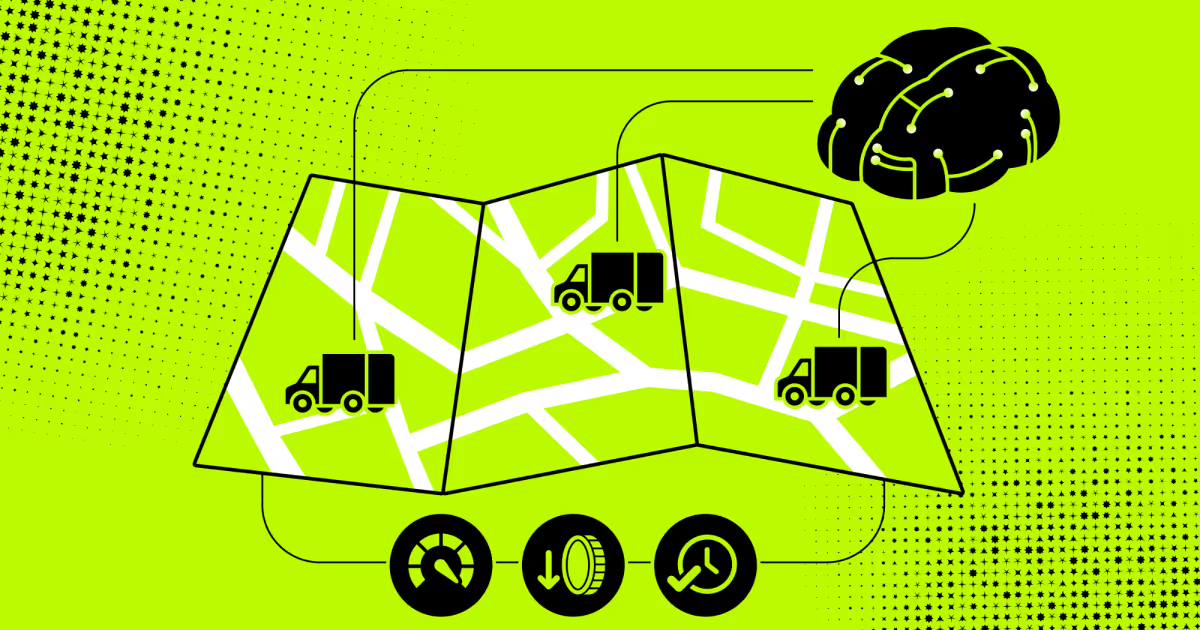
The engine now groups riders into trips. It clusters pickup points by proximity, shift time, and vehicle capacity. Constraints shape the output: maximum ride duration, detour limits, and no-solo rules for night trips. Admins review the proposal, then adjust stops by hand where local knowledge beats the algorithm. Stop sequencing matters as much as grouping. A bad order adds 15 minutes to everyone's commute.
On DrivenBus, our operator dashboard plotted stops through Google Places and validated gaps automatically. Route creation dropped to 12 minutes on average. Saved route templates speed up the daily run even further.
Stage 4: Fleet and driver allocation.
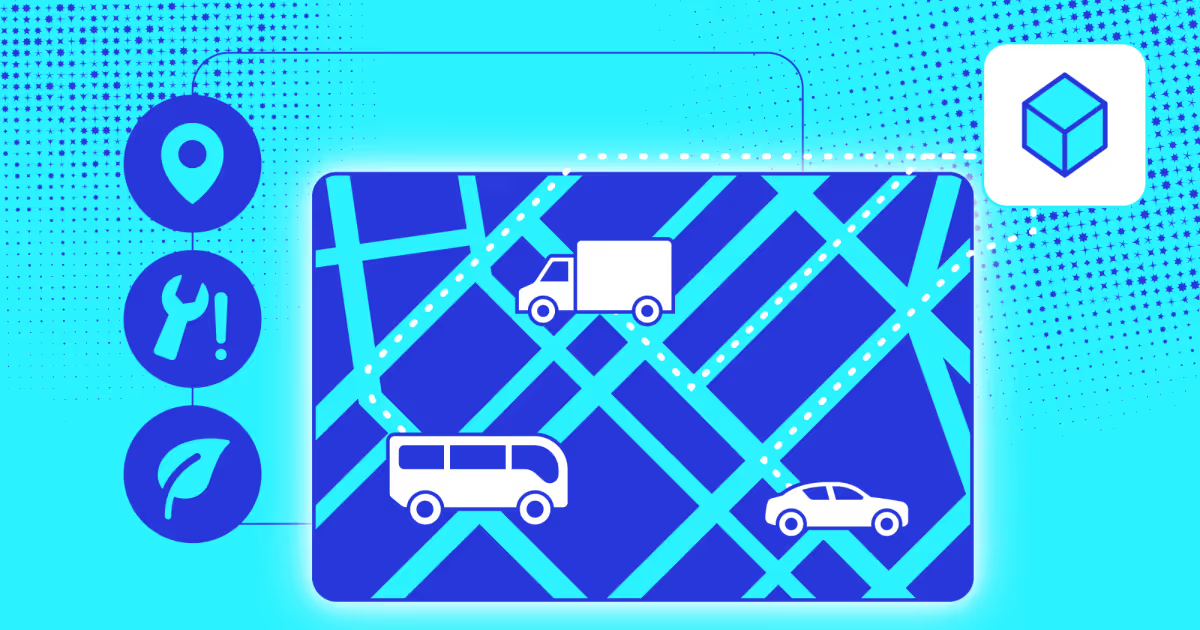
With routes fixed, the system assigns a vehicle and driver to each trip. Capacity, fuel type, and location all factor in. A 12-seat van serves a dense cluster, and a sedan covers the two outliers. Employee transportation fleet management also watches utilization here. Two trips at 40% occupancy usually merge into one. Vendor allocation follows the same logic across partners.
Contracts define seat quotas, and the platform respects them. Assignments push to driver apps immediately. Drivers see route details, stop counts, and expected rider numbers before the shift starts. Late reassignments trigger a fresh notification instead of a phone call.
Stage 5: Rider notifications and self-service.
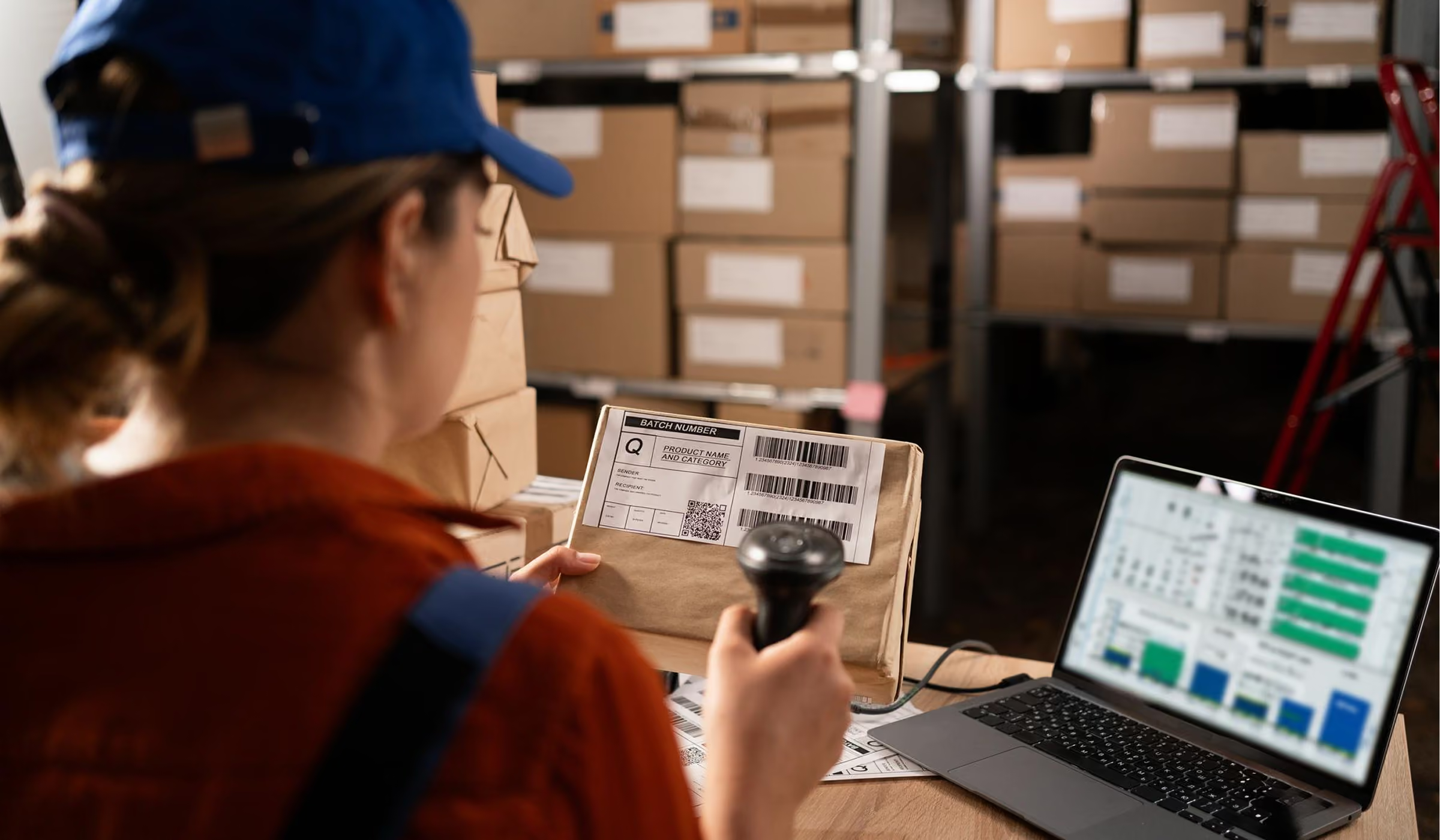
Riders get their trip details the evening before. Cab number, driver name, pickup time, and boarding point go out by app, email, WhatsApp, or SMS. A reminder follows shortly before departure. Employee transport software also gives staff a portal to act on their own. They cancel a ride for a work-from-home day, request an ad-hoc trip, or flag an address change.
Cancellations feed straight back into capacity planning. Ten no-shows mean one fewer vehicle tomorrow. Self-service cuts admin tickets sharply. The transport desk stops fielding "where's my cab" messages and handles real exceptions instead.
Stage 6: Live tracking and en-route changes.
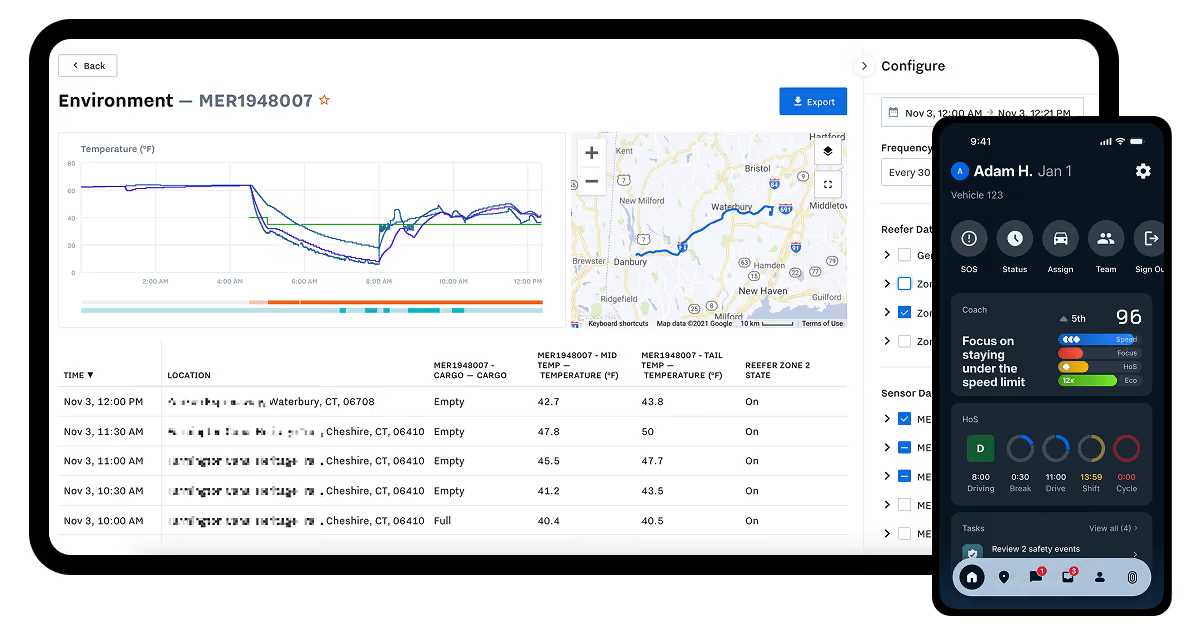
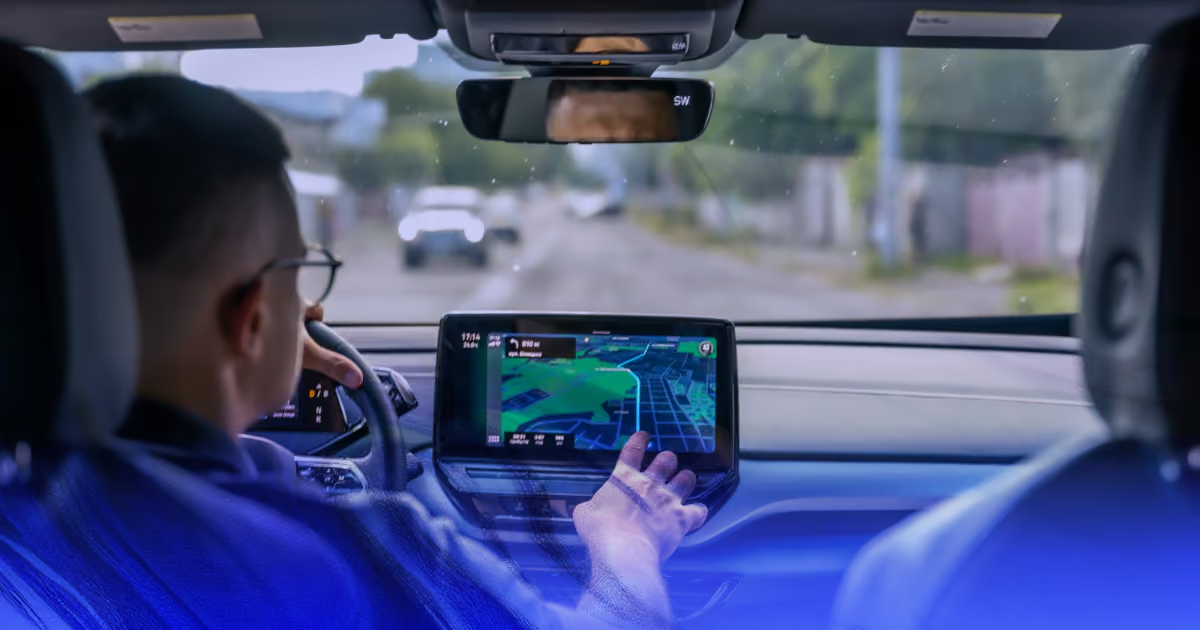
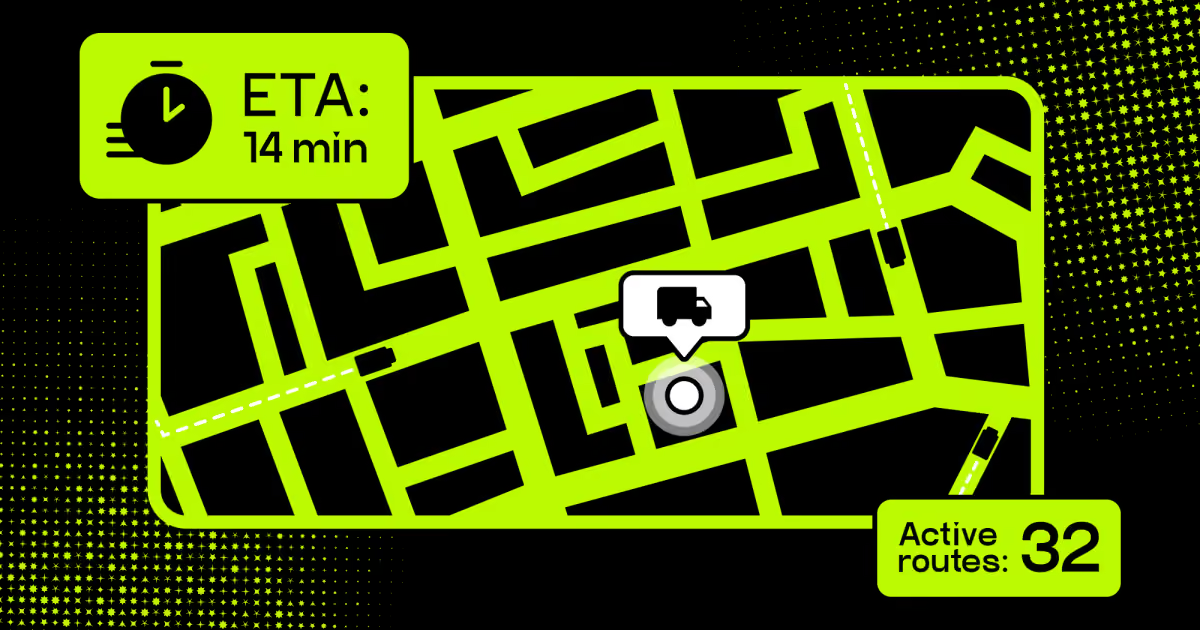
On travel day, the driver app streams GPS coordinates continuously. Admins watch every vehicle on one map. Riders see their cab approach and get an alert a few minutes out. Boarding is confirmed through a QR scan, an OTP, or a driver tap.
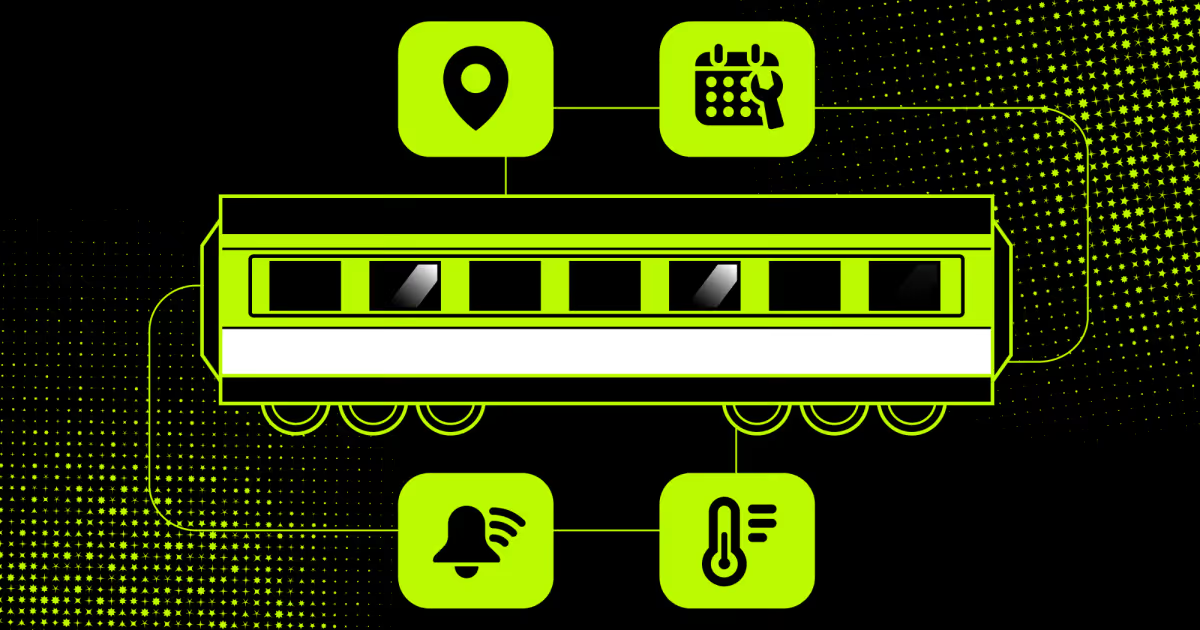
An employee transportation system earns its keep when plans break. A breakdown reassigns riders to a nearby vehicle. A no-show marks the rider absent and releases the seat. Delays push a broadcast message to everyone on that route.
Stage 7: Compliance, attendance, and cost analytics.
After the last drop, data flows into reports. Trip logs sync with attendance and payroll systems for accurate shift records. Safety modules score driver behavior: speeding, harsh braking, and route deviations. Document expiry alerts cover permits, insurance, and fitness certificates before they lapse. Finance sees cost per trip, per rider, and per vendor. Occupancy reports expose the routes that waste money. Emissions data rolls up for Scope-3 disclosure.
This closes the loop back to stage three. Last month's utilization numbers reshape next month's routes. The system improves because the evidence is finally there.
What does employee transport software do?
Five function groups do the real work: routing, tracking, requests, costing, and analytics. Each one replaces a manual process that eats admin hours. Together they form the operating layer of the daily commute. Here's what each group does and what it needs to run.
Feature
How it works
Depends on
Route planning
Clusters riders by address, shift, and capacity, then sequences stops
Mapping and traffic APIs, HR shift calendar
Vehicle and rider tracking
Streams driver GPS, confirms boarding via QR, NFC, or OTP
Driver mobile app, telematics or GPS device
Online transport requests
Routes employee bookings through approval rules, sends confirmations
SSO or HRMS directory, email and SMS gateway
Automated cost calculation
Prices trips by distance, fuel, and vendor rate, then allocates by cost center
ERP or finance system, vendor contract data
Dashboards and analytics
Aggregates trip, safety, and emissions data into live reports
Data warehouse, attendance and payroll systems
Efficient route planning.
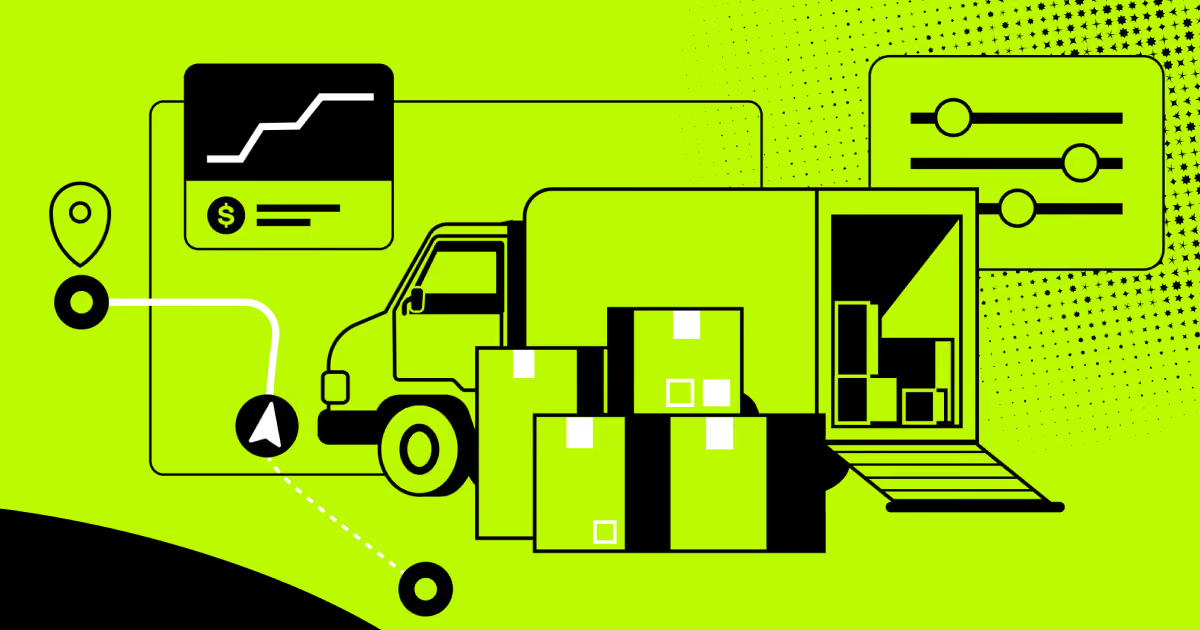
Route planning sits at the core. The engine reads employee addresses, shift times, and live traffic data. It then proposes the shortest viable path per vehicle. Seating capacity and vehicle availability shape the grouping. Visual planners let managers drag stops and see the impact instantly. A five-minute detour for one rider might cost 20 minutes fleet-wide.
Modern employee transportation solutions show that trade-off before you commit. Fuel savings follow naturally from tighter routes. So does punctuality. Riders spend less time in the vehicle, which cuts commute fatigue and improves shift-start compliance.
Vehicle and employee tracking.
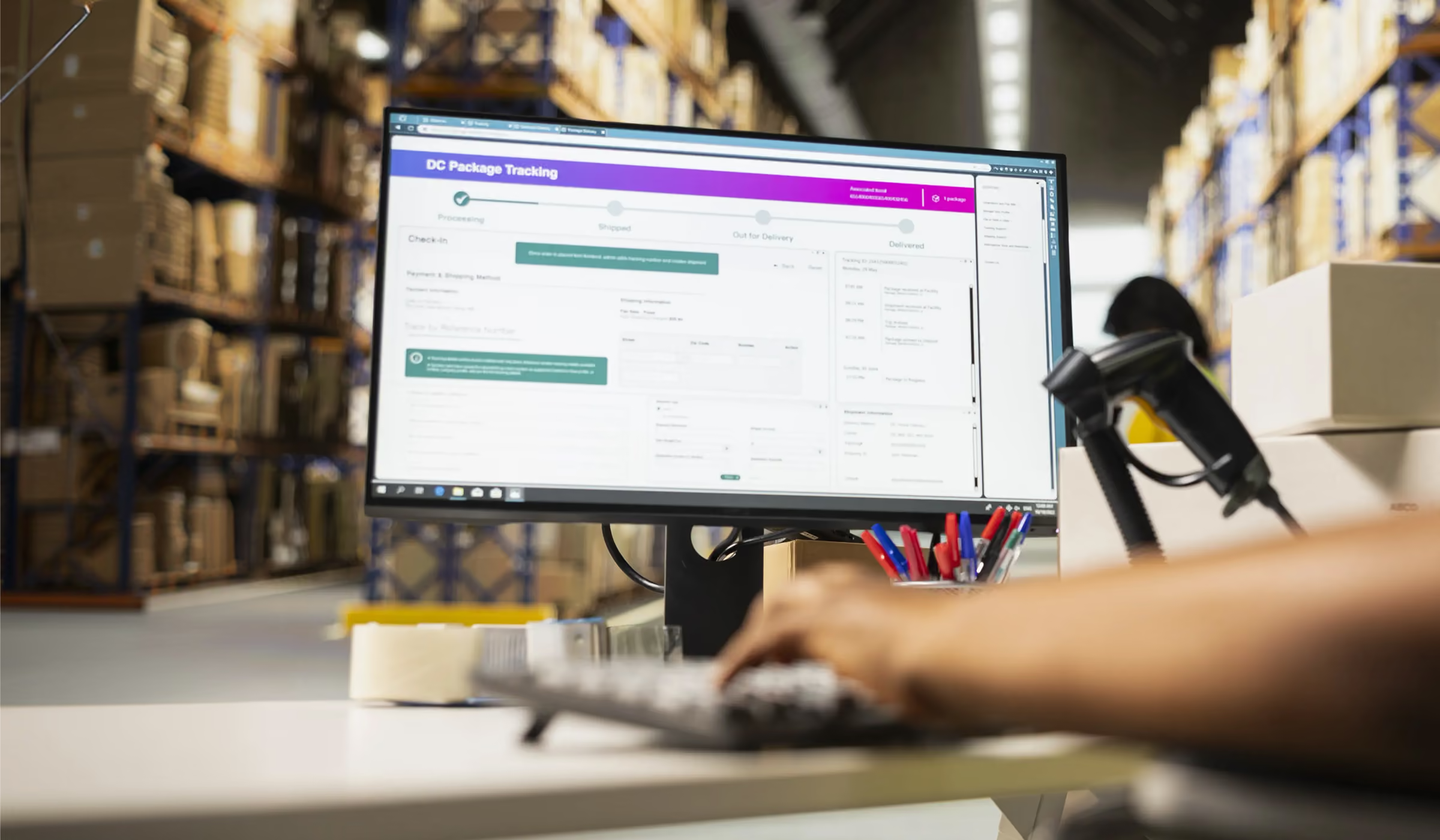
Tracking answers two questions: where is the cab, and who's inside it. GPS feeds update vehicle position every few seconds. Boarding is confirmed through QR scan, NFC tap, or OTP entry. That creates an auditable record of every trip and every rider.
Trip history replays on a map afterward. Managers review driver routes, spot deviations, and settle disputes with evidence. This matters for driver risk management more than anything else. Transportation and material moving roles recorded 1,391 workplace fatalities in 2024 alone. That's 12.5 per 100,000 workers, roughly four times the national average.
Online transport requests.
Requests move from phone calls into a portal. Employees book a daily ride, a one-off trip, or a late drop. Visitor pickups and inter-office material transfers use the same flow. Approval rules route each request to the right manager. Confirmations go out by email or app notification once scheduled.
An employee transport system removes the need for the spreadsheet loop. No coordinator re-keys requests at 9 p.m. Ad hoc demand also becomes visible data. Repeated late-night requests from one zone signal a route gap worth fixing permanently.
Automated cost calculation.
Costing runs automatically per trip, per rider, and per department. Inputs include distance, fuel consumption, vendor rates, and trip frequency. The system allocates each expense to the correct cost center. Finance stops estimating and starts reconciling. Vendor invoices match trip logs line by line. Disputes shrink because both sides read the same record.
Strong employee transportation operations management exposes the expensive routes fast. A van running at 30% occupancy shows up in the report, not six months later in the budget review. Chargeback models get easier too.
Dashboards and analytics.
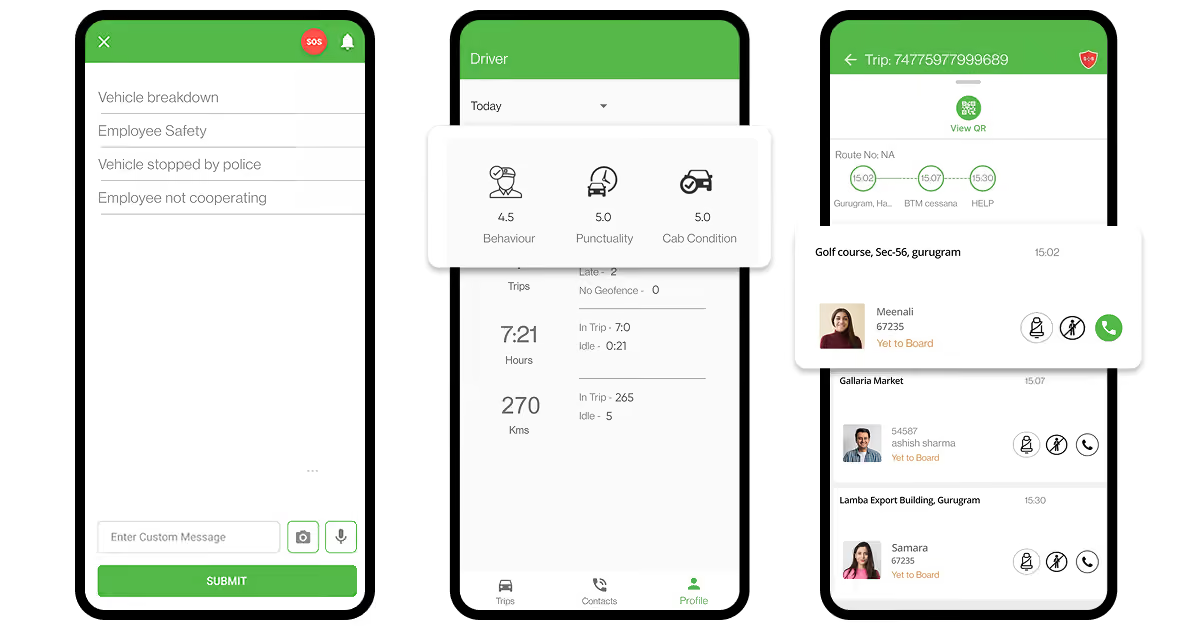
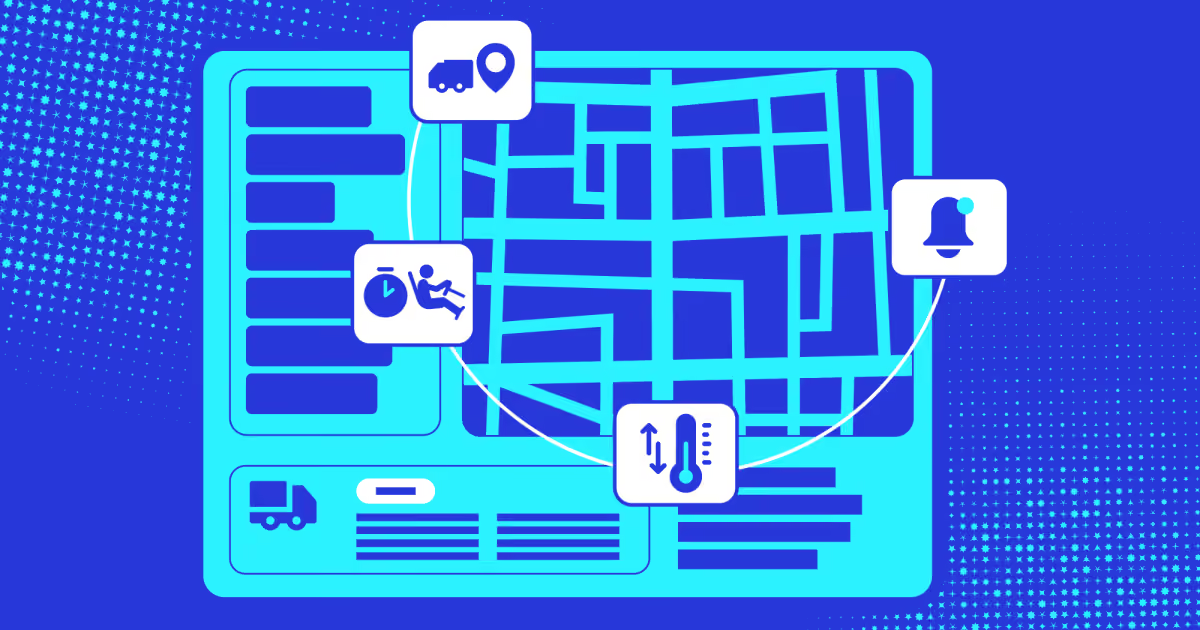
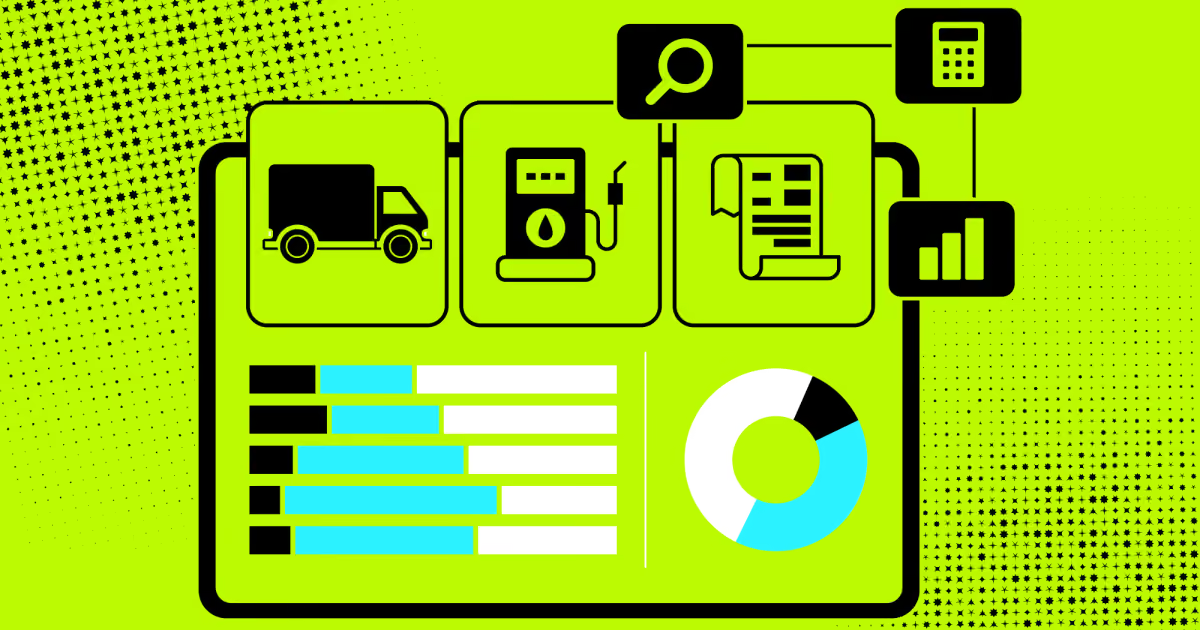
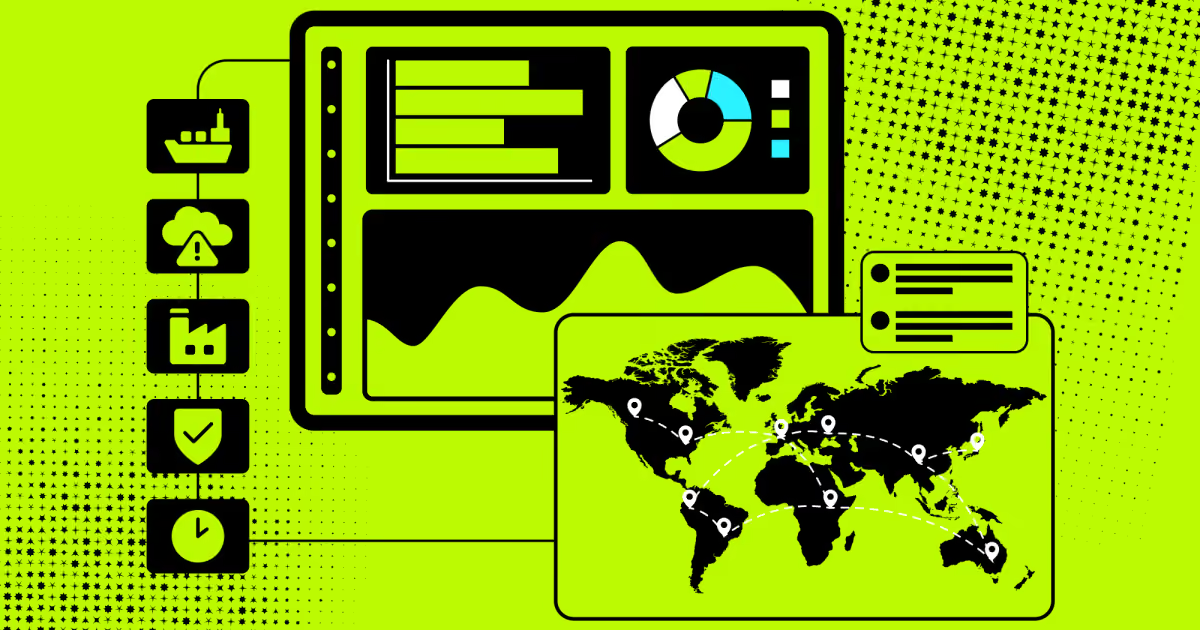
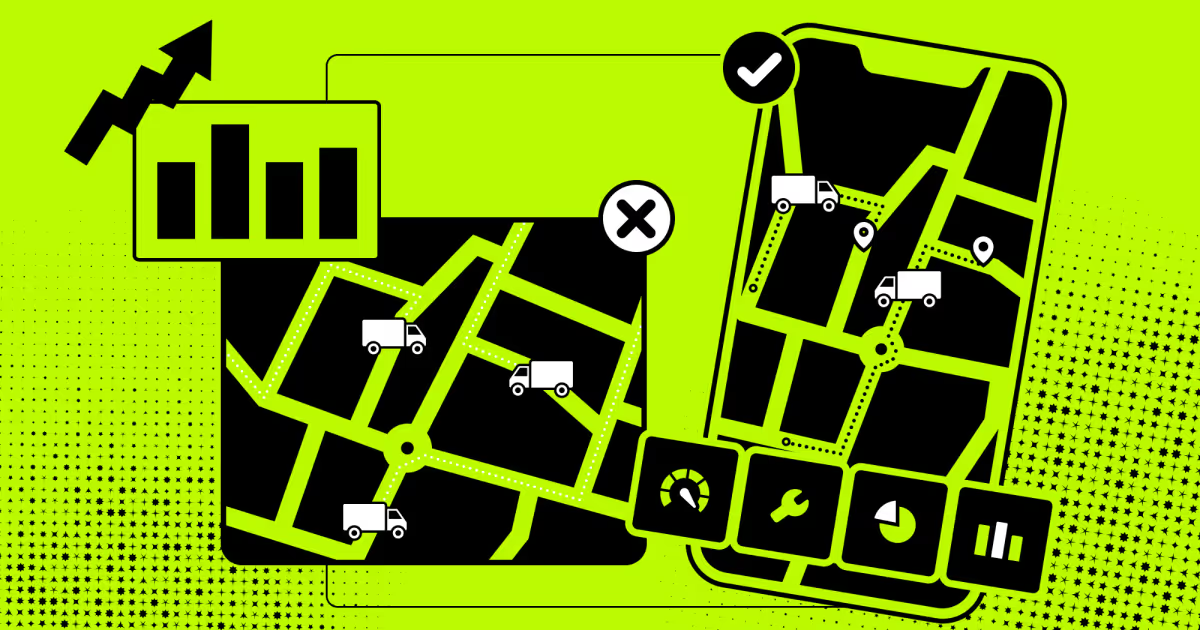
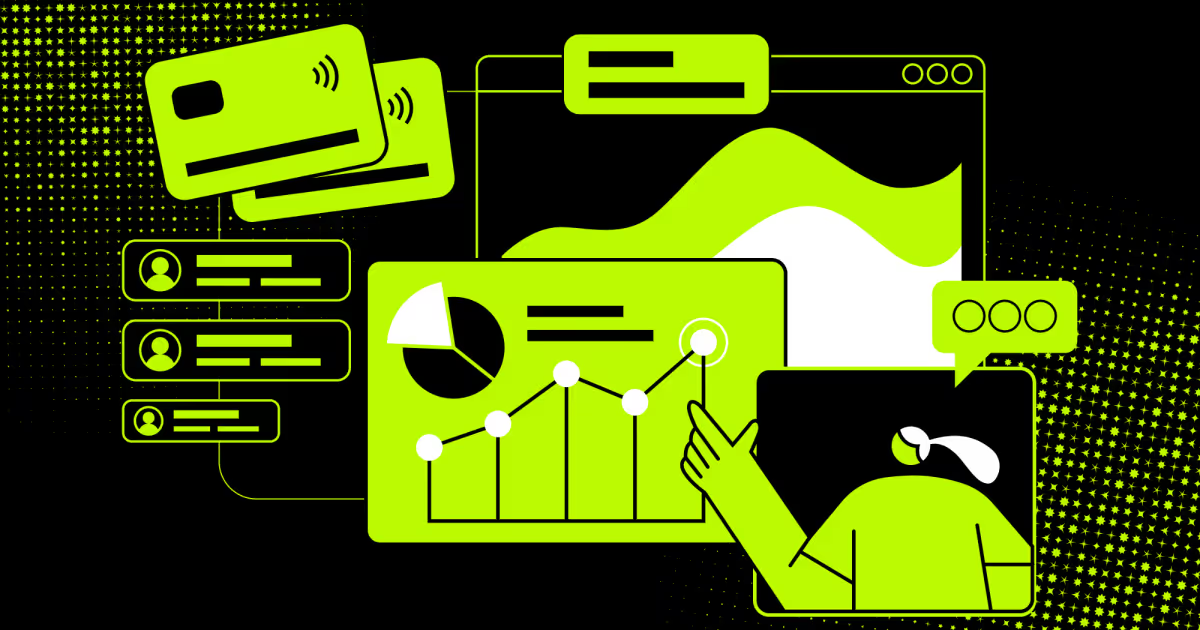
Dashboards pull everything into one screen. Managers watch vehicle utilization, route deviations, boarding status, and monthly spend. Carbon emissions roll up for Scope-3 disclosure. Driver scorecards rank punctuality and rider ratings.
On DrivenBus, we built performance profiles for every driver. Each showed average rating, on-time departure rate, and completed routes. Operators used that data to staff difficult routes and target retraining. Schedule adherence reached 91% as a result.
Any employee transportation management solution should close that loop. Yesterday's numbers should reshape tomorrow's routes without a consultant in the room.
What problems can you solve with employee transportation management software?
Six problems drive almost every purchase: manual planning, safety exposure, cost blindness, compliance risk, poor communication, and vendor chaos. Each one has a measurable operational cost. Software fixes them by replacing judgment calls with recorded data. Here's how each problem breaks down in practice.
Challenge
How software helps
Manual planning and scheduling
Auto-generates routes from rosters, regenerates on shift changes, stores templates
Safety and security exposure
Live tracking, SOS alerts, escort rules, driver behavior scoring, credential checks
Expiry alerts for permits and licenses, emissions calculation, audit-ready trip logs
Communication breakdowns
Automated rider and driver notifications, route broadcasts, in-app feedback
Vendor and fleet coordination
Unified vendor records, quota enforcement, invoicing tied to verified trip data
Manual planning and scheduling
Manual rostering fails at scale. One coordinator can hold maybe 15 routes in their head. Past that, errors compound: double-booked drivers, skipped pickups, half-empty vans. Every shift change triggers a fresh round of phone calls. Automation removes the guesswork. Routes regenerate in minutes when the roster changes overnight.
Employee transport management software also stores route templates for reuse. We saw the time difference clearly on DrivenBus. Operators built new routes in 12 minutes on average, with stops plotted and validated automatically. Before the software, that same work meant a map, a spreadsheet, and an afternoon.
Safety and security exposure
Safety is the hardest problem to solve with spreadsheets. You can't prove duty of care without records. Transportation occupations carry the highest fatality rate in the US workforce, at 12.5 per 100,000 FTE. Night shifts and female riders raise the stakes further. Live tracking, SOS buttons, escort rules, and no-solo-drop policies are all enforced automatically. Driver behavior scoring flags speeding and harsh braking before incidents happen.
Verification matters upstream too. On our UK driver platform, admins checked credentials before any application went through. Verification precision hit 98.7%, which kept unqualified drivers off client jobs entirely.
Runaway transport costs
Most companies underestimate commute spend badly. Costs hide across fuel, vendor invoices, overtime, and idle vehicles. Without trip-level data, finance can only approve what vendors claim. Per-trip costing changes the conversation. You see cost per rider, per route, and per contract. Occupancy reports reveal the routes worth merging.
The benefits of employee transportation management delivered here compound quarterly. Pooling four sedans into one van cuts that route's cost roughly in half. Market pressure supports the shift. Corporate transportation spend reaches $42.37 billion in 2026, and buyers are moving from owned fleets toward variable-cost models.
Compliance and document control
Expired paperwork grounds vehicles without warning. Permits, insurance, fitness certificates, and licenses all lapse on different dates. A manual tracker misses one, and a contract breaks that morning. Automated expiry alerts prevent that. Employee transport software stores every document against the vehicle or driver record. Renewals trigger reminders weeks ahead.
Communication breakdowns
Most commute complaints trace back to missing information. Riders don't know where the cab is. Drivers don't know a route changed. Admins learn about problems from angry messages. Automated notifications close those gaps. Riders get cab details the night before and an alert on approach. Drivers receive reassignments in-app instantly. Broadcast messages reach a full route during a delay.
This matters beyond convenience. Only 55.3% of transportation employees feel their opinions are sought before decisions. Feedback loops built into the rider app help reverse that pattern.
Vendor and fleet coordination
Mixed fleets create administrative drag. Owned vehicles, contracted vendors, and ad-hoc cabs each carry different rates and rules. Reconciling them monthly turns into a week of invoice archaeology.
A shared employee transport management system puts all parties on one record. Vendors see their allocations. Admins see contract quotas and utilization side by side. Billing settles against trip logs. Our UK driver platform automated invoicing end-to-end, with a fee calculation applied per approved shift. Billing errors dropped to near zero, and payments cleared within 48 hours.
Whether you pick a ready-made platform or need something shaped around your own vendor network, the goal doesn't change. Your commute operation should work for your riders and drivers, not against them.
At COAX Software, we've spent close to twenty years building travel, transportation, and logistics products. If your current system can't track these metrics, that's usually an integration or data gap. We can extend what you already run, build a custom rider or driver app, or connect your platform to vendor systems through APIs. We've solved versions of this before. We know where these gaps hide and how to close them.
Which features should employee transportation software include?
Look for nine capabilities: routing, live tracking, safety alerts, compliance modules, self-service booking, trip records, cost rules, notifications, and reporting. Routing and safety carry the most weight for most buyers. The rest separate a working platform from a demo. Evaluate each against your own shift patterns, not a feature checklist.
Route planning with manual override.
Automated routing matters less than editable routing. Algorithms don't know a gate closes at 6 p.m. or a lane floods every monsoon. You need both: machine grouping plus a planner who can drag a stop and see the cost. Ask vendors how fast a route rebuilds after an edit. Ask whether templates save. Good employee transportation software validates as you build.
Live tracking dashboard.
One map, every vehicle, current position and status. That's the baseline. Useful dashboards add speed, trip progress, and completed versus pending stops. Check the refresh interval before you sign. Anything slower than 15 seconds feels broken to a rider standing at a curb. Also test offline behavior. Coverage drops in industrial zones and basements. An employee transport management solution that loses tracking in dead zones creates blind spots exactly where you need visibility.
Safety alerts and SOS.
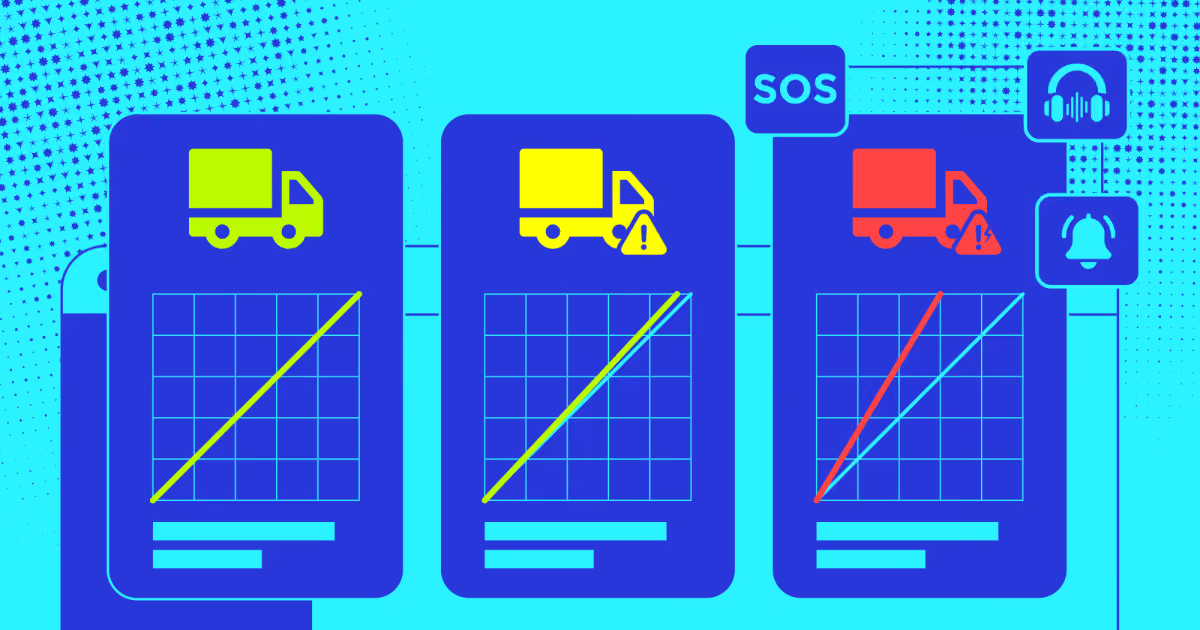
SOS buttons should reach a real contact tree, not a logged event. Both riders and drivers need access. Speed alerts trigger on threshold breaches and route deviations. Configure them by zone, since highway limits differ from campus limits. Night-shift rules deserve separate attention. Escort assignment, first-pickup and last-drop restrictions, and female-rider policies should be enforceable settings. Ask whether alerts escalate. An unanswered SOS should climb to the next contact automatically. Most platforms send one notification and stop there.
Compliance and document modules.
Split this into driver compliance and vehicle compliance. Driver records cover license expiry, badge validity, background checks, and training certificates. Vehicle records hold registration, insurance, pollution certificates, and fitness papers. Each needs an expiry date and an alert window. Verification quality matters upstream too. Strong employee transportation solutions block non-compliant assignments outright. A vehicle with lapsed insurance shouldn't appear in tomorrow's allocation pool at all.
Employee self-service and business rules.
Riders should book, cancel, and request ad-hoc trips without emailing anyone. That's table stakes. The differentiator is rule configuration. Each department may need different approval chains, no-show limits, and eligibility thresholds. Late-night bookings might require manager sign-off. Cost centers need automatic assignment. Check how granular the rules engine gets. Many tools offer one global policy. That breaks the moment your night shift needs different terms than your day shift.
Digital trip sheets.
Trip sheets replace paper logs. Each record holds route, stops, timings, distance, fuel, and rider manifest. That record settles vendor disputes and feeds cost reports. Look for boarding validation tied to the trip sheet. QR or OTP confirmation proves who actually traveled. Offline caching keeps validation working in weak coverage. That detail is important. Without verified boarding, you pay for seats nobody occupied and never know it.
Cost calculation and allocation.
Costing should run per trip and split by department automatically. Inputs include distance, fuel rate, vendor contract terms, and trip frequency. Manual reconciliation defeats the purpose. Check export paths into your finance stack early. Smart employee transportation solutions also model scenarios. Show finance what merging two routes saves before anyone commits vehicles or renegotiates a vendor contract.
Notification engine.
Notifications keep the operation calm. Riders need cab details the night before and a proximity alert on the day. Drivers need assignment changes instantly. Admins need broadcast tools for delays. Multi-channel delivery matters more than people expect. App push alone fails for staff who don't install apps. We used Mailjet and Twilio together on the UK driver hiring platform: email for records and SMS for time-critical updates. Ask whether messages are templated and translatable. Multilingual fleets break single-language notification systems fast.
Analytics and emissions reporting.
Reports should cover utilization, punctuality, cost per rider, and driver scores. Emissions reporting is increasingly non-negotiable under Scope-3 rules. Vague dashboards waste money. Insist on exportable, route-level data. Effective employee transport management turns those numbers into action.
Feature depth means little without integration, so the next question is how these platforms fit your existing stack.
Best employee transport management platforms
We tested each platform the way we'd scope a corporate shuttle rollout for a client. Safety depth, shift logic, scale, and compliance automation mattered most. Here's what separates six real contenders in the employee transport management system space.
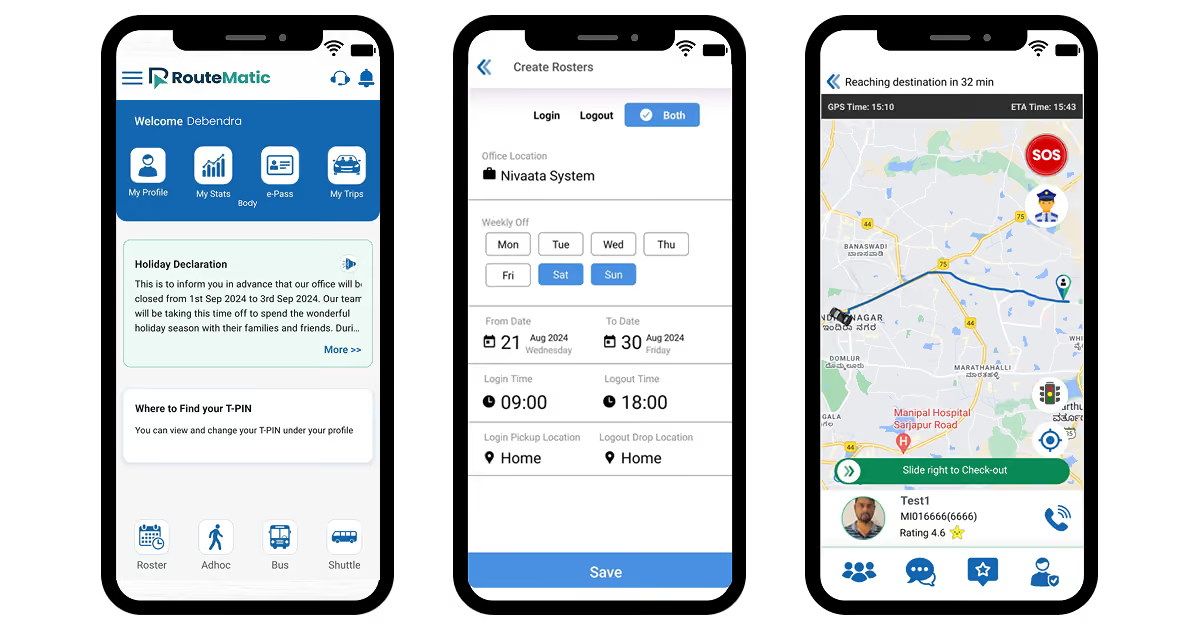
Routematic builds its entire architecture around shift timing. Predictive dispatch flags delays before pickup, cutting wait-time complaints by 40 to 50%. In our evaluation, its safety workflows outpaced every other employee transportation app we tested. The tradeoff: it's built for people, not cargo, and stays focused on India and Southeast Asia.
Safetrax positions itself as a full employee transportation management software layer, not just a tracker. Automated checklists cover driver temperature checks, sanitization schedules, and self-attested health data. Geofencing lets admins flag red zones during outbreak periods automatically. We found the audit trail useful for finance teams reconciling commission or cost disputes.
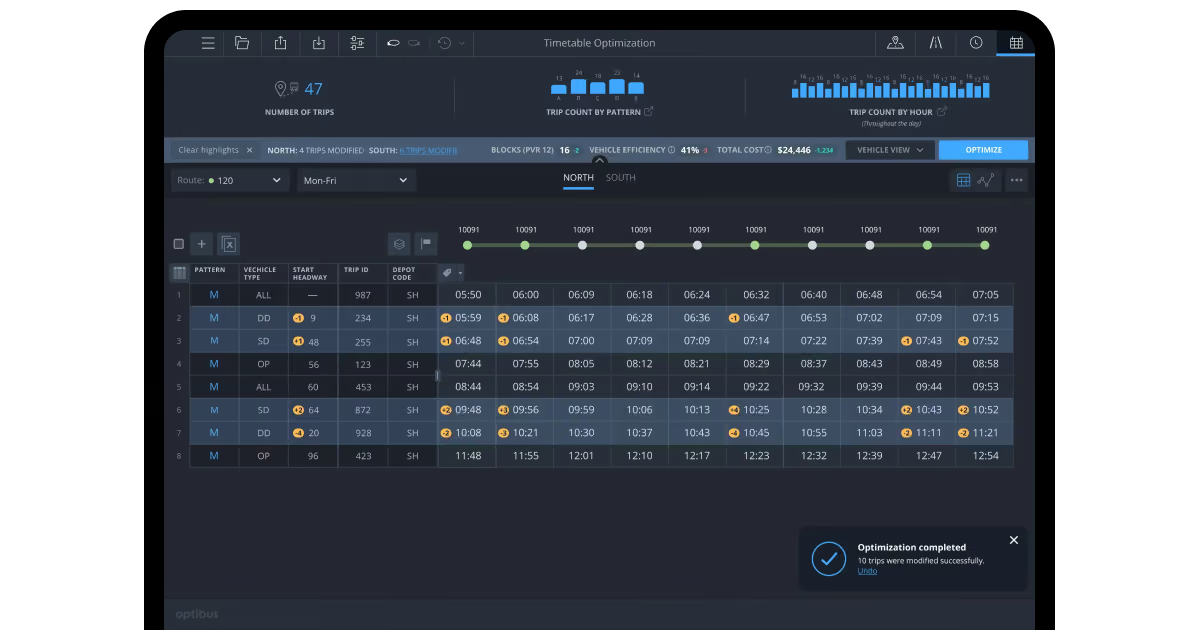
Optibus started in public transit, and that scheduling muscle shows. Generative AI turns plain-language rules like "no shift over nine hours" into logic. That cuts configuration time by roughly 70% compared to manual setup. It's the strongest employee transport management solution for enterprise-scale shuttle programs with union-style constraints.
Samsara isn't purpose-built for commute operations, but plenty of fleets already run it. Its telematics stack covers predictive maintenance, dashcams, and automated DOT-style logging. Route optimization stays secondary here, so pair it with a dedicated scheduling layer if routing complexity grows. We rated it highest for raw vehicle health visibility among everything tested.
Locus treats employee movement as an execution problem, not a static plan. Continuous reoptimization handles mid-shift changes without a dispatcher rebuilding routes by hand. It processes hundreds of millions of orders annually with a 99.5% on-time rate. That depth suits multi-city employee transportation operations management, not a single-campus shuttle.
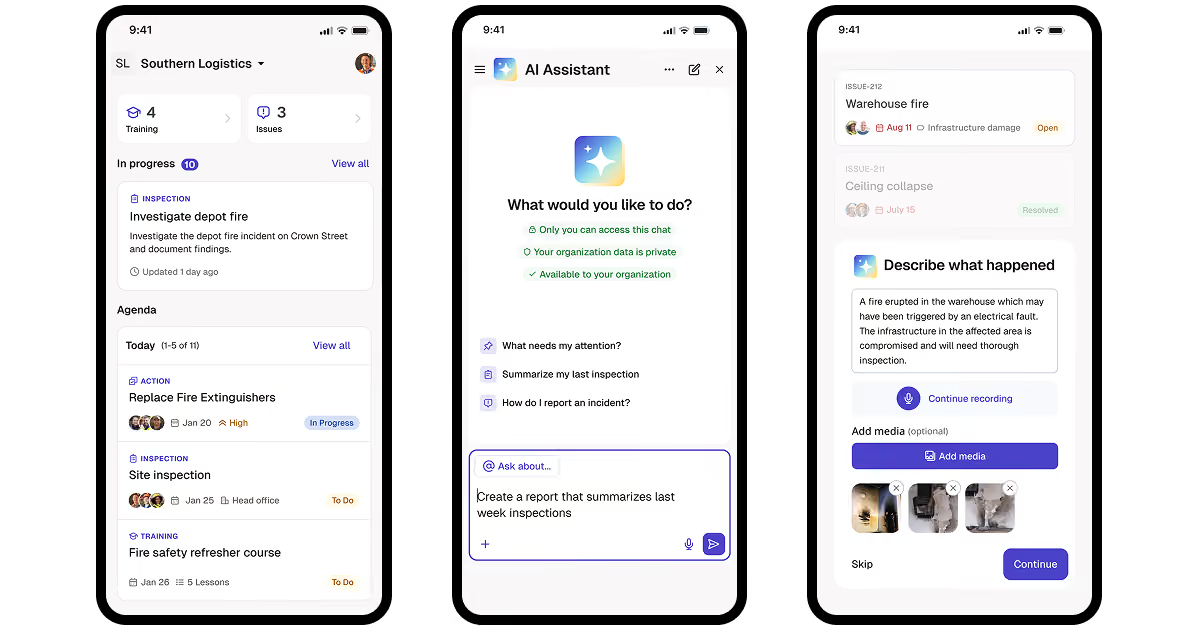
Mitti, from SafetyCulture, approaches this from the inspection side. Digital checklists replace paper vehicle condition reports and driver compliance logs. Photo and video attachments feed straight into regulatory reporting. For fleets where audit trails matter more than routing depth, this fills a real gap in most stacks.
How to choose the right employee transport system?
"The best platforms don't win on features. They win by making sure the right person sees the right alert before their shift kicks off," says Orest Falchuk, Head of Engineering, COAX Software.
The right employee transport solution depends on your actual operational gap, not a vendor's demo. Answer these five questions, and the shortlist narrows fast.
Match the platform to your primary risk: safety-first campuses need Routematic or Safetrax over a telematics-first tool.
Weigh your existing fleet stack: teams already on Samsara gain more by extending it than adding a second system.
Size the rollout against shift complexity: Optibus fits union rules and multi-route scheduling; smaller campuses rarely need that depth.
Test exception handling directly: ask each vendor to walk through a driver no-show or route deviation live.
Price the hidden costs: hardware, HRMS integration, and driver onboarding often outweigh the license fee itself.
No packaged employee transportation solutions cover every operational quirk out of the box. Custom HRMS sync, regional safety mandates, or a legacy access-control system can break a standard tool fast. That's where custom transportation software development closes the specific gap a platform won't.
We've built this exact logic before, for fleets that outgrew off-the-shelf corporate employee transport automation software. That track record carries straight into workforce commute builds. Our ISO 9001 and ISO 27001 certifications apply the same governance to rider and driver data. If your program needs a rule not covered by packaged solutions, we build the missing piece that improves your workflows instead of forcing you into a template.
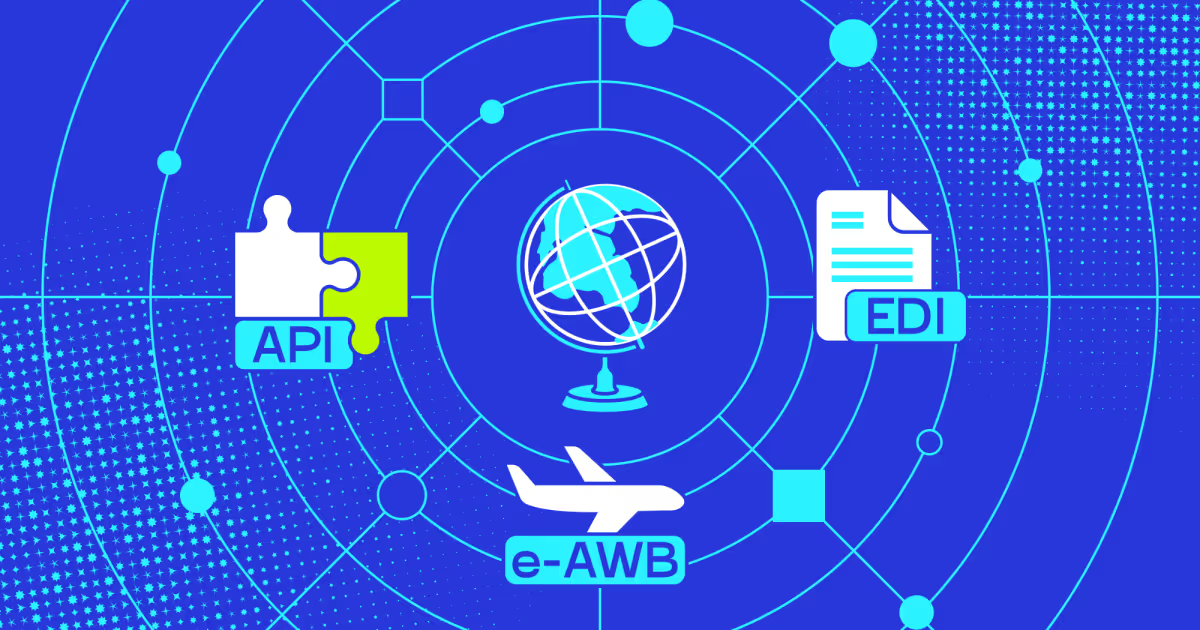
How to integrate employee transport software with your existing software?
Integration usually means one thing: getting HR, payment, and mapping data talking. Most rollouts fail on this step, not the routing engine itself.
An employee transportation solution rarely runs in isolation. Four systems come up in nearly every deployment.
HRMS and attendance platforms sync shift schedules, so routes update the moment a roster changes.
Payment gateways handle billing between the company, vendor, and any employee-paid contribution.
Mapping services calculate distance, ETA, and route deviation in real time.
Access control or ID systems confirm the right employee boards the right vehicle.
Each connection point carries its own complexity, and skipping the audit up front costs time later.
Lessons from the real integration case by COAX Software
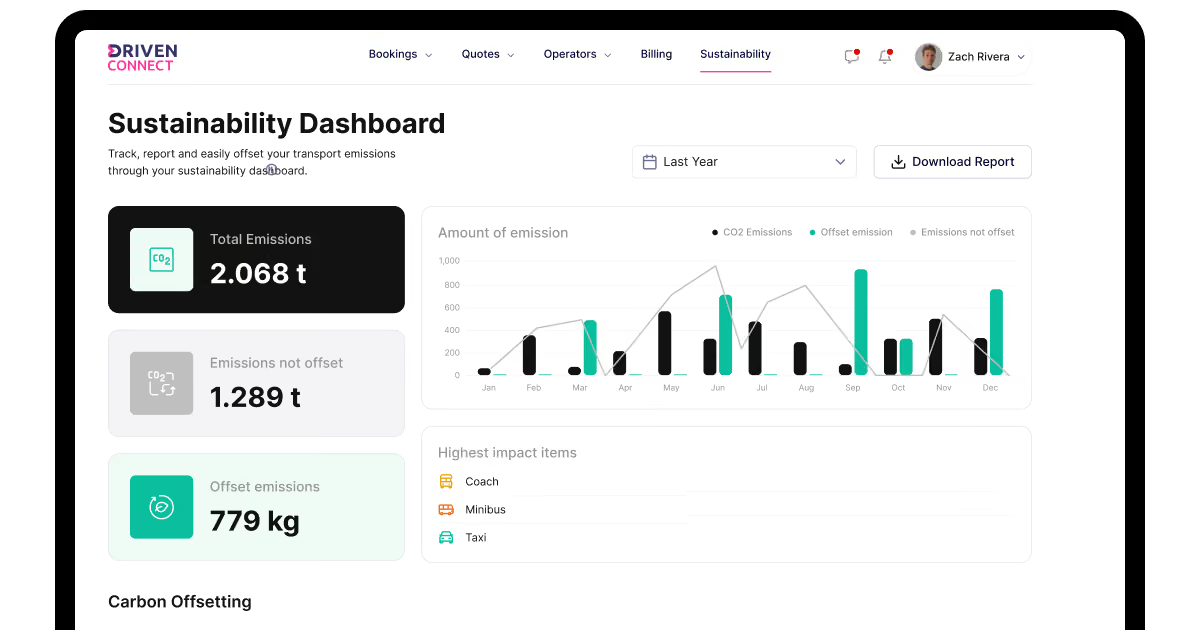
Building an integration well takes more than an API key. For Driven Connect, we built an emissions module tied directly into route planning.
Operators enter vehicle specs: engine type, fuel type, and mileage efficiency. Google Maps supplies live distance data per route. The system cross-checks vehicle specs against distance to project fuel use and emissions. It then calculates the UK carbon tax owed and processes payment through Stripe. That's three separate systems (mapping, vehicle data, payment) working as one compliance flow.
The same logic transfers directly to employee commutes. A shuttle fleet tracking fuel type and route distance can generate the same emissions math. ESG reporting is becoming a real ask inside corporate employee transport automation software.
Some HRMS or access-control platforms have no modern API at all. For simple gaps, off-the-shelf automation tools like Zapier bridge the distance fast. Once the workflow gets complex, that approach breaks down quickly.
Our default then is custom middleware: a broker layer between old and new. The legacy platform stays live as the source of truth. New automation tools talk to that layer, never straight to the legacy system. Nothing goes dark mid-rollout, and nothing breaks the existing workflow.
This is where custom logistics management software development earns its place over a packaged connector for your employee transportation app. A rigid vendor integration assumes your HRMS looks like everyone else's. It rarely does, and the gap shows up during the first payroll cycle.
How to choose the right solution?
The right pick depends on what should be improved in your commute program. Get five things right, and the software choice becomes quite clear.
Criteria
What to look at
Red flags
Safety depth
SOS workflows, female-safe-drop confirmation, response time SLAs
Vague "safety features" with no stated response window
Daily commuter volume, number of sites, route density
Vendor can't name a comparable deployment size
Integration depth
API coverage, webhook support, middleware options
"Custom integration" quoted before any technical discovery
Driver adoption
App usability, offline support, onboarding time
No pilot period offered before contract signing
Compliance and reporting
Audit trails, ESG or emissions tracking, data retention rules
Compliance features listed but never demoed live
First, examine safety measures. You need concrete guarantees like built-in SOS workflows, verified drop-off confirmations for passenger security, and strict response time SLAs. Be wary of vendors who use vague marketing buzzwords about safety without committing to specific response windows.
Next, look closely at scheduling automation and overall scale fit. The system must handle shift-based logistics, sync smoothly with your HRMS, and manage exceptions without missing a beat while also comfortably supporting your daily commuter volume, multiple sites, and route density. If a vendor relies solely on manual roster uploads or cannot name a comparable deployment size, consider it a dealbreaker.
Integration capabilities are equally critical. Look for robust API coverage, reliable webhook support, and flexible middleware options rather than getting trapped by vendors who push expensive custom integrations before conducting proper technical discovery.
Equally important is driver adoption. The companion app needs to be intuitive, function reliably offline, and include a frictionless onboarding process. If the employee transport system is hesitant to offer a pilot period before you sign a contract, you should think twice.
Finally, do not overlook compliance and reporting. A good solution provides airtight audit trails, clear tracking for ESG or carbon emissions metrics, and transparent data retention rules. Always demand a live demonstration of these compliance tools rather than just taking a checklist at face value.
None of the employee transportation services on the market cover every operational quirk out of the box. A 200-employee campus and a cross-city, multi-shift enterprise need genuinely different tools. Custom HRMS rules, regional safety mandates, or a legacy access system can all break a standard platform fast.
That's the challenge COAX Software solves. We start with consulting to map your actual bottleneck. From there, we help select the right off-the-shelf platform, or build what's missing. Existing tools get extended with API work, AI-driven prediction, analytics dashboards, and custom modules. Support continues after launch too, since needs change as headcount grows.
Final thoughts
Employee transport management has moved past spreadsheets and phone calls. The right software turns scattered rosters, addresses, and vehicle data into routes that hold up on a real shift. Whether your bottleneck is safety exposure, runaway costs, or a compliance deadline nobody's tracking, the platforms in this guide solve different pieces of that puzzle. None of them solves all of it, which. This is exactly why matching the tool to your specific gap matters greatly.
FAQ
What's the best employee transport software for corporate campuses with hundreds of daily commuters?
Platforms like Routematic and Safetrax scale well past 500 daily commuters because their safety and scheduling logic assumes shift-based volume from the start. We've seen smaller platforms buckle once a campus crosses a few hundred riders daily, mostly because manual exception handling doesn't scale. Look for automated checklists and predictive dispatch.
Does employee transport management system software support AI-driven route optimization for large enterprises?
It often does, though the depth varies a lot between vendors. Execution-led platforms reoptimize routes continuously as shifts change, while scheduling-led tools generate a plan once and leave rebuilding to a dispatcher.
Can an employee transportation app track vehicles with real-time GPS?
Most modern platforms do, pulling GPS pings continuously rather than relying on periodic check-ins. Real-time tracking also improves ETA accuracy, so employees see an actual arrival window instead of a fixed schedule. This matters most on longer shuttle routes where traffic shifts the plan mid-trip.
How does employee transportation software handle shift-based and late-night factory transit?
Shift-centric platforms build scheduling logic around fixed start times, not flexible windows.. Late-night routes also need stronger safety workflows, since female-safe-drop confirmation and SOS response time matter more after dark.
Can employee transport software automate billing, invoicing, and cost tracking?
Yes, and this is often where manual processes cost the most hidden time. A well-built system ties trip completion directly to billing, so commission or cost disputes trace back to a specific record in minutes, not hours. We built exactly this logic for a transportation client, cutting monthly reconciliation from six hours to about one.
What safety and compliance features should employee transit software include?
SOS alerts, live GPS tracking, and automated driver or vehicle compliance checks are the baseline now, not an add-on. Geofencing adds another layer, letting admins flag restricted zones or trigger alerts on route deviation. Any platform lacking a stated response-time SLA for safety alerts deserves a closer look before signing.






















































_.avif)






%2520explained.avif)

We are interested in your opinion