














































/ DrivenBus
Developing a luxury ride booking solution for Dubai’s transit sector

Logistics & Transportation
Services:
The team
6
Backend developer
Frontend developer
Mobile developer
QA dngineer
UI/UX designer
Project manager
Integrations
Google maps API
Stripe
Firebase
SendGrid
Timeline: 9 months (February 2024 - September 2024)
Website: drivenbus.io
Share:
Customer profile
While Dubai has extensive metro and bus networks, many residents and visitors need something between private cars and crowded public transit. They want comfortable, reliable rides on fixed routes at predictable times, but the existing options don't quite fit.
Our client, Driven Connect, with whom we partnered before to build a UK coach booking service, found this opportunity promising. They wanted to create a private shuttle service that felt as easy as booking an Uber but ran on scheduled routes like public transit. It was going to offer luxury minibuses that you can reserve ahead of time, track in real time, and pay for with flexible ticketing options. This idea gave birth to the ambitious DrivenBus project.
The vision was to create a booking platform where passengers could find routes to their destination, purchase single rides or monthly passes, and track their bus as it approached. Meanwhile, drivers needed a simple app to manage their shifts and scan tickets, while operators handled route creation and fleet management from a web dashboard.
Creating this platform meant tackling the complexity of scheduled transit while keeping the user experience simple.
Unlike ride-hailing apps where routes are dynamic, this system needed fixed routes with multiple stops. Passengers had to see available routes between their origin and destination, understand departure times, and know exactly where to wait. The system had to provide route visualization and maintain accurate stop sequences and timing.
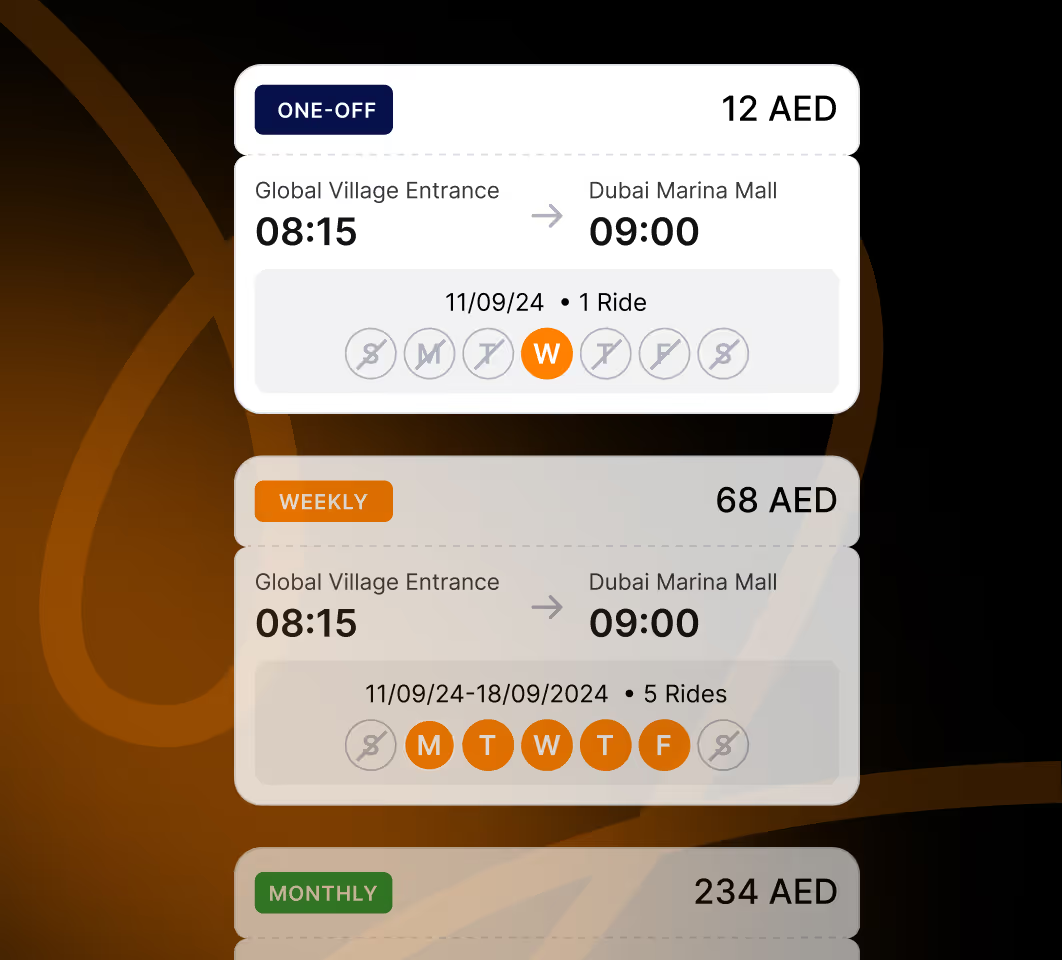
Additionally, some passengers wanted single rides for occasional use. Others needed daily commutes covered with weekly or monthly passes. The pricing had to reflect this, making monthly passes more economical than buying individual tickets every day.
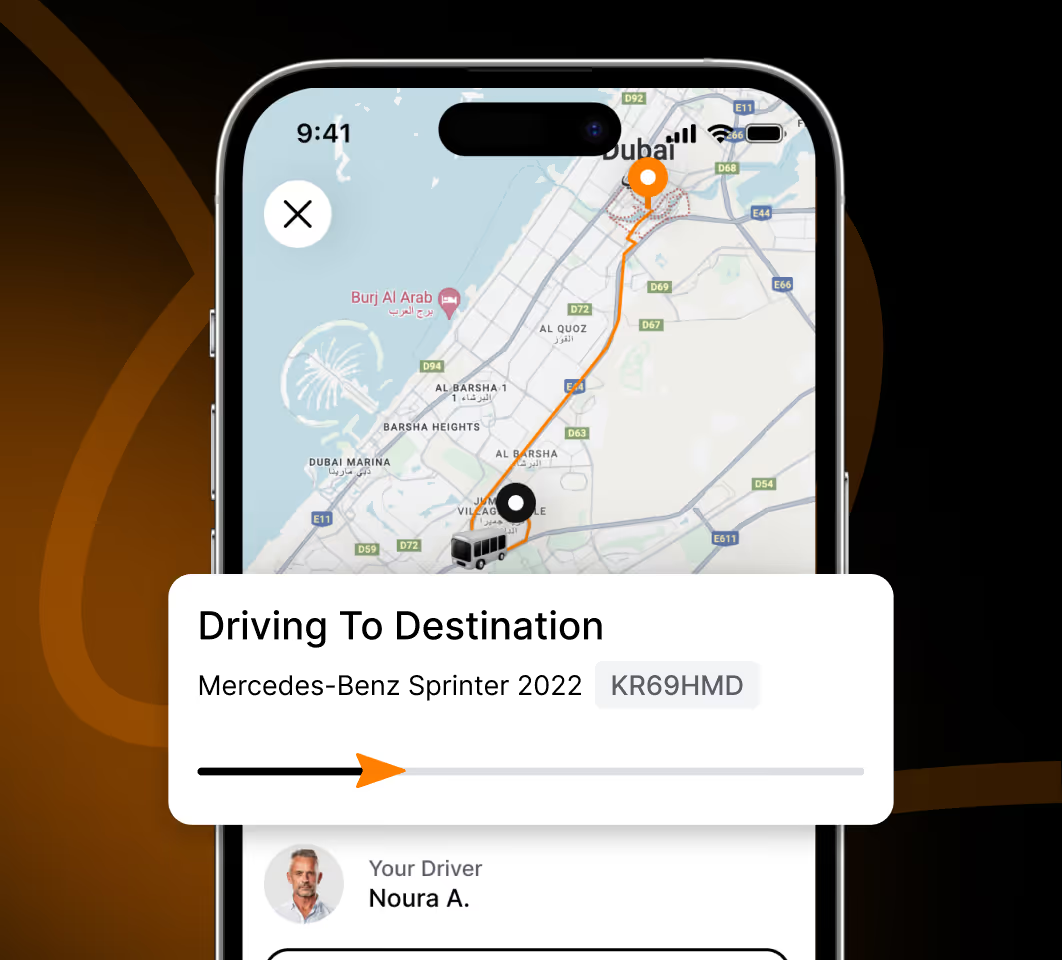
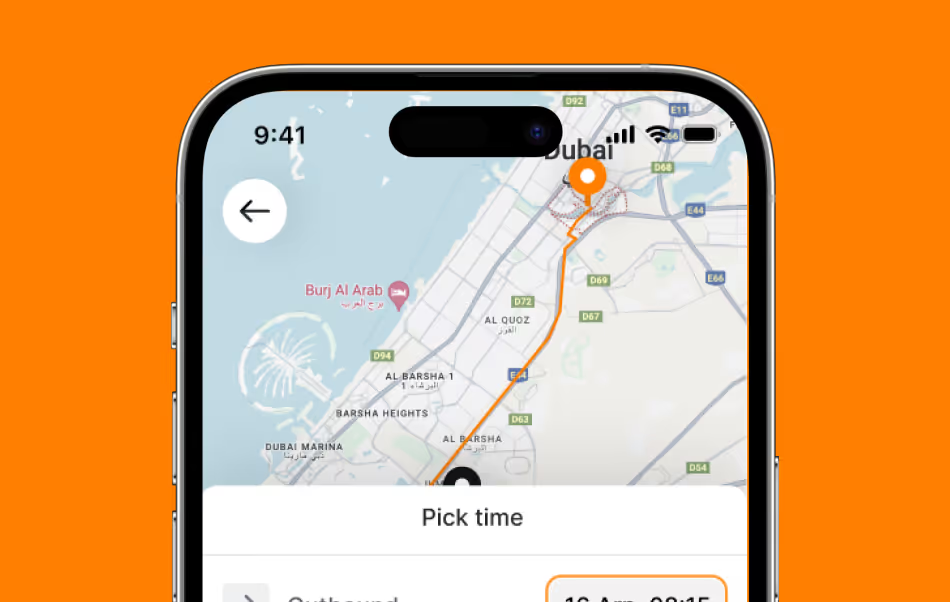
Real-time tracking added another layer of complexity. Passengers waiting at a bus stop needed to see where their bus was and when it would arrive. This required constant GPS updates, smooth map rendering in the passenger app, and push notifications.
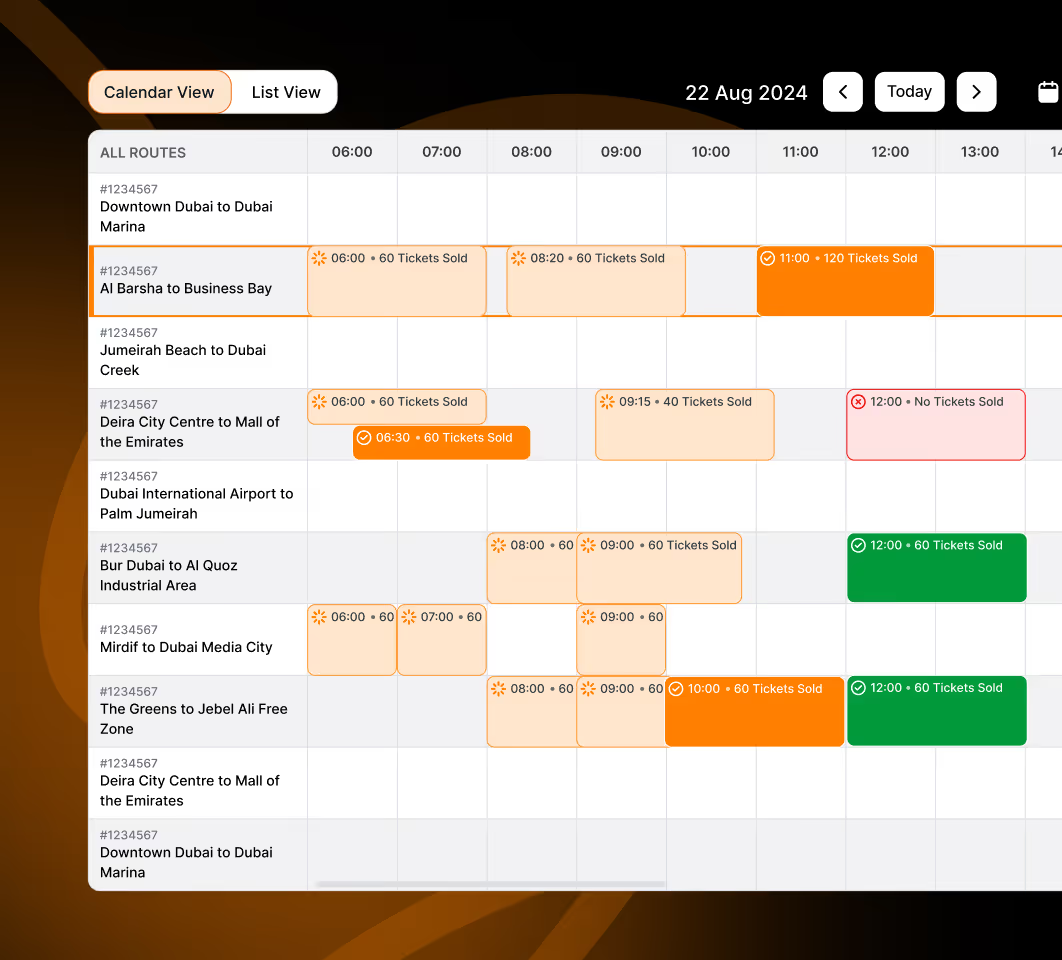
Finally, the operational side needed attention. Operators had to create routes, assign drivers, manage schedules across different days and times, and monitor the entire fleet from one dashboard. The calendar view needed to show which routes had assigned drivers and which still needed coverage, with status updates happening in real time.
We built Driven Bus as a three-part system: React Native mobile apps for passengers and drivers, plus a React web dashboard for operators. The backend runs on Ruby on Rails with PostgreSQL and Redis, hosted on AWS infrastructure.
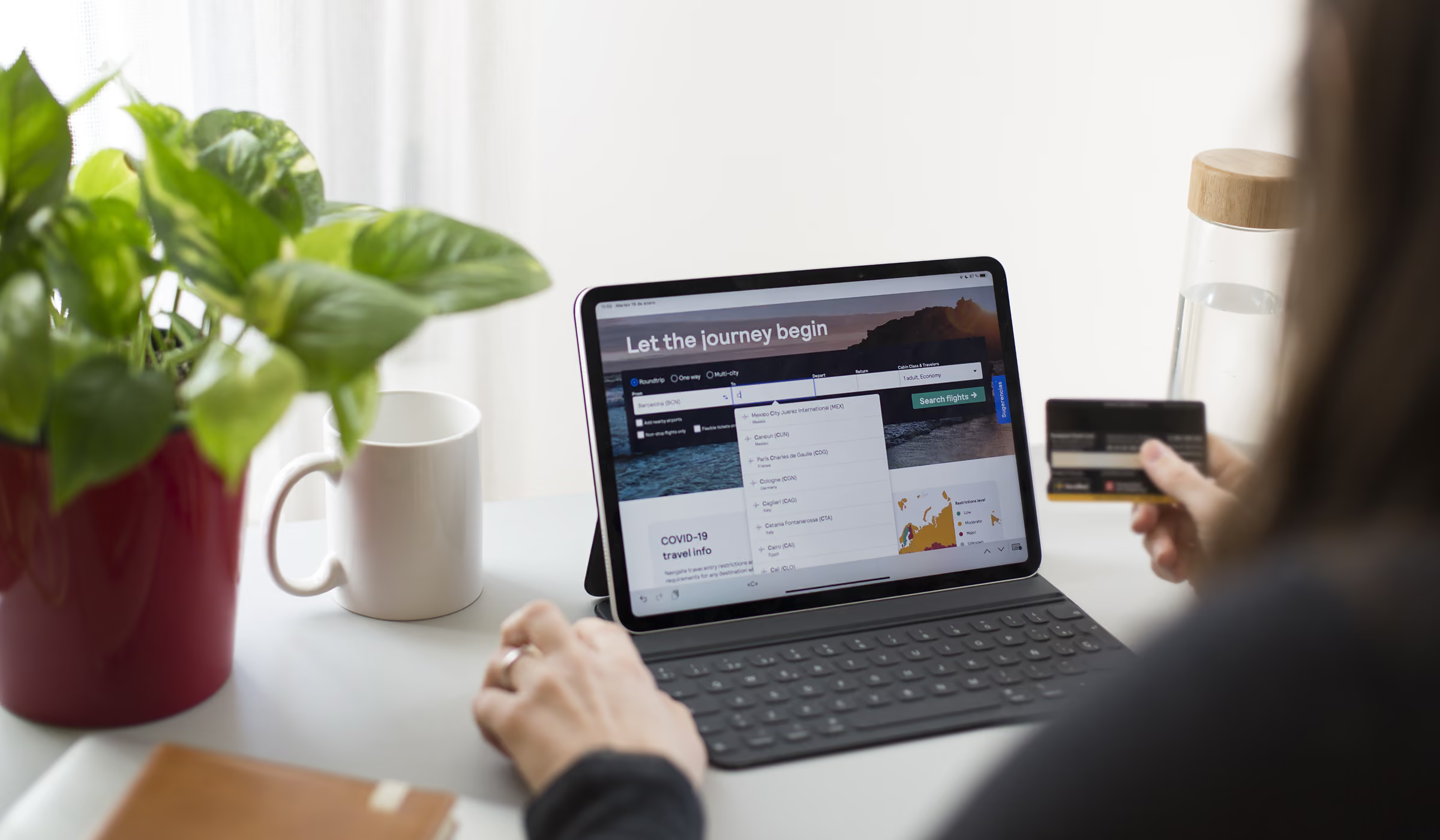
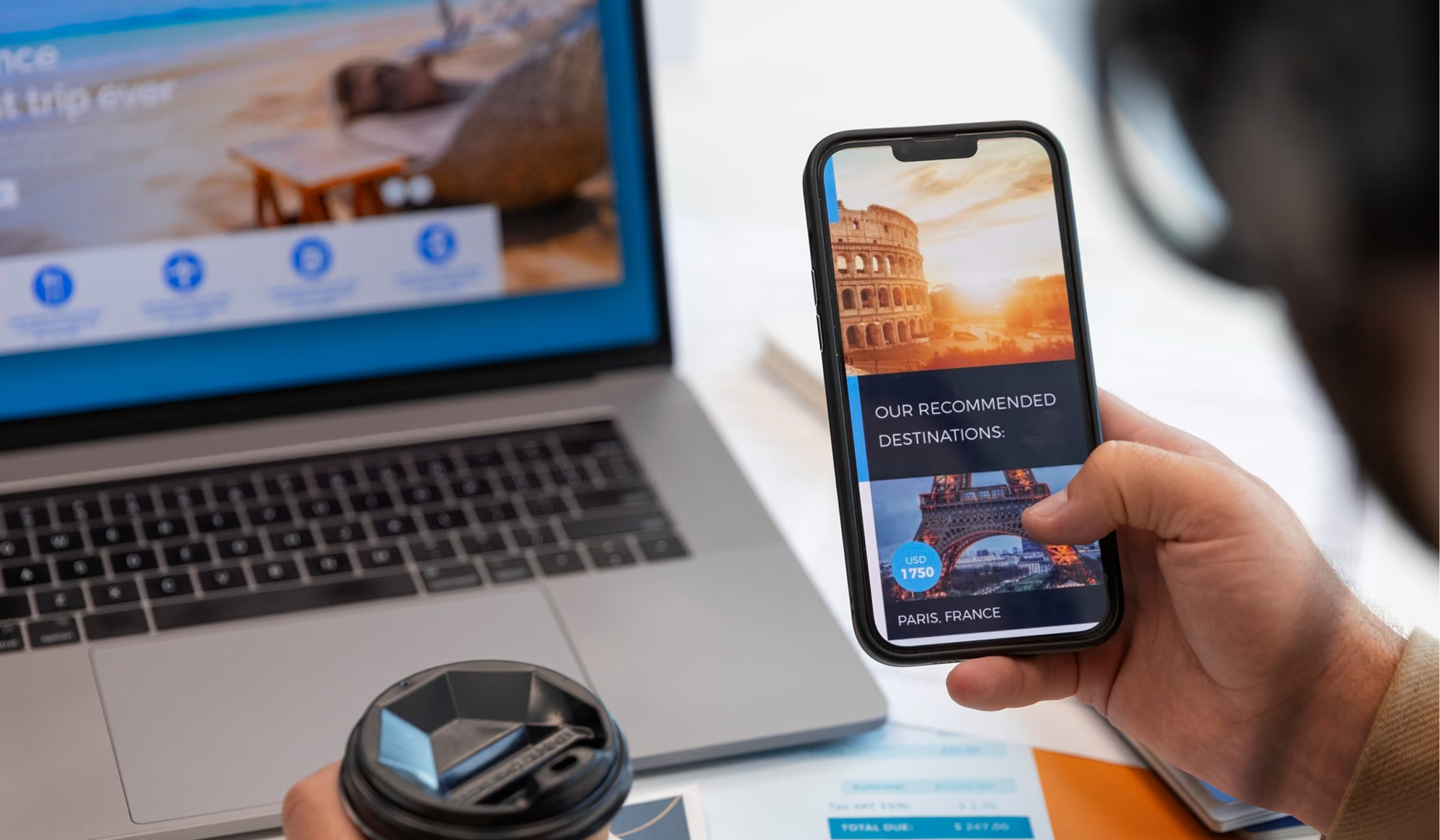
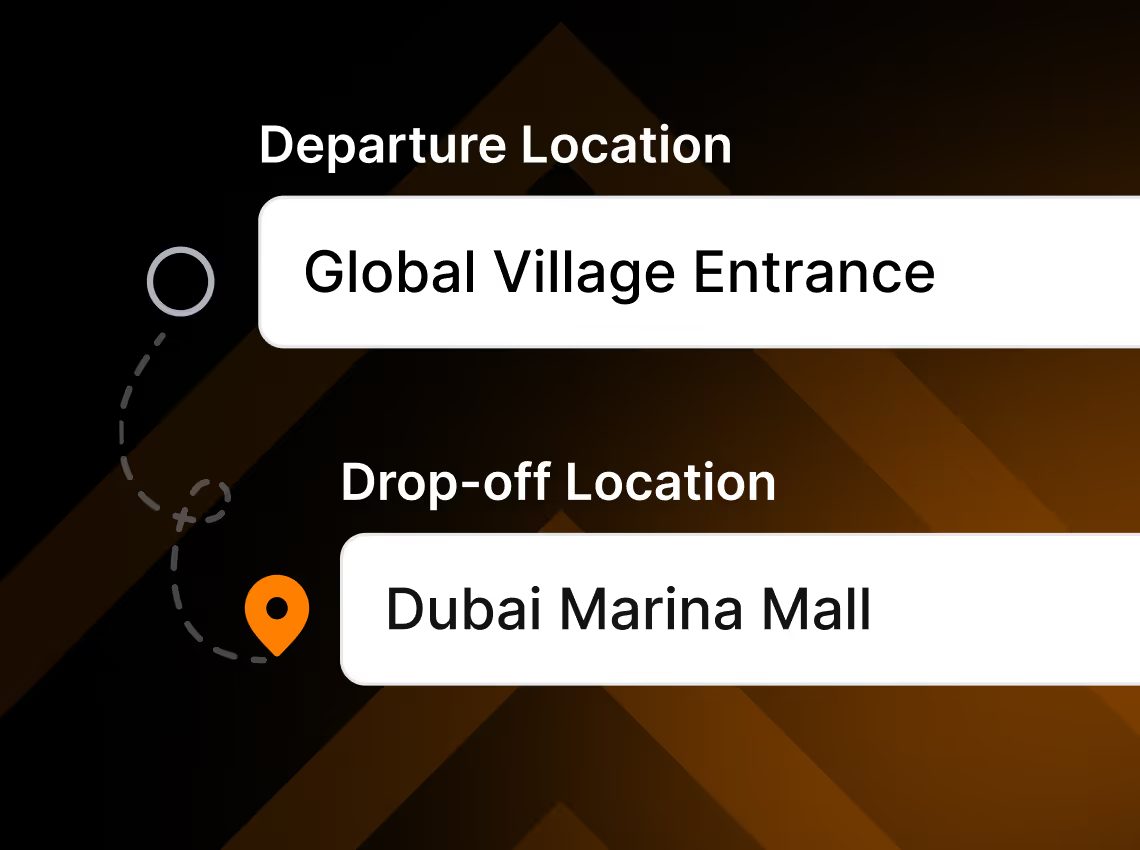
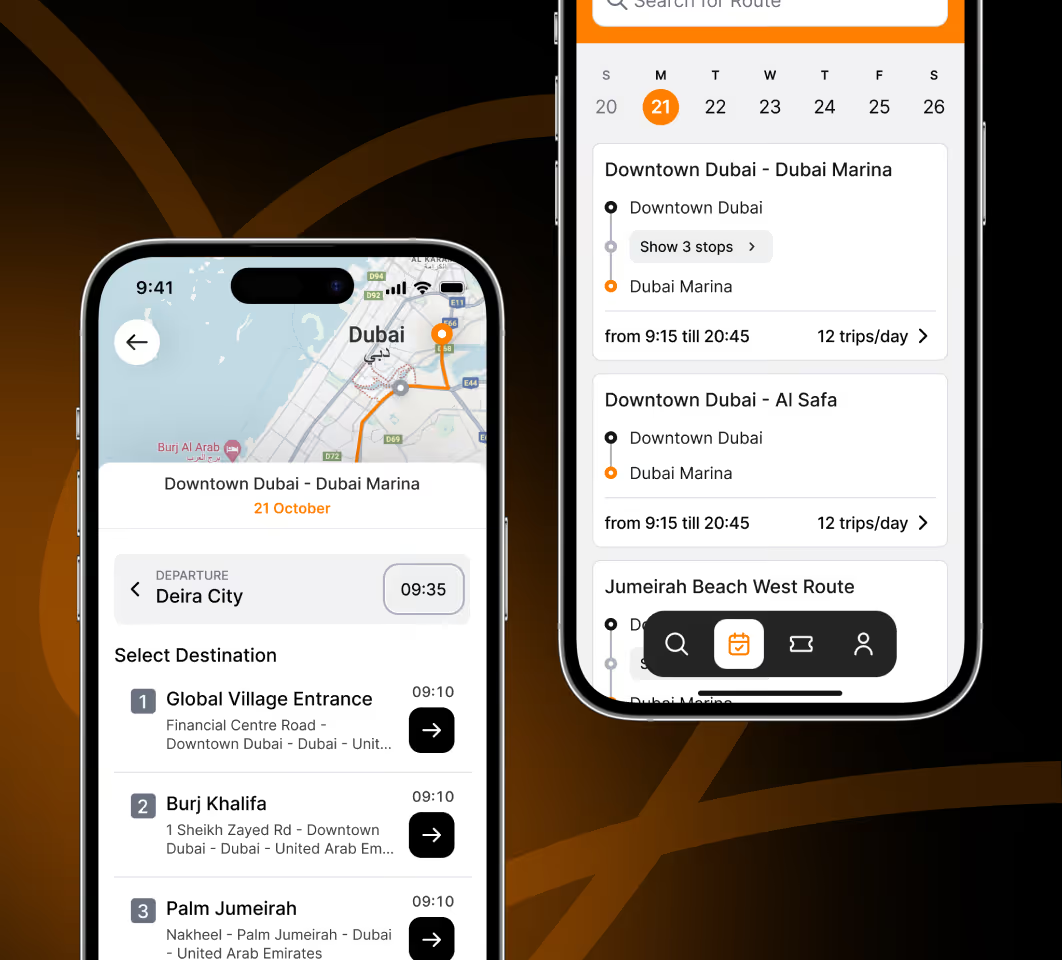
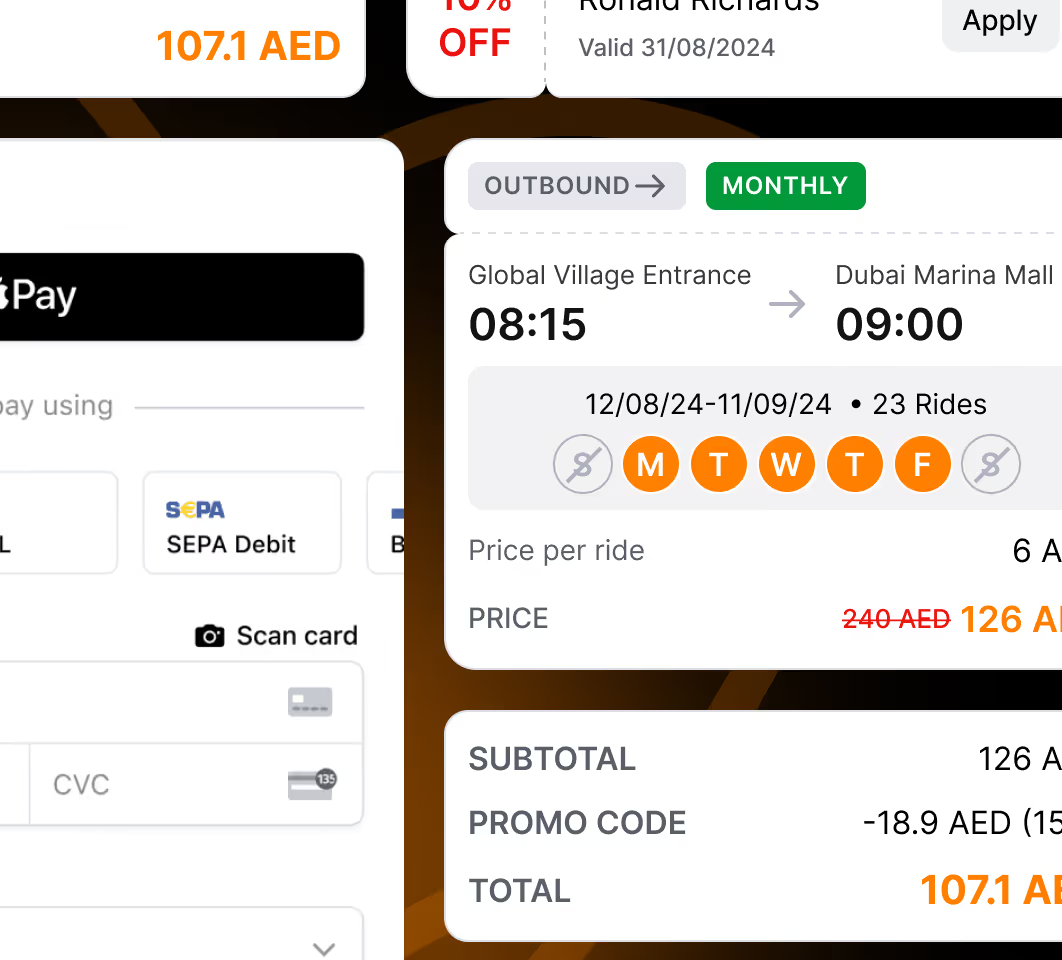
Passengers open the app, enter where they're going, and see available routes displayed as a list or on a map. Each route shows departure times and prices for single tickets, weekly passes, or monthly subscriptions. They pick what works for them, choose their payment option, and check out through Stripe. The app generates a QR code ticket exported in their phone.
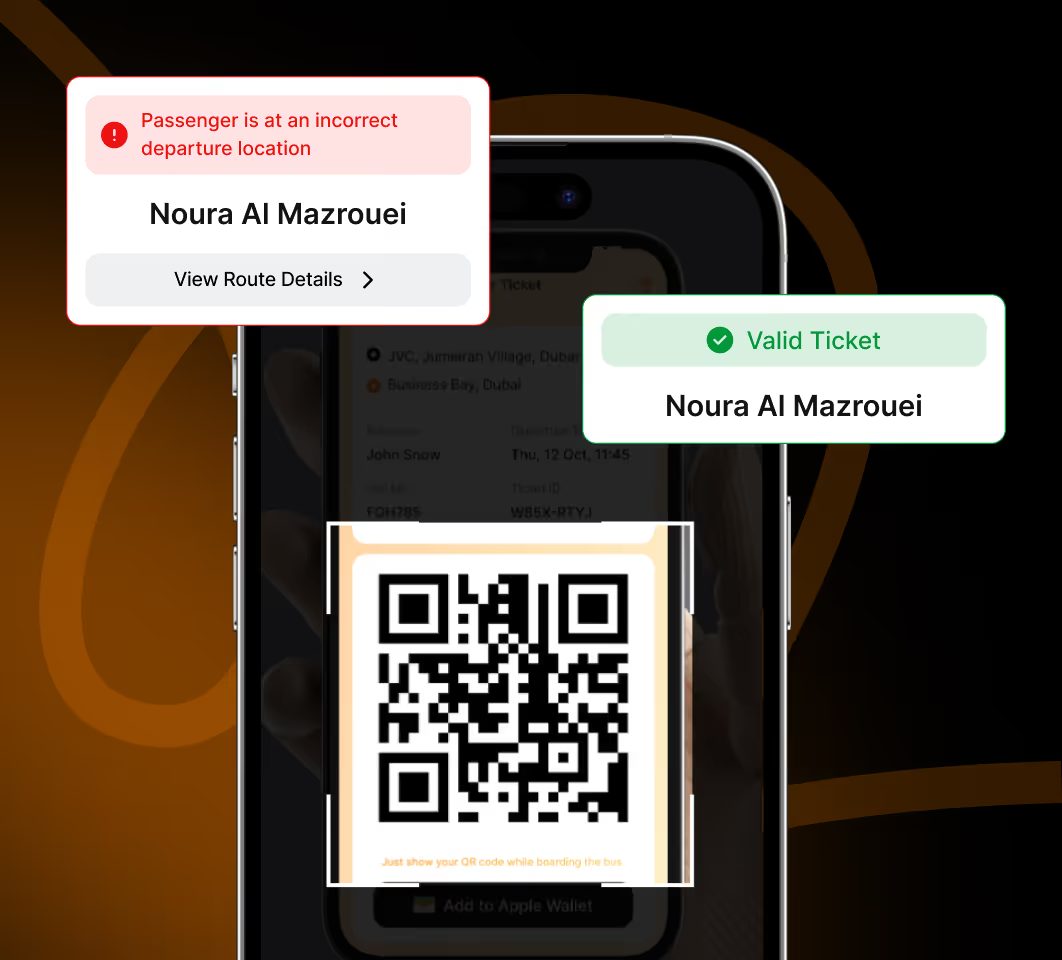
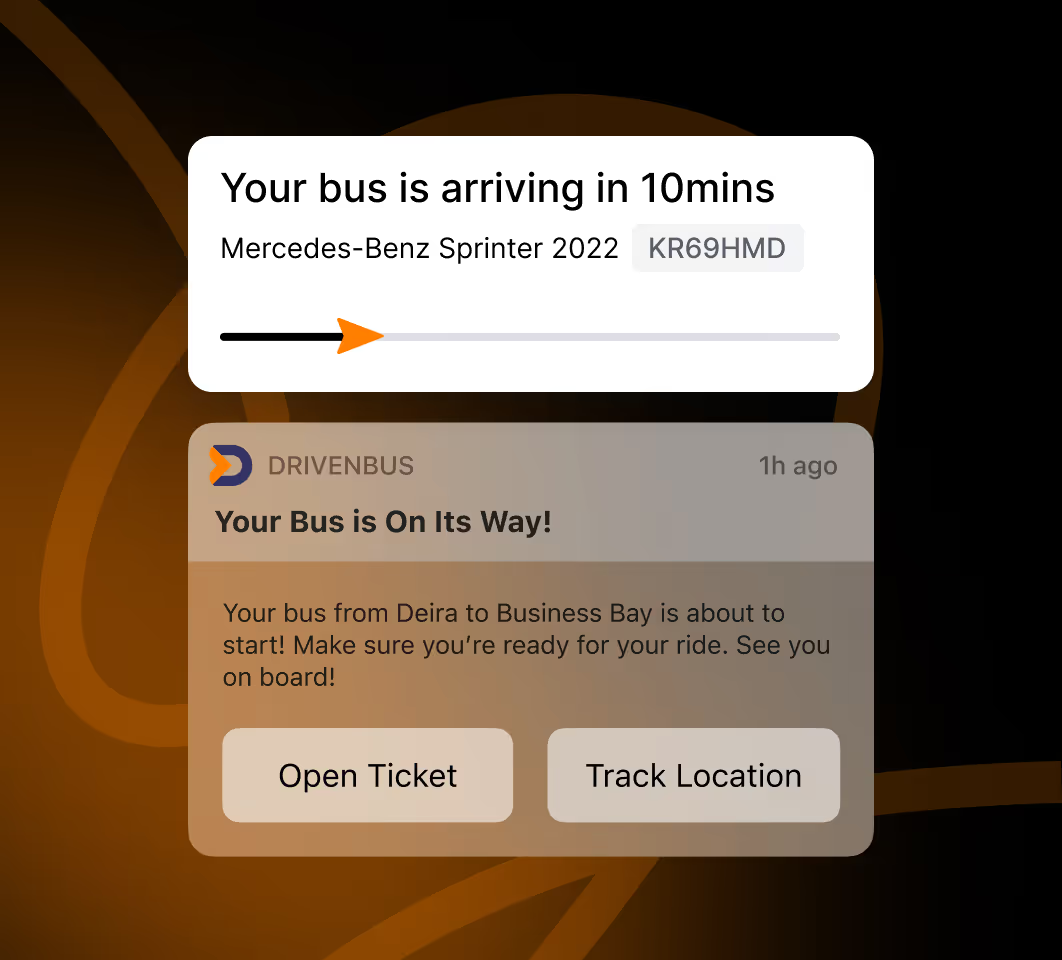
On ride day, passengers open their ticket and watch their bus move on the map in real time. Firebase push notifications alert them when the bus is approaching their stop. When they board, the driver scans their QR code to validate the ticket.
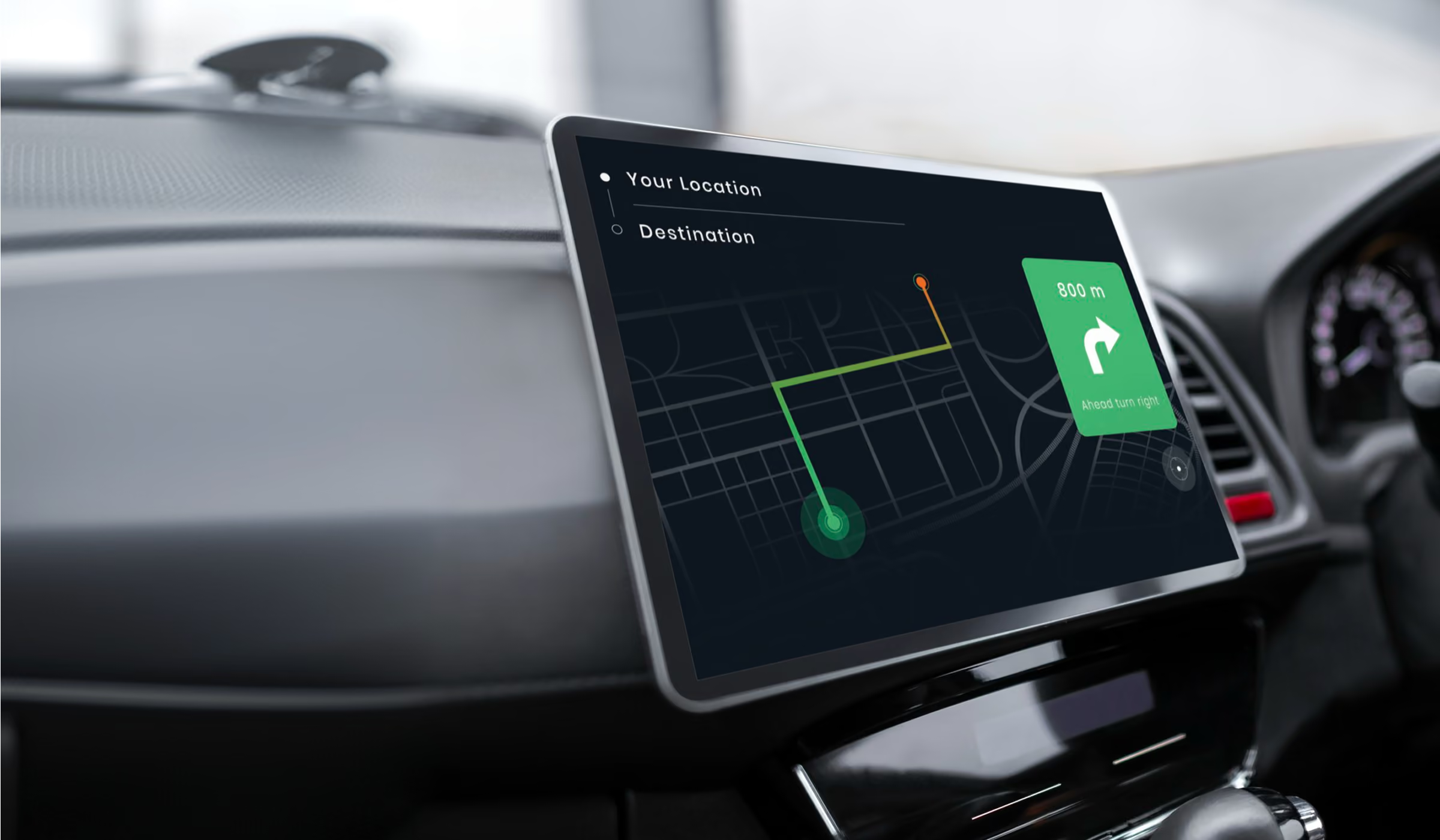
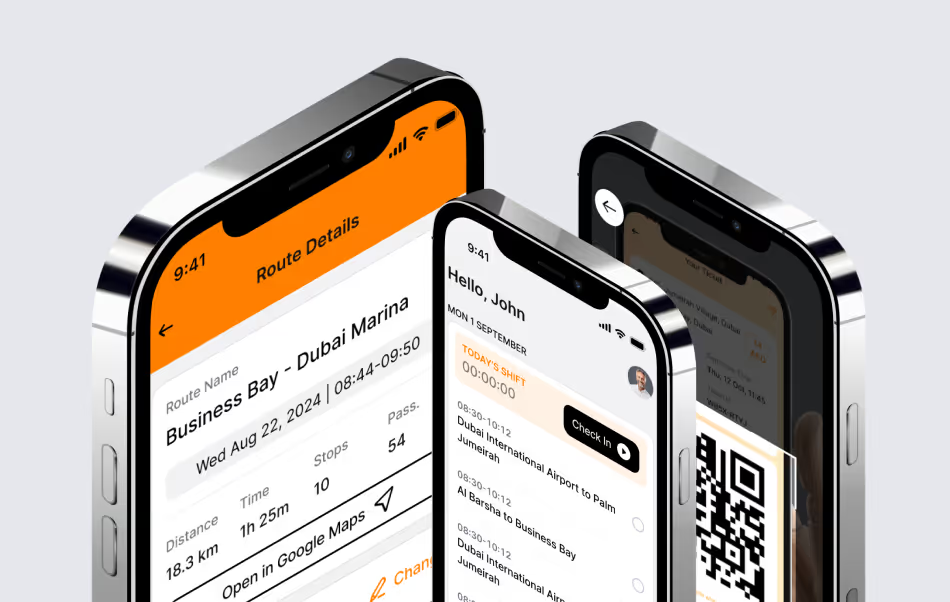
Drivers use a simpler interface. When they start their shift, they check in through the mobile app and see their assigned route with all scheduled stops. Google Maps integration provides turn-by-turn navigation. At each stop, they scan passenger tickets using the phone camera.
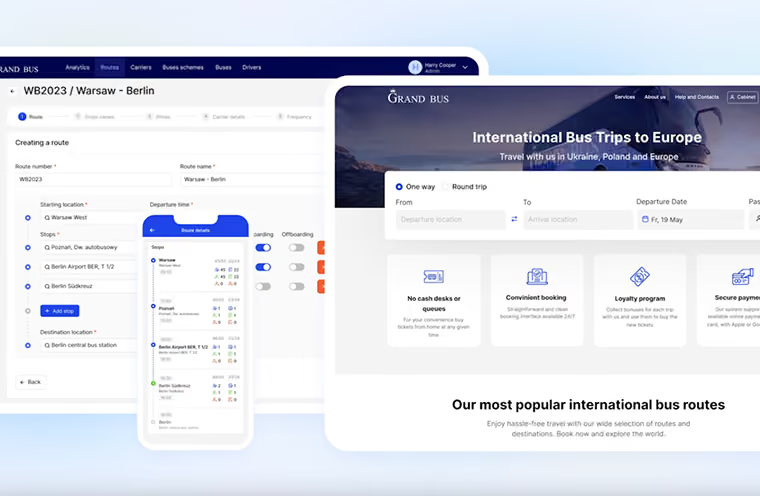
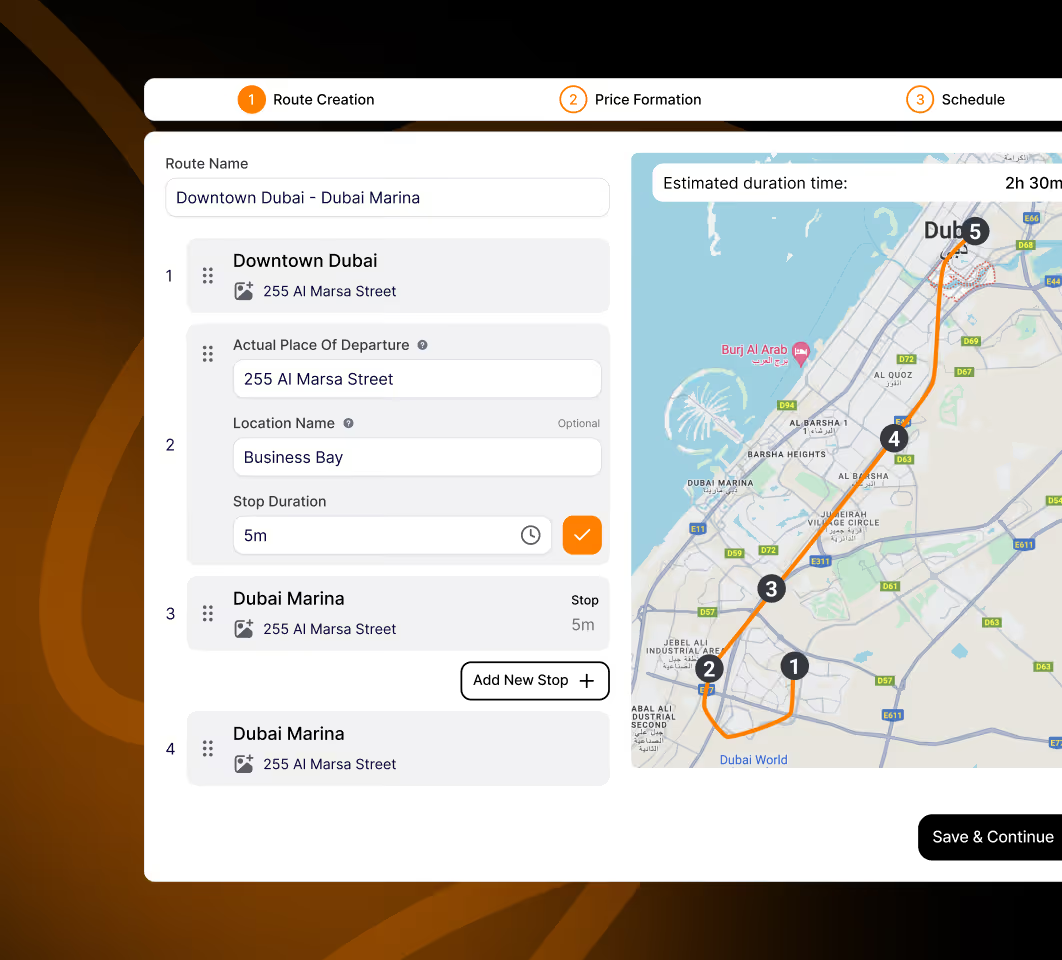
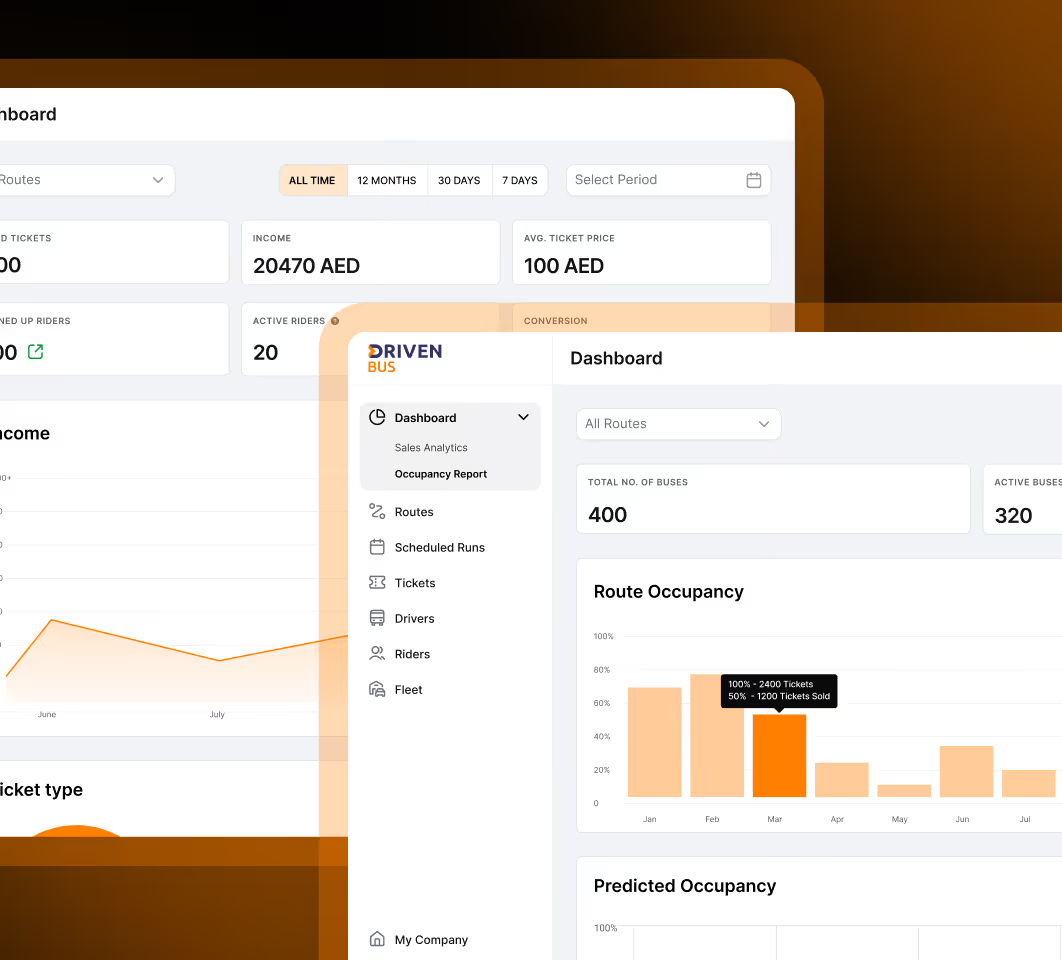
Through operators’ web dashboard, they create routes by selecting stops on Google Maps, which automatically calculates distances and generates the route path. They set schedules, assign drivers to specific routes and times, and view everything in a calendar format. Color-coded statuses show which routes have drivers checked in, which are waiting for drivers, and which have no driver assigned yet.
The platform handles the full operational cycle: route creation, driver assignment, ticket sales, real-time tracking, and ride completion.

User roles
Operator
Operators build routes by selecting stops on an interactive map, with Google Places integration suggesting locations and automatically plotting the path between stops. Once a route exists, they set schedules for different times and days, creating multiple departure slots for popular routes. The calendar view shows everything at a glance, with each route color-coded by status.
They manage the driver roster, assign specific drivers to specific routes, and monitor vehicle availability. When issues arise, they can view passenger lists for each departure, resend lost tickets via email, and track which routes are performing well based on booking numbers.Driver
At shift start, drivers check in and see their assigned routes with full stop details. Google Maps guides them along the route, showing upcoming stops and estimated arrival times. When passengers board, drivers use the built-in QR scanner to validate tickets instantly.
The app shows them which stops they've completed, which are next, and how many passengers to expect based on bookings. They can mark stops as completed as they progress through the route, giving operators real-time visibility into service delivery. Push notifications alert them to schedule changes or new route assignments.Passenger
Passengers book and manage rides in the mobile app. They search for routes by entering their destination, then browse options displayed on a map or in list view. Each route shows pricing for single rides, weekly passes, and monthly subscriptions, with clear savings displayed for longer commitments. After selecting a route and time, they complete payment and receive a QR code ticket. The ticket includes all details: departure time, pickup location, and route number.
On travel day, they track their bus on a map, watching it move between stops. Push notifications tell them when the bus is approaching so they know exactly when to head to the stop. After the ride, they can rate the service and refer friends through the built-in referral program.
Key features
Business outcomes
Driven Bus launched in the Dubai market and quickly established itself as a reliable alternative to traditional transit options. The platform processed thousands of bookings in its first months. Route planning time is very low, with operators creating new routes in an average of 12 minutes. Driver assignment happens in minutes through the calendar interface. Schedule adherence is 91%, meaning buses depart within 2 minutes of scheduled time in nearly all cases.
The real-time tracking feature proved especially popular with passengers. This transparency eliminates missed rides and increases passenger confidence in the service. Monthly subscription renewals maintain a 78% retention rate, indicating strong passenger satisfaction and habit formation.
Driver feedback indicated high satisfaction with the mobile app, particularly praising the clear navigation and simple check-in process.
Overall, Driven Bus proved that scheduled private transit could work in Dubai's market when supported by the right technology. The combination of easy booking, real-time tracking, and flexible pricing created a service that passengers actually wanted to use repeatedly.
Why partner with COAX?

Flexibility & adaptability
Our team understands the importance of flexibility in the construction industry, which is why we work around your schedule to provide services at a time that's convenient for you.

Skilled and dedicated team
The COAX team consists of pioneering industry experts and experienced professionals who meet high proficiency standards. We stick to our ethos and are dedicated to delivering high-quality solutions that can lead the future of digital solutions.

Ongoing support
We're committed to providing excellent support throughout the entire project lifecycle. That's why we don't just focus on our technical specialists but also pay close attention to the professional skills of our project managers to ensure seamless cooperation.

Security and confidentiality
At COAX Software, we take data privacy and security very seriously. We sign a non-disclosure agreement (NDA) and guarantee to keep all project information safe and establish trust.

Growth-focused approach
In the construction industry, businesses need to constantly adapt and grow. That's why we don't just develop custom software solutions, we implement cutting-edge tools that help your business and technology scale for long-term success.

Agile methodology
At COAX Software, we value transparency and efficiency. That's why we follow a truly agile approach when providing IT services for construction companies. We aim to remain flexible and responsive to your needs at all times to ensure project success.
What we’ll do next?
1
Contact you within 24 hours
2
Clarify your expectations, business objectives, and project requirements
3
Develop and accept a proposal
4
After that, we can start our partnership