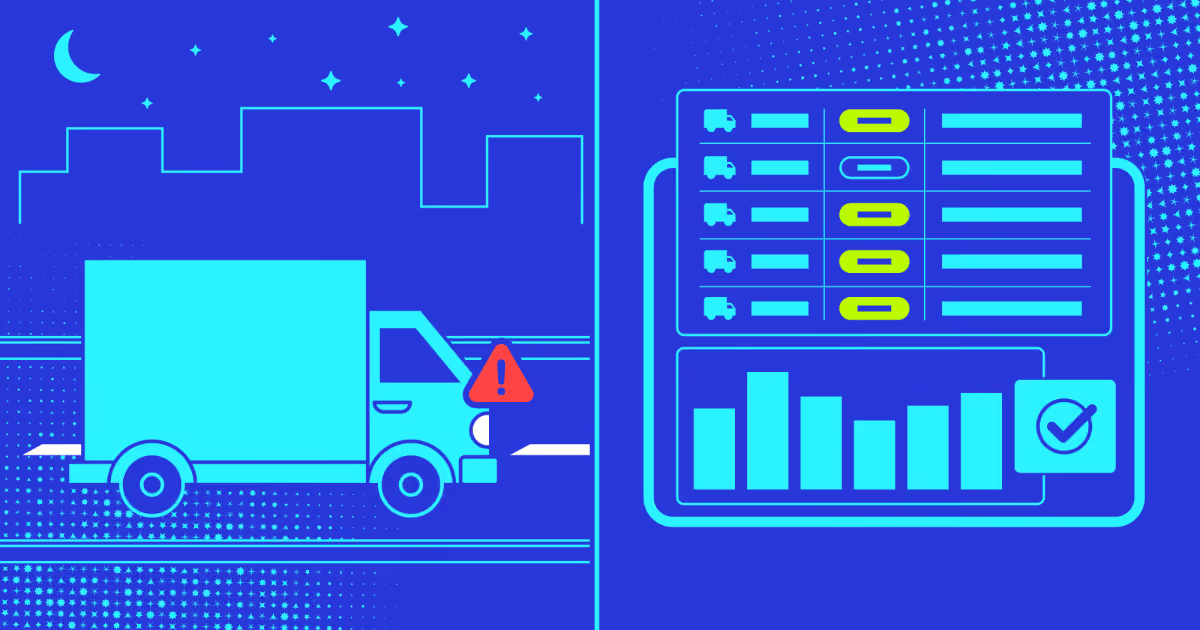
Your delivery drivers are off to a great start to their workday. They leave for their routes. But what happens between dispatch and arrival? Are they taking efficient routes? Are fuel costs spiraling out of control? These questions often surface only when customers complain or quarterly reports reveal alarming inefficiencies.
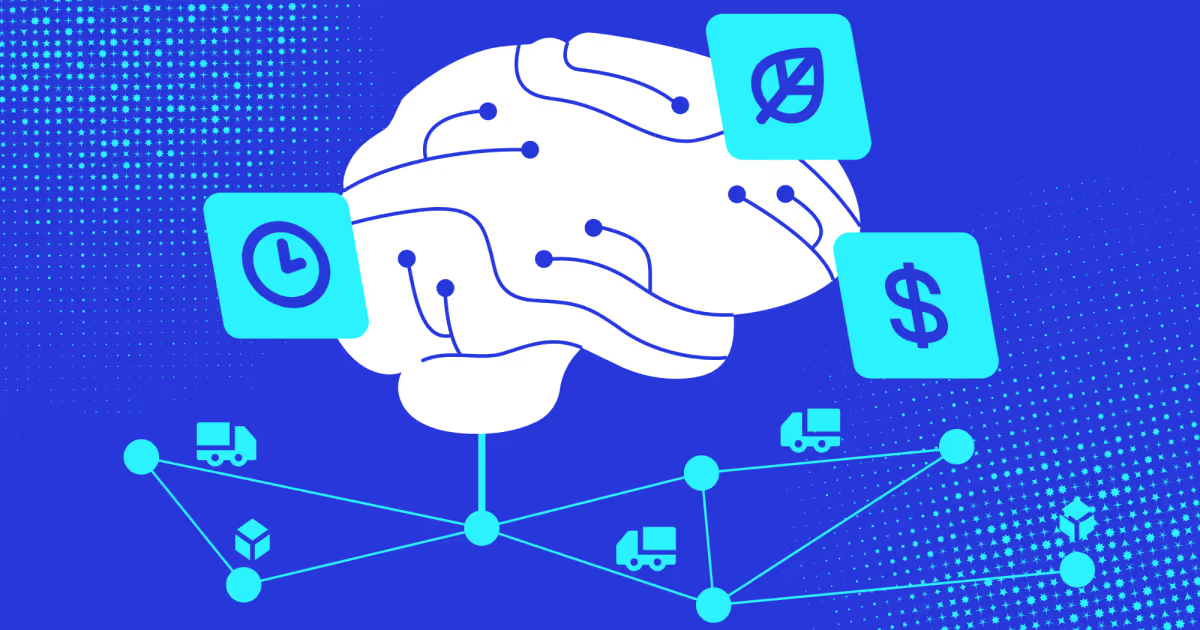
To solve this, businesses are turning to route planning technology. Implementing an effective route planner app delivers measurable operational gains:
Optimized routes cut fuel costs through shorter distances and reduced idle time.
Real-time adjustments reroute drivers around traffic, accidents, and weather.
Customer satisfaction improves through accurate ETAs, timely updates, and consistent on-time performance.
Driver efficiency reduces overtime costs and burnout by eliminating chaotic backtracking.
Operational visibility provides GPS tracking and analytics to monitor fleet performance.
Custom development creates scalable solutions with proprietary algorithms, seamless integrations, and features tailored to your exact logistics challenges.
In this article, we break down what route planning apps do and explore the types available. We also examine essential and advanced features, walk through the development process, analyze technology stacks and costs, and compare tailored builds to the leading market solutions.
What is a route planner app?
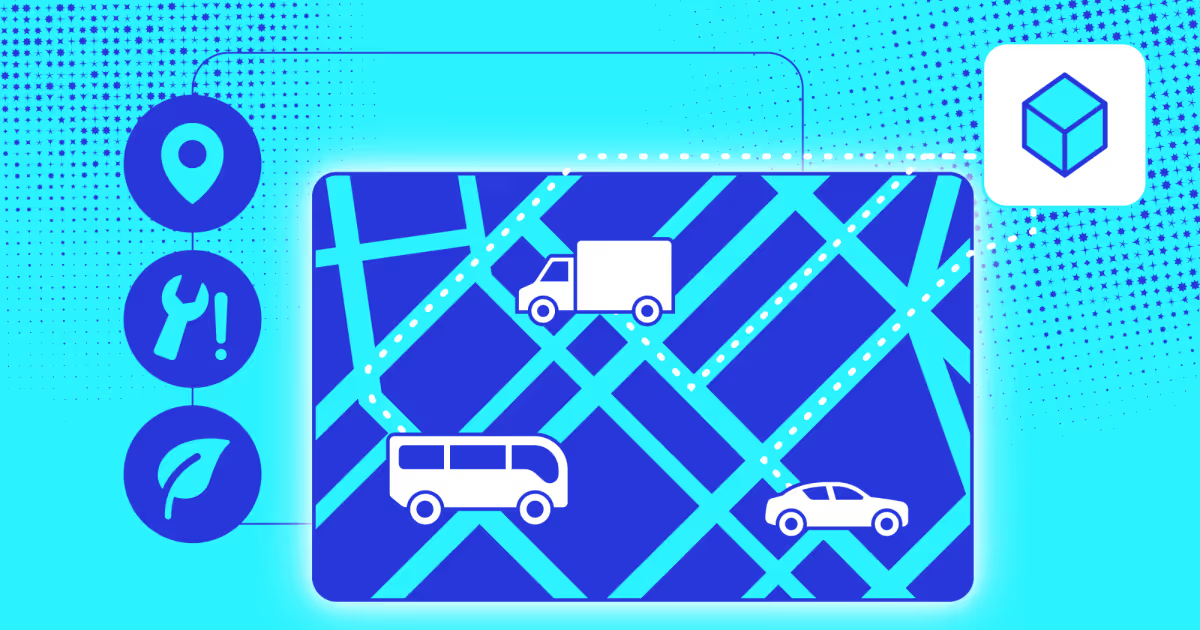
A route planner app is software that helps businesses and drivers find the best paths for transportation and deliveries. These apps analyze multiple factors. These are typically traffic patterns, distance, vehicle capacity, and delivery windows to create the best routes. The goal is to get from point A to point B (and often through points C, D, and E) in the least amount of time while using the least amount of fuel.
Upper - Route planner app
Modern tools process real-time traffic data, predict congestion, and adjust routes on the spot. Some incorporate AI and machine learning to improve their recommendations over time. As Wang and team show in their research, these systems also consider other factors like driver preferences, road conditions, and even scenic value, making routes truly customized.
The technology has come a long way from basic GPS navigation. Today's route planners integrate crowd-sourced data, historical traffic patterns, and vehicle-specific constraints to fit everything from single-driver delivery route optimization to enterprise fleet management.
Types of route planner apps
Route planning apps aren’t all the same. They can vary from simple free tools to complex enterprise systems. Each type serves different needs and scales of operation.
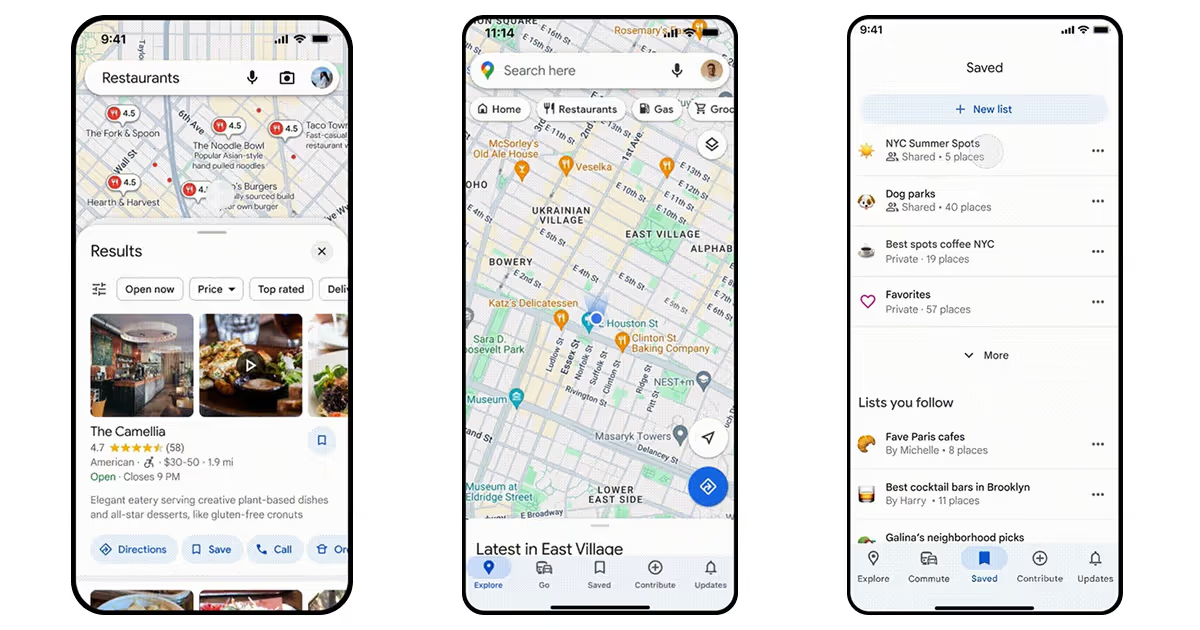
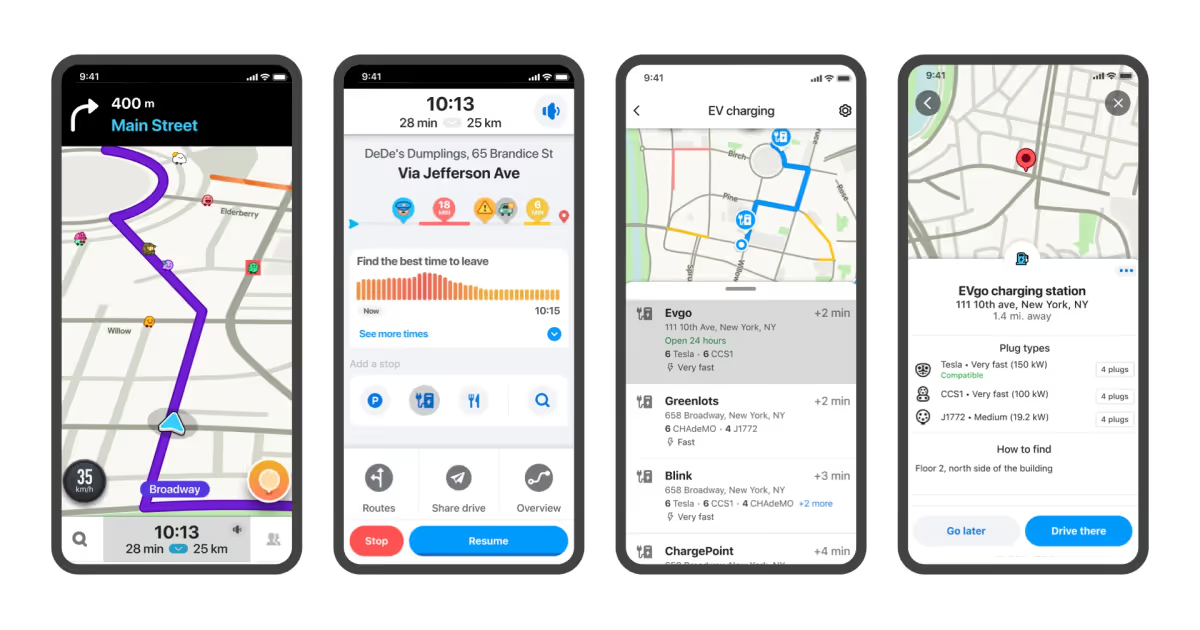
Consumer GPS apps like Google Maps and Waze work well for basic routing needs. You enter your stops (usually up to 10), and the app plots a path considering current traffic. These tools update routes as conditions change. According to Szincsák, modern transit apps have evolved to work offline and process route data efficiently even on devices with limited resources, making them accessible for everyday use.
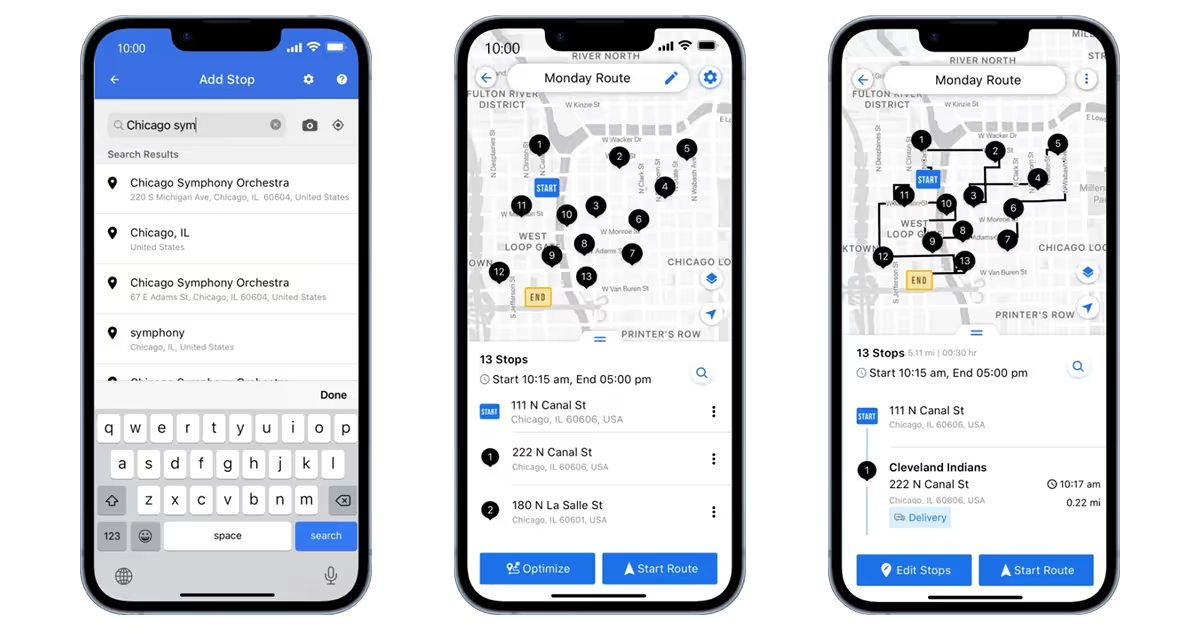
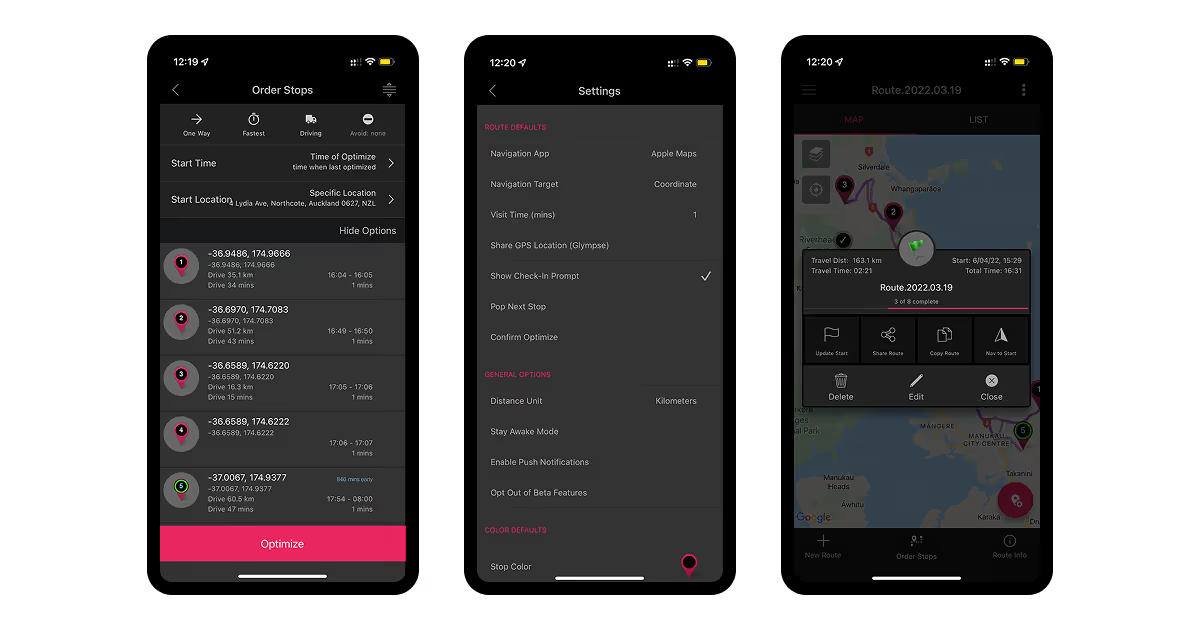
Last-mile delivery optimizers such as Circuit or Routific target small businesses and individual delivery drivers. These apps do more - sequence stops for maximum efficiency, provide estimated arrival times to customers, and capture proof of delivery. The software calculates the fastest route, taking into account one-way streets, parking availability, and time windows for each delivery.
Enterprise logistics platforms like Route4Me, OptimoRoute, and Onfleet handle complex operations with multiple vehicles and drivers. They offer real-time re-routing when delays occur, driver performance analytics, automated customer notifications, and integration with other business systems.
Commercial delivery driver route planner apps (such as IMPARGO, for instance) specialize in trucks and large vehicles. They account for bridge clearances, weight restrictions, hazardous material routes, and toll costs. These tools prevent costly routing errors that could damage vehicles or violate regulations.
Field service tools like Salesforce Service Cloud combine route optimization with customer relationship management. They help sales teams and service technicians plan efficient territory coverage while tracking customer interactions and service history.
As you see, you have multiple options and opportunities on your plate. However, let’s discover specifically what exactly makes delivery route planner apps so important for your business.
Why does your business need a route planner app?
The answer is pretty simple. Running deliveries without dynamic route planning software that automates and adjusts everything creates problems that compound daily. These issues affect your bottom line, your team, and your customers. Let’s break each one down.
Operational costs spiral out of control. Inefficient routes mean drivers burn more fuel, rack up unnecessary miles, and put extra wear on vehicles. Poor planning creates overlapping routes where multiple drivers cover the same areas. Your labor costs climb as drivers spend more hours on the road than necessary. According to Wang, considering multiple route attributes beyond just distance can reduce operational costs by 10% to 30%. The math is simple: wasted miles equal wasted money.
You lose customers to competitors. Without real-time tracking and optimized routes that route management apps offer, deliveries arrive late or miss time windows. Customers expect accurate delivery estimates. When you cannot provide them, trust erodes. A recent Ortec survey found that nearly 70% of companies frequently adjust delivery routes in real-time, struggling with unexpected delays that damage customer satisfaction. In competitive markets, this can lose you a customer after one occurrence.
Manual planning takes too much time. Route planners spend hours or even days relying on experience and guesswork rather than data. This detail-oriented work leaves little room for anything else. When conditions change (and they always do), you cannot adjust quickly enough. The Ortec survey revealed that nearly 40% of companies make multiple route changes per day, showing how quickly manual plans become obsolete.
Human error creeps in constantly. Manual data entry means mistakes. One wrong address, one miscalculated distance, and your entire schedule falls apart. Incorrect information leads to wrong cost estimates, poor time projections, and failed deliveries.
Your resources get misallocated. Some drivers finish early while others work late into the night. Without proper planning, workloads become uneven. You cannot see where vehicles are or how efficiently they operate. This lack of visibility makes it impossible to balance assignments or respond to urgent requests.
Traffic and constraints create constant headaches. The Ortec survey identified traffic congestion (18%), strict delivery windows (20%), and vehicle capacity limits (22%) as the top challenges in last-mile delivery. Urban congestion is expected to grow 21% by 2030, making these problems worse without proper route planner apps on board.
Your drivers burn out. Chaotic routes and long shifts frustrate your team. When drivers constantly backtrack, get stuck in traffic, or work overtime because of poor planning, they get tired of the chaos. Finding and training new drivers costs time and money.
Scaling becomes challenging. Manual planning works fine with five trucks. At 20 trucks, it’s a ticking bomb. As your business grows, the old methods break down. You hit logistical bottlenecks that prevent taking on more customers or expanding to new areas.
Real-time information stays out of reach. Traditional methods give you no visibility into current conditions. You cannot see where your drivers are, what traffic looks like, or whether a customer needs to reschedule.
Customer experience suffers. People want to know when their delivery will arrive, how much it costs, and whether they can change the time. Without route planning apps, you cannot answer these questions. Nearly half of the respondents aren’t happy with their current route optimization methods, signaling a critical need for better solutions.
All these issues are common and growing over the years, together with inefficiencies and business risks. Now, let’s see how route planning tech helps.
Advantages of apps
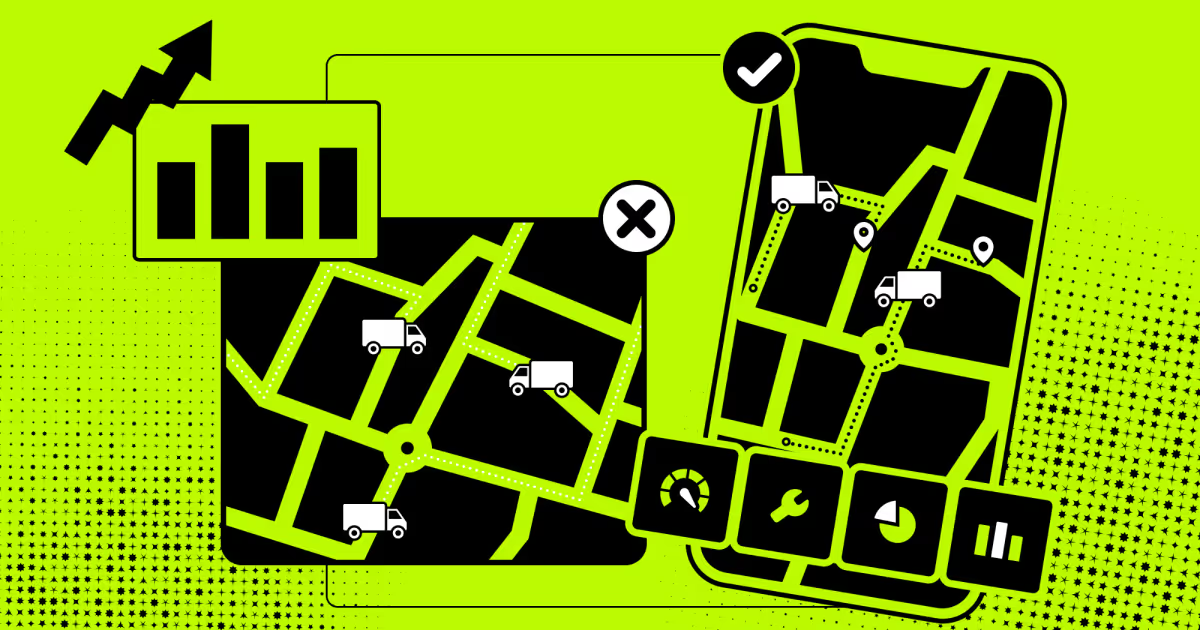
Route planner apps for delivery drivers solve these problems directly and have a tangible impact. Here’s how it happens in several aspects and directions.
You cut fuel costs. Optimized routes mean shorter distances and less time idling in traffic. Apps find the most efficient paths, eliminating unnecessary miles. Fuel cost tracking features help you monitor and reduce expenses by 15% to 25%.
Customers stay happy. Apps ensure on-time deliveries by accounting for traffic, time windows, and current conditions. Your customers get accurate arrival estimates and timely updates. When deliveries consistently arrive when promised, satisfaction improves and repeat business follows.
Routes adjust in real time. Road closures, accidents, and weather changes no longer derail your schedule. Travel route planner apps reroute drivers instantly around problems. Your team keeps moving while competitors sit in traffic.
You complete more deliveries. Route optimization saves 20% to 30% on travel time. That means drivers fit more stops into each shift without rushing. Multi-stop planning saves two to four hours per trip. More deliveries per day means more revenue without additional vehicles or staff.
Overtime costs drop. Efficient routes get drivers home earlier. When shifts end on time, you avoid overtime pay, and your team stays fresh. Happy drivers stick around longer, reducing turnover costs.
Fleet management gets easier. GPS tracking gives you real-time visibility over every vehicle. You know exactly where drivers are, whether they are on schedule, and where problems arise. This transparency lets you make informed decisions quickly.
Vehicles last longer. Fewer miles mean less wear on engines, brakes, and tires. Optimized routes reduce maintenance frequency and extend vehicle lifespan. The savings compound over time.
Delivery errors decrease. Route planner apps organize stops logically and provide clear directions. Drivers follow optimized sequences instead of improvising. Fewer wrong turns and missed stops mean fewer customer complaints.
Your business scales smoothly. Apps handle growth effortlessly. Whether you run five vehicles or fifty, the software manages complexity without breaking down. You can expand operations without drowning in logistics.
The conclusion is clear: more predictable ETAs, shorter delivery times, lower costs, happier drivers, and customers are your main benefits. After we grasped the main advantages of this technology, let’s focus on the functionality that makes it happen.
Key features of a route planner app
You can’t build the best route planner app for your business without clearly defining the features it should have. The thing is, every app might have basic functionality, as well as more advanced capabilities. Let’s outline both.
Must-have features
Building an effective route planner app usually requires more than basic navigation. You need features that address real logistics challenges and keep operations running smoothly. Although all the following features are quite typical for this type of technology, they still form a solid foundation.
Real-time vehicle tracking shows exactly where each vehicle is at any moment. You see which driver is approaching which stop, who is running behind, and where delays occur. This transparency helps you respond quickly to problems and gives customers accurate delivery updates. Trust builds when clients know where orders are.
Dynamic route optimization recalculates trips in real time based on current conditions. The system considers traffic patterns, weather changes, road closures, and delivery priorities. When a highway backs up or a storm rolls in, the trip route planner app adjusts routes. This keeps your drivers moving efficiently instead of sitting idle.
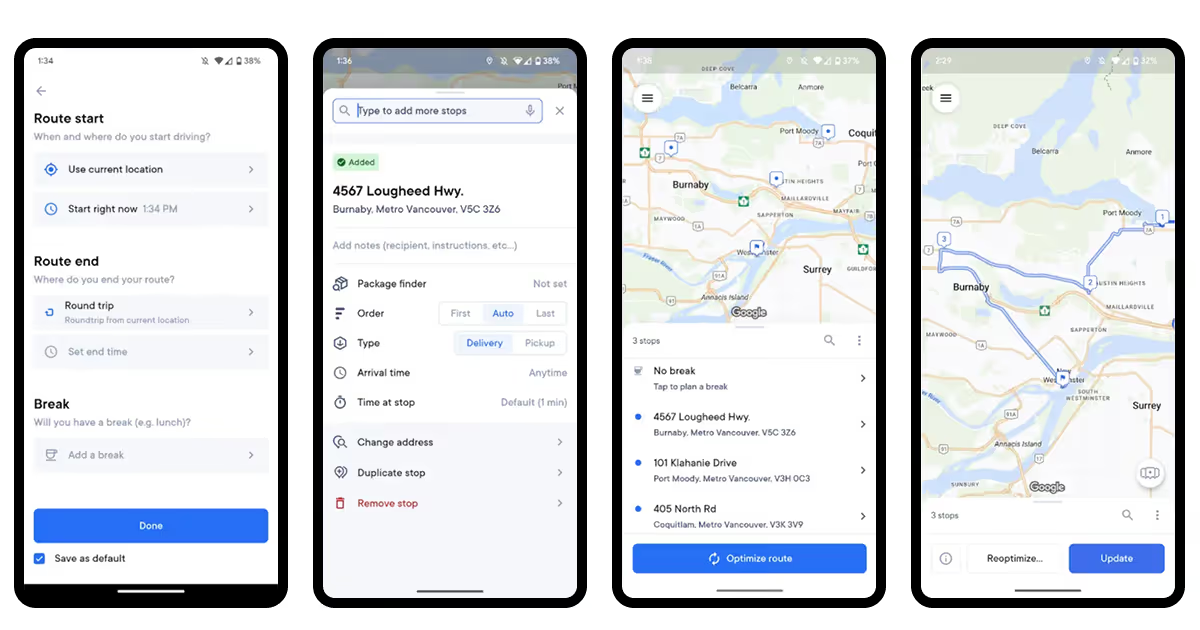
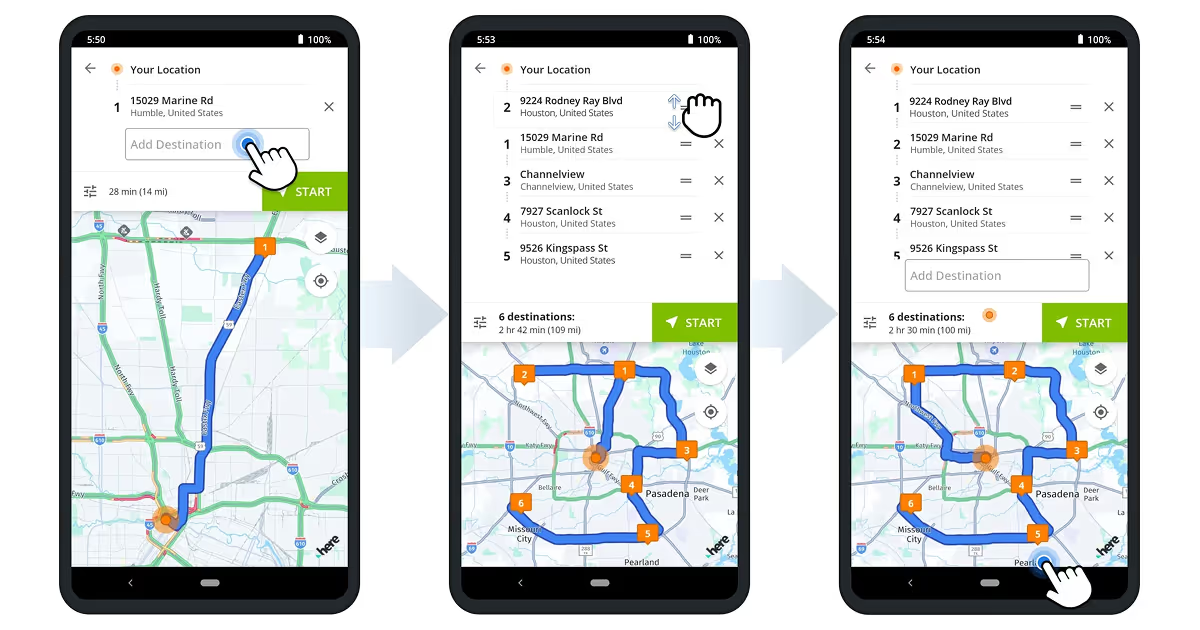
Multi-stop planning handles delivery schedules with numerous stops. The app also prioritizes urgent deliveries, accounts for time windows, and ensures everything gets completed in the most efficient order possible. According to Pugacs, effective route planning must balance user preferences with practical constraints like time and budget.
Customer communication tools keep everyone informed. In-app messaging sends automatic updates about ETAs, delays, and delivery confirmations. Some apps let customers message drivers directly to coordinate access or parking. Clear communication reduces complaint calls and missed deliveries.
Integration capabilities connect your route planner to other business systems. The app should link with inventory management to track stock levels, CRM tools to access customer data, and transportation management systems for comprehensive oversight.
All these features make a fully functional delivery route planner app, ready to be used to make some improvements. However, if your business is expanding, or if the basic functionality isn’t enough, you might need more complex capabilities.
Additional features
Advanced abilities and features take route planning from functional to exceptional, the one that distinguishes you from competitors. So, which features will truly bring you on top of your industry?
AI-powered route optimization processes hundreds of stops simultaneously. The algorithms account for delivery time windows, mandatory driver breaks, vehicle capacity limits, and road restrictions. Machine learning improves recommendations over time by learning from past routes and outcomes.
Payment integration through gateways like Stripe enables smooth transactions. Customers pay securely within the courier route planner app. Drivers receive timely payouts. The system tracks all financial activity without manual paperwork.
Proof of delivery systems capture digital signatures, photos, and timestamped notes at each stop. This syncs instantly to your central system, creating an audit trail that resolves disputes and confirms completion.
Advanced input methods make data entry faster and more accurate. You can import delivery lists from Excel or CSV files instead of typing addresses manually, or use voice commands while driving. Also, it’s easy to scan barcodes to confirm packages. These options reduce errors and save time.
Vehicle and asset management match jobs to appropriate equipment. The system knows which trucks can handle oversized loads, which vehicles have refrigeration, and which drivers hold special certifications. Routes are assigned to vehicles that meet job requirements.
Equipment and crew matching ensures the right people use the right vehicles for each job. The system knows which trucks haul fuel, which teams install furniture, and which drivers have commercial licenses. Routes optimize around these constraints automatically instead of requiring manual adjustments that destroy efficiency.
Offline functionality keeps the route planning app working in areas with poor cellular coverage. Drivers can still navigate and complete deliveries even when connectivity drops. The app syncs data automatically once the connection returns.
Data analytics and reporting give you measurable insights. You can track average delivery times, fuel consumption patterns, driver efficiency, and peak demand periods. This data reveals where you waste resources and where you can improve.
Multiple use case support handles diverse operational needs within one platform. The app manages overnight routes that comply with hours of service regulations, static routes for recurring customers, dynamic routing for new orders, and specialized workflows for installations, pickups, and returns.
Defining the needed functionality is just the first step to creating your own car or truck route planner app. There comes the hard work - actually implementing all of this in life. Based on COAX’s 15 years of experience, we compiled the key steps for you to take.
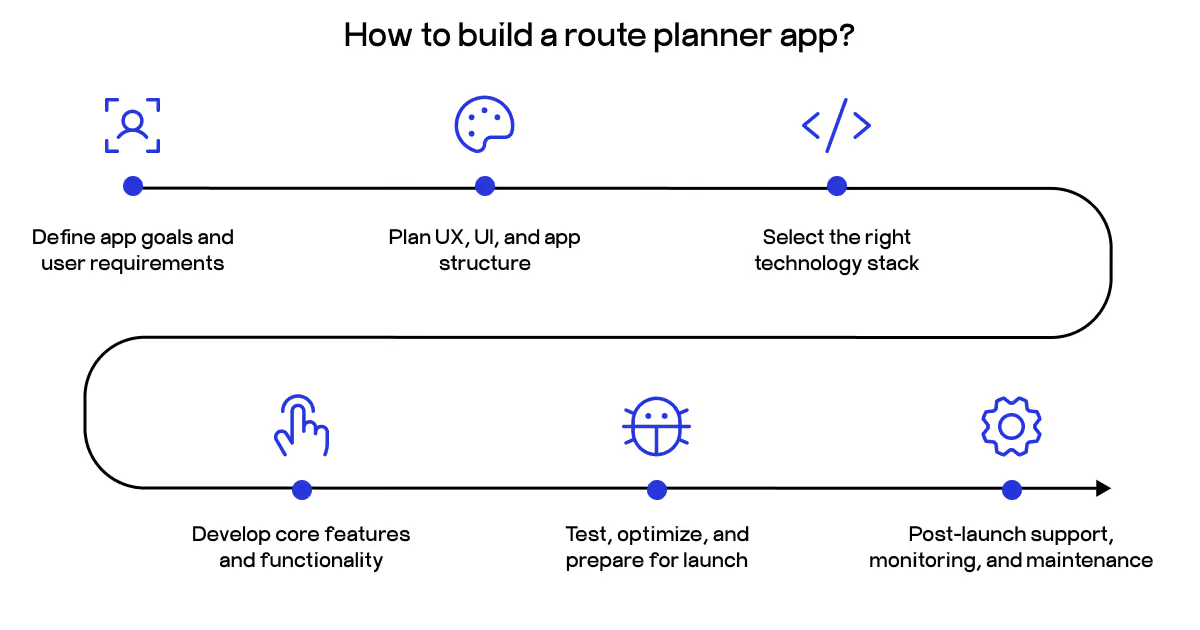
Essential steps in building a route planner app
Building a route planner from scratch takes a combo of business understanding and technical skills. You need a clear roadmap that connects user needs to technical execution while keeping the project manageable and scalable.
Step 1: Define app goals and user requirements
Start by understanding exactly who will use your app and what problems it solves. The key here is to identify your target audience. Are you building for logistics companies, delivery services, or field technicians? Each group has different priorities. Delivery companies need capacity optimization and proof of delivery, while field service teams require appointment scheduling and equipment tracking.
Define core use cases - how people will actually use the app. Will they plan single routes or coordinate dozens of stops? Do they need real-time adjustments or just static directions? Understanding these helps you focus on features that matter and bring real ROI.
Study existing apps to find gaps in the market. What do users complain about? Which features get praised? Where do competitors fall short? This research reveals opportunities to differentiate your route planner app and avoid repeating others' mistakes.
Step 2: Plan UX, UI, and app structure
Design user-centric interfaces. Keep inputs minimal and visual cues clear. Users should understand how to enter stops, view routes, and adjust preferences within seconds. Complicated menus and hidden options kill adoption.
Create wireframes for core screens. Sketch the structure of key screens like route input, map view, navigation mode, and settings. Wireframes let you test layouts and flows before writing code. This validation catches usability problems early when fixes cost less.
Build interactive mockups that simulate the user experience. Let potential users click through the interface of your mobile route planner app and provide feedback. Real interaction reveals confusion points that static designs miss. Refine the prototype until navigation feels natural.
Step 3: Select the right technology stack
Your technology choices determine how well the app handles real-time data, scales with growth, and stays maintainable long term. We cover specific technologies in detail later, but this step focuses on the decision process.
Choose backend and frontend technologies. Pick frameworks that support real-time processing, handle concurrent users efficiently, and render maps smoothly. The wrong choice here creates performance bottlenecks that plague you for years. Importantly, integrate mapping and navigation APIs. These handle the heavy lifting of map rendering and geographic calculations. Evaluate which service best fits your feature requirements and budget.
Finalize the infrastructure. Plan your database structure, cloud hosting setup, and content delivery network. The infrastructure must scale as user numbers grow without requiring complete rebuilds.
Step 4: Develop core features and functionality
Unsure where to start building the very core of your complex, sophisticated multi-stop route planner app, as the functionality is diverse? Implement route calculation logic first. Use proven algorithms to compute efficient routes based on distance, time, traffic, and any constraints specific to your use case. This logic forms the core of your app.
Then, enable real-time updates. Integrate live traffic feeds, weather data, and road closure information. The app should adjust routes automatically when conditions change. Static routes that ignore current reality frustrate users and waste time.
Ensure cross-platform compatibility. Whether users access your app on Android, iOS, or web browsers, the experience should feel consistent. Test on multiple devices and screen sizes.
Step 5: Test, optimize, and prepare for launch
Thorough testing separates professional apps from amateur projects. So start with the basics - conduct functional and usability testing. Verify that every feature works as designed. Test route accuracy against known distances. Confirm that buttons respond correctly and data saves properly. Run through common user workflows to catch logical errors.
After ensuring the functionality works, perform performance and load testing. What happens when 100 users request routes at once? Does the interface lag when displaying complex maps? Identify bottlenecks before real users encounter them.
Finally, fine-tune algorithms to reduce calculation time. Compress images and cache frequently accessed data. Eliminate unnecessary API calls. Every millisecond of delay increases the chance users abandon your route planning app for a competitor.
Step 6: Post-launch support, monitoring, and maintenance
There’s one hard-learned truth: apps need ongoing attention to stay functional, secure, and competitive, and it’s very important for parcel delivery route planner apps, too.
Where to start? Track crash reports, response times, and user engagement patterns through analytics tools. Quick detection of problems prevents small issues from becoming major failures. Watch how people actually use the app versus how you expected them to use it.
Manage updates and third-party integrations. Mapping APIs release new versions, and security vulnerabilities get discovered. Regular updates keep your app compatible and secure. User feedback reveals what people want next. Prioritize improvements that align with your original goals while keeping the app competitive as the market evolves.
Tech stack and cost breakdown
Choosing the right technology determines whether your truck or car route planner app performs smoothly or crashes under real-world conditions. The stack must handle real-time calculations, render maps efficiently, and scale as usage grows.
Backend technologies process route calculations and manage data. Python with Flask works well for algorithmic processing and building RESTful APIs, as shown by Kapucu in a full-stack route optimizer that combined Python's computational power with practical street routing. Node.js offers another solid option for handling concurrent requests efficiently. For databases, PostgreSQL handles structured data like user profiles and delivery records, while MongoDB works for flexible data storage.
Frontend frameworks create the user interface. Flutter enables cross-platform development with a single codebase for iOS and Android, reducing development time and cost. React Native provides similar benefits with a JavaScript foundation.
Mapping and routing services provide the geographic backbone. Google Maps API offers comprehensive features and accuracy, but comes with usage costs. Mapbox provides customization flexibility and competitive pricing. OpenStreetMap through OSRM (Open Source Routing Machine) gives you free routing capabilities, though you handle the infrastructure yourself.
Cloud infrastructure supports scaling and reliability. AWS or Google Cloud provides robust hosting, storage, and content delivery networks for your route planner app. Firebase simplifies authentication and real-time data synchronization.
The key is matching technologies to your specific requirements. Don’t add complexity without value - often, the easiest way to go is the best one.
Factors affecting development costs
Development costs vary extremely widely based on the decisions you make before actually starting the development phase.
Feature complexity drives the biggest cost differences. Basic GPS navigation with manual route entry costs far less than AI-powered optimization that powers multi-stop route planner apps. Real-time traffic integration, offline functionality, proof of delivery systems, and advanced analytics each add development hours. Voice commands, augmented reality navigation, and IoT sensor integration push costs even higher.
Platform choices significantly impact budgets. Building separate native apps for iOS and Android roughly doubles development time compared to a single platform. Cross-platform frameworks like Flutter or React Native save up to 42% by sharing code across platforms, though some platform-specific work is still often needed.
Development team location creates substantial cost variations. Eastern European developers typically charge $30 to $100 per hour. Western European rates run $50 to $150 per hour. North American costs often exceed these figures. Quality matters more than just hourly rates, but location affects total project costs dramatically.
Design requirements influence expenses. Simple, functional interfaces cost less than polished designs with custom animations and detailed user experience research, even if you’re set to create the best courier route planner app.
Third-party integrations add recurring costs beyond initial development. Google Maps charges based on usage volume. Payment processors take transaction fees. Each integrated service brings licensing costs and maintenance overhead.
Maintenance and updates continue after launch. Operating system updates break compatibility. APIs change and require code updates. Feature requests accumulate. So, budget for ongoing development, not just initial launch costs.
What do all these factors come down to? Let’s break down the possible costs you’re going to prepare for if you want to create a delivery route planner app.
Cost breakdown
Route planner development costs range from $15,000 for basic apps to over $250,000 for enterprise platforms. Surely, there’s a massive variation in the investment based on the feature complexity and the factors we described.
Simple MVP apps ($15,000 to $35,000) cover fundamental functionality. You get GPS integration, basic mapping, user registration, manual route creation, and simple navigation. These apps work for proof of concept or small-scale operations but lack optimization features that drive real efficiency gains.
Mid-level apps ($40,000 to $100,000) add practical business features. Expect real-time traffic integration, turn-by-turn navigation, offline map access, multi-stop planning, push notifications, and basic analytics. This tier suits growing businesses that need a reliable route planner app without the extra confusing complexity and massive investment.
Advanced enterprise apps ($100,000 to $250,000 and beyond) deliver comprehensive logistics platforms. AI-powered route optimization processes hundreds of stops instantly. Advanced analytics reveal operational insights. Integrations connect to CRM systems, inventory management, and IoT devices. Custom features address specific industry needs.
Specific feature costs break down approximately as shown in the table below.
Feature/Module
Time (hours)
Cost (USD)
User registration/Login
60-80
1,500-2,000
Interactive maps
200-250
5,000-6,000
Route planning & creation
150-200
4,000-5,000
Offline maps
100-150
2,500-3,500
Community sharing & social features
80-120
2,000-3,000
Notifications & alerts
40-60
1,000-1,500
Payment gateway integration
60-80
1,500-2,000
Admin panel
200-250
5,000-6,000
QA & testing
100-150
2,500-3,500
These estimates assume mid-range hourly rates. Actual costs shift based on team location, experience level, and project complexity. Our tip is to plan for a contingency budget since requirements often evolve during development as you discover real user needs.
Another layer of complexity is in the fact that many development teams blow up budgets on the go, miss deadlines, or build unnecessary features just because of trends or market noise. It’s not the case with COAX. Within our logistic app development, we estimate precise costs and timelines and conduct thorough research to only develop what’s best for users and your business growth. With us, you’re always sure you’re investing in success, not just spend money on fancy tools.
Best route planning apps in the market
We focused on the tailored builds in the previous block. However, there’s another way - to pick the best delivery route planner app out of off-the-shelf solutions. Understanding what each solution does well helps you pick the right tool or identify features to build into your own app.
App
Best for
Free tier
Paid plans
Key strengths
Main limitations
Google Maps
General navigation
Full features, 10 stops
Free
Global coverage, real-time traffic, offline maps
No delivery optimization, limited stops
Waze
Real-time traffic
Full features
Free
Community reporting, fastest routes
Single-destination focus, no multi-stop planning
Circuit/Spoke
Delivery drivers
10 stops
$10–$20/month
Automatic optimization, POD in paid versions
Limited free version, requires a subscription for professional use
Google Maps is the most popular one for general navigation with comprehensive global coverage, real-time traffic updates, and great integration across devices. The app handles up to 10 stops on mobile, offers offline maps, and includes Street View for destination preview. It works perfectly for everyday routing but lacks optimization for complex delivery operations or multi-day trip planning.
Waze excels at real-time traffic through community reporting. Users share accident locations, police presence, and road hazards instantly. This crowdsourced data makes Waze ideal for daily commutes where avoiding delays matters most. However, it focuses on single-destination trips rather than multi-stop optimization.
Circuit (now Spoke) is one of the best route planner apps for delivery drivers. The app automatically reorders stops for maximum efficiency, integrates with Google Maps or Waze for navigation, and supports proof of delivery in paid versions. The free tier limits you to 10 stops, making it suitable for testing but requiring paid plans ($10 to $20 monthly) for professional use.
Laskar combines affordability with professional features. The free version handles 10 stops with full optimization considering time windows, service times, and driver breaks. Premium costs just €8 monthly for up to 250 stops. The interface emphasizes ease of use with flexible stop entry through voice, photo scanning, or CSV import.
Route4Me provides comprehensive logistics capabilities, including vehicle constraints for trucks, proof of delivery, territory management, and extensive third-party integrations with Shopify, WooCommerce, and telematics systems. The free delivery route planner app version restricts you to 10 stops that are deleted after seven days. Professional plans start at €8.49 monthly, but the interface feels dated and complex.
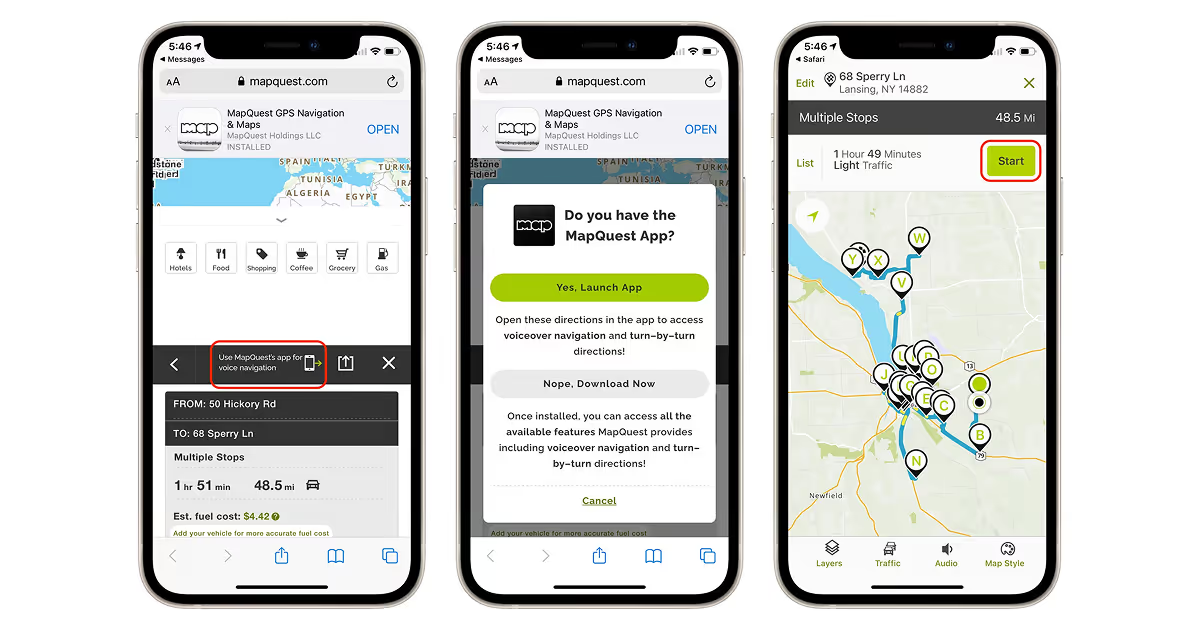
MapQuest offers unlimited waypoint planning with automatic reordering for route efficiency. The app also includes gas price finders and booking integrations for hotels and restaurants. It works well for personal trip planning but lacks the delivery-focused features professionals need.
RoadWarrior is one of the best multi-stop route planner apps for delivery drivers. It optimizes routes by distance or duration while considering real-time traffic, tolls, and travel mode preferences. The free version limits you to 8 stops per route and 48 optimized stops daily. Professional plans at $15.99 monthly support up to 200 stops per route with CSV import and time window management.
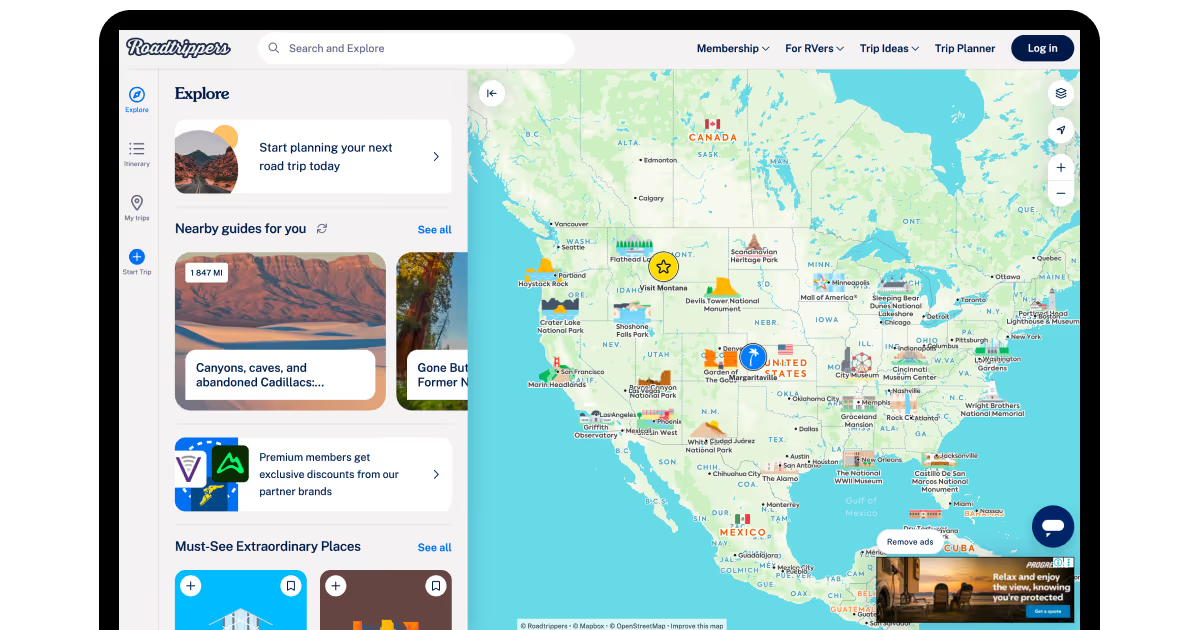
Roadtrippers specializes in road trip discovery with millions of points of interest, including quirky attractions and scenic viewpoints. It calculates fuel costs, suggests overnight stops, and creates shareable itineraries. Premium features include offline maps and unlimited waypoints.
Despite this wide variety of options, you can easily choose the perfect one for you if you know some insider tips.
How to choose the right app
What is the best route planner app for your specific company? Selecting the right route planner depends on your specific needs, budget, and operational scale. Ask yourself these questions before committing to any solution.
What is your primary use case? Delivery operations need different features than road trip planning. If you run a delivery business, prioritize apps with proof of delivery, time window management, and vehicle capacity constraints. For personal travel, focus on discovery features, offline maps, and trip sharing capabilities.
How many stops do you typically handle? Free versions often cap stops at 8 to 10. This works for small operations or personal use but breaks down quickly at scale. Count your average daily stops and pick a solution that handles your volume comfortably without constant upgrades.
Do you need real-time optimization? Static routes work fine for predictable schedules. Dynamic operations with changing conditions require apps that adjust routes based on traffic, weather, and last-minute order changes. This capability typically costs more but saves money through efficiency gains.
What is your budget? Google Maps and Waze are the best free route planner apps for delivery drivers who need basic routing. Professional delivery operations justify paid solutions starting around $10 monthly. Enterprise platforms costing €100+ monthly make sense only when managing large fleets where optimization delivers measurable savings.
How important is proof of delivery? If you need signatures, photos, and timestamps to confirm deliveries, this feature becomes mandatory. Many budget apps skip POD or gate it behind expensive tiers. Factor this into your comparison if accountability matters.
What integrations do you need? Standalone apps work fine until you need to connect with e-commerce platforms, CRM systems, or inventory management. If your operation depends on data flowing between systems, prioritize apps with robust integration capabilities.
How technical is your team? Complex enterprise platforms offer powerful features but require training and technical knowledge. Simpler apps like Circuit or Laskar emphasize ease of use over advanced capabilities. Match the learning curve to your team's skills and available training time.
If your in-house team lacks internal tech proficiency, a skilled and experienced consultant can help you. Companies like COAX are also helpful if you’re deciding to build integrations that go beyond what off-the-shelf apps can offer. Also, our logistics software development services help you expand your legacy systems with route planning modules - useful additions without overhauling your entire infrastructure. But first, let’s decide if you need custom builds at all.
Advantages of a custom route planner app
Off-the-shelf route planning apps hit a wall the moment your business does anything unusual. You end up bending your operations to fit the software instead of the other way around.
Your business does not run like everyone else's. Standard apps handle typical deliveries. They fall apart when you haul temperature-controlled pharmaceuticals, install heavy machinery with crane requirements, or dispatch certified technicians to jobs requiring specific credentials. Forcing these scenarios into generic software means building clunky changes that waste time and introduce errors.
Being like your competitors gets you nowhere. When everyone runs the same routing app, nobody gains an edge. Purpose-built software lets you optimize around what actually matters to your customers. Maybe you differentiate on sustainability metrics. Maybe you balance team workloads to reduce turnover. Generic tools cannot prioritize these factors - they serve everybody, therefore serve nobody particularly well.
Your existing systems need to talk to each other. You already run inventory databases, CRM platforms, accounting software, and warehouse management systems. Custom development connects everything without friction. Orders flow automatically from your OMS into route planning, then sync back to accounting for invoicing.
Growth should not bankrupt you. Subscription services bill per driver or per route. Scale to fifty trucks and you are writing checks that rival your fuel budget. Custom software costs money upfront but scales cheaply. Build it once and run it across your entire fleet without paying exponentially more.
Your data belongs to you. Owning the software means owning the data. Run any analysis you want. Build forecasting models. Spot patterns competitors miss because they only see what their vendor dashboard shows them.
You decide what gets built next. Generic mobile route planner apps add features that their entire customer base might use. Your specific workflow improvement never makes their roadmap because you are one voice among thousands. Custom software development responds to your priorities directly.
Your interface represents your company. Generic apps look generic. Custom interfaces match your brand and workflows. Driver apps prioritize what your field teams actually need, and customer tracking portals blend with your existing web presence.
Workarounds create technical debt. Each time generic software lacks a needed feature, you improvise. Export routes to spreadsheets. Manually update customer records. Processes become fragile. Training new employees gets harder because half the job involves working around the software instead of just using it. Custom solutions eliminate patches by implementing requirements correctly from day one.
Vendor dependency creates risk. What happens if your route planning vendor gets acquired? You face sudden migration pressure with limited options. Custom software eliminates vendor dependency. You own the code and control the roadmap. As Namoun noted, distributed architectures and flexible software design enable systems to adapt and scale according to specific urban environments and changing requirements.
Your business needs software that moves at your pace. During our custom mobile app development, COAX experts build transport platforms from scratch - starting with research into how your operation actually works. We design, build, test, deploy, and then stick around for ongoing maintenance. When regulations change or your business model shifts, adjustments happen quickly because we understand the codebase completely.
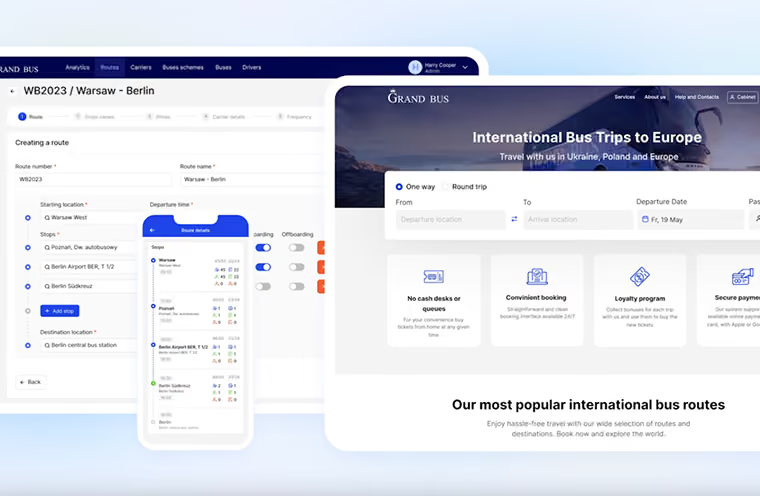
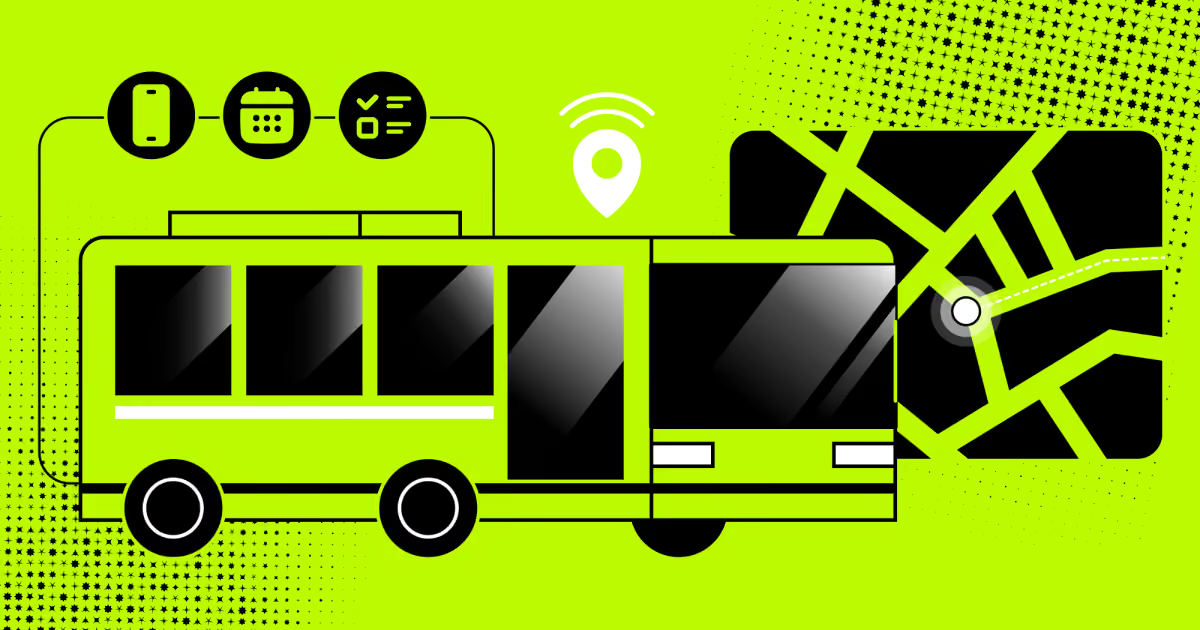
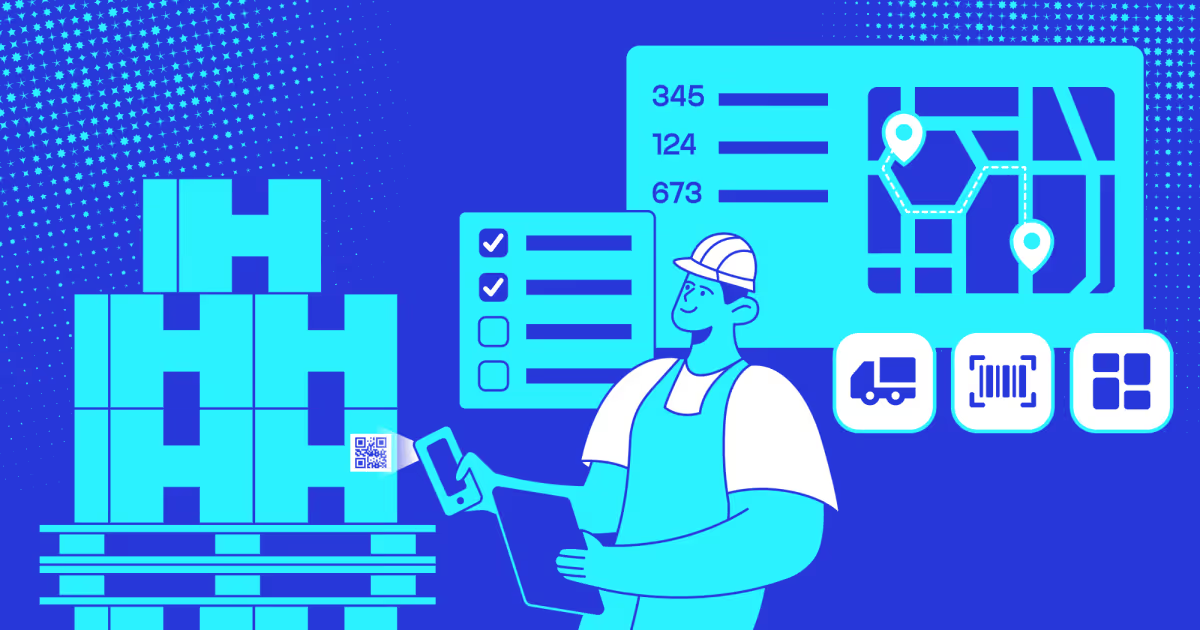
We tried and tested our capabilities in real-world scenarios. For instance, the GrandBus drivers used to manage routes with paper notebooks and phone calls. We built them a mobile route planning app that handles route updates, passenger check-ins via QR scanning, and direct ticket sales. The system respects driver schedules, tracks actual boarding numbers at each stop, and saves roughly 45 minutes per route compared to their old workflow. We stay current with industry shifts, too. Our team is heading to ITB Berlin 2026 in March to connect with travel and logistics companies that explore new opportunities and emerging tech in the industry.
Maintenance is what we cover perfectly, too. We monitor performance, patch security issues, and refine features based on how your team uses the system. With us, you get a reliable partner for years to come.
FAQ
How to calculate the route planner app efficiency for my business?
Track key metrics before and after implementation: total travel time, distance driven, fuel consumption, and cost per delivery. Measure stops per hour, first-attempt delivery rates, and overtime hours. As Hecht showed in their user-centered route planning research, effective systems improve user control and operational efficiency through iterative evaluation of real-world use cases. Calculate savings by comparing baseline fuel costs and driver hours against post-implementation data, then subtract app costs to determine net ROI.
What is the best route planner app for iPhone if I have a small business?
Circuit Route Planner offers easy optimization with proof of delivery features. RoadWarrior provides budget-friendly multi-stop planning starting at $15.99 monthly. Google Maps works for free for simple 10-stop routing with traffic awareness. Choose based on your stop volume and feature needs.
What are the delivery route planner app implementation challenges?
Implementation faces multiple hurdles:
Geocoding errors from inaccurate addresses
Data silos across disconnected systems
Complex multi-stop optimization with hundreds of variables
Real-time traffic and weather adjustments
Tight delivery time windows
Legacy system integration issues
Training requirements
Performance bottlenecks as business scales.
How does COAX create secure and efficient route planner apps?
COAX holds ISO/IEC 27001:2022 certification for comprehensive security management and ISO 9001 for quality processes. We implement end-to-end encryption, secure API integrations, regular security audits, and scalable cloud infrastructure. Our development follows industry best practices for data protection, real-time synchronization, and performance optimization across platforms.



































































_.avif)






%2520explained.avif)

We are interested in your opinion