Marcus was the CFO of the logistics company. His fleet ran fine on paper. Three hundred vehicles. Steady contracts. Growing revenue. But every month, the numbers didn't add up. Finance pulled fuel data from one app. Dispatch pulled it from another. Nobody's totals matched.
His team spent hours reconciling GPS logs, invoices, and driver reports by hand. Three separate vendor tools held pieces of the same shipment. Marcus assumed the fix was a bigger reporting team.
It wasn't.
We've spent 15+ years building logistics and travel tech at COAX Software. When we took over the SyncMatix project, we learned something blunt. Fragmented data isn't a staffing problem. It's a repetition problem hiding behind five different logins.
Robotic process automation in supply chain operations is what you often need to overcome this challenge. Not by replacing the team like Marcus tried to. By taking the manual reconciling off their desks entirely.
Below, we cover what RPA (robotic process automation) is and how it differs from broader automation. We also explain where it runs inside real supply chain workflows, and what tools you should get (or build).
What is robotic process automation?
Robotic process automation is software that mimics human clicks. It logs into systems, copies data, and triggers actions. No coding changes required on the backend. That's the whole definition, stripped down.
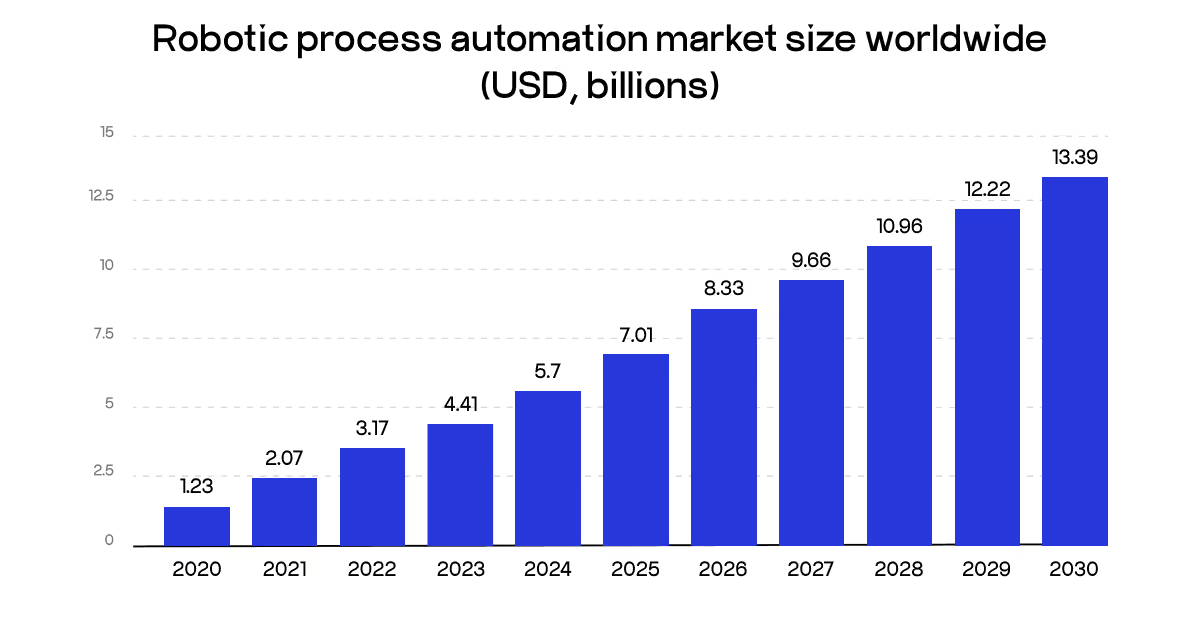
The market backs up why this matters now. Statista values the global RPA market at $7.1 billion in 2025. Moreover, it’s projected to reach $13.39 billion by 2030. Supply chain and logistics are near the center of that curve.
Manual processes cause 71% of supply chain errors. That's not a training problem. Humans re-key the same data across five systems daily, and mistakes compound.
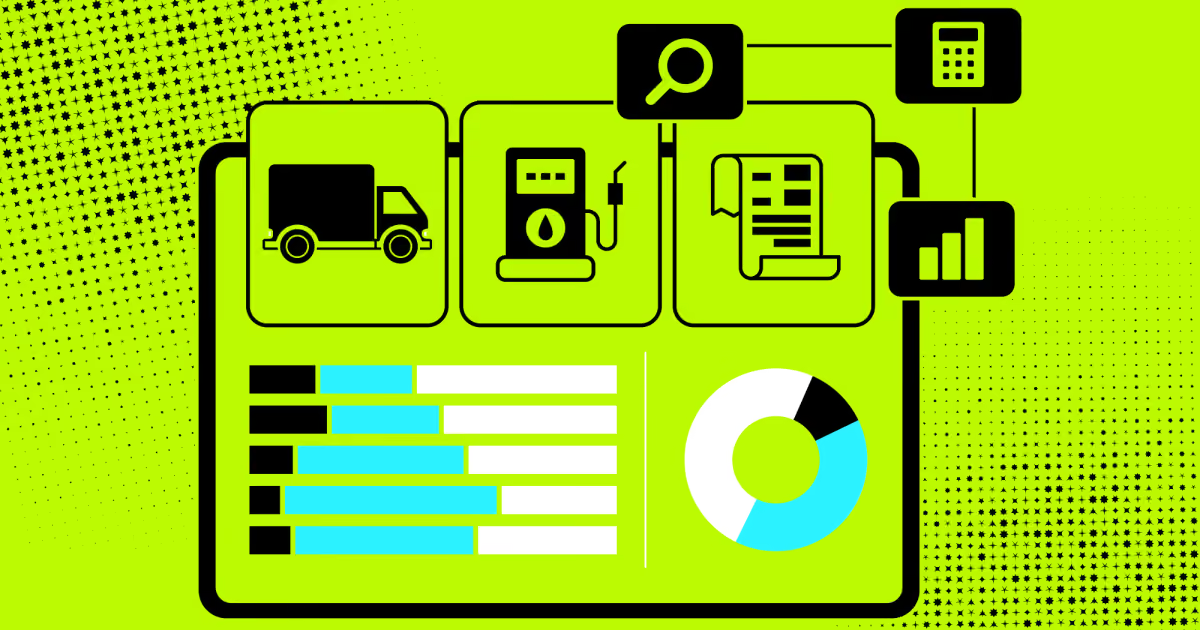
On our SyncMatix project, we saw this clearly. The client's fleet data was scattered across GPS tools, a separate reporting app, and disconnected driver logs. RPA in supply chain management wasn't the whole fix there. But it's exactly the layer that would've cut the manual reconciliation work in half.
That's the promise. RPA in logistics and freight specifically thrives on this kind of fragmented, repetitive workload. Now let's separate it from the automation you might already be running.
Differences between logistics RPA and traditional automation
"The bots don't make the call on whether to reroute a truck. They make sure the dispatcher sees the problem before the customer does," says Orest Falchuk, Head of Engineering at COAX Software.
RPA and traditional automation solve different problems. RPA copies what a human already does. Traditional automation rebuilds the process at the system level. Confusing the two leads teams to buy the wrong tool.
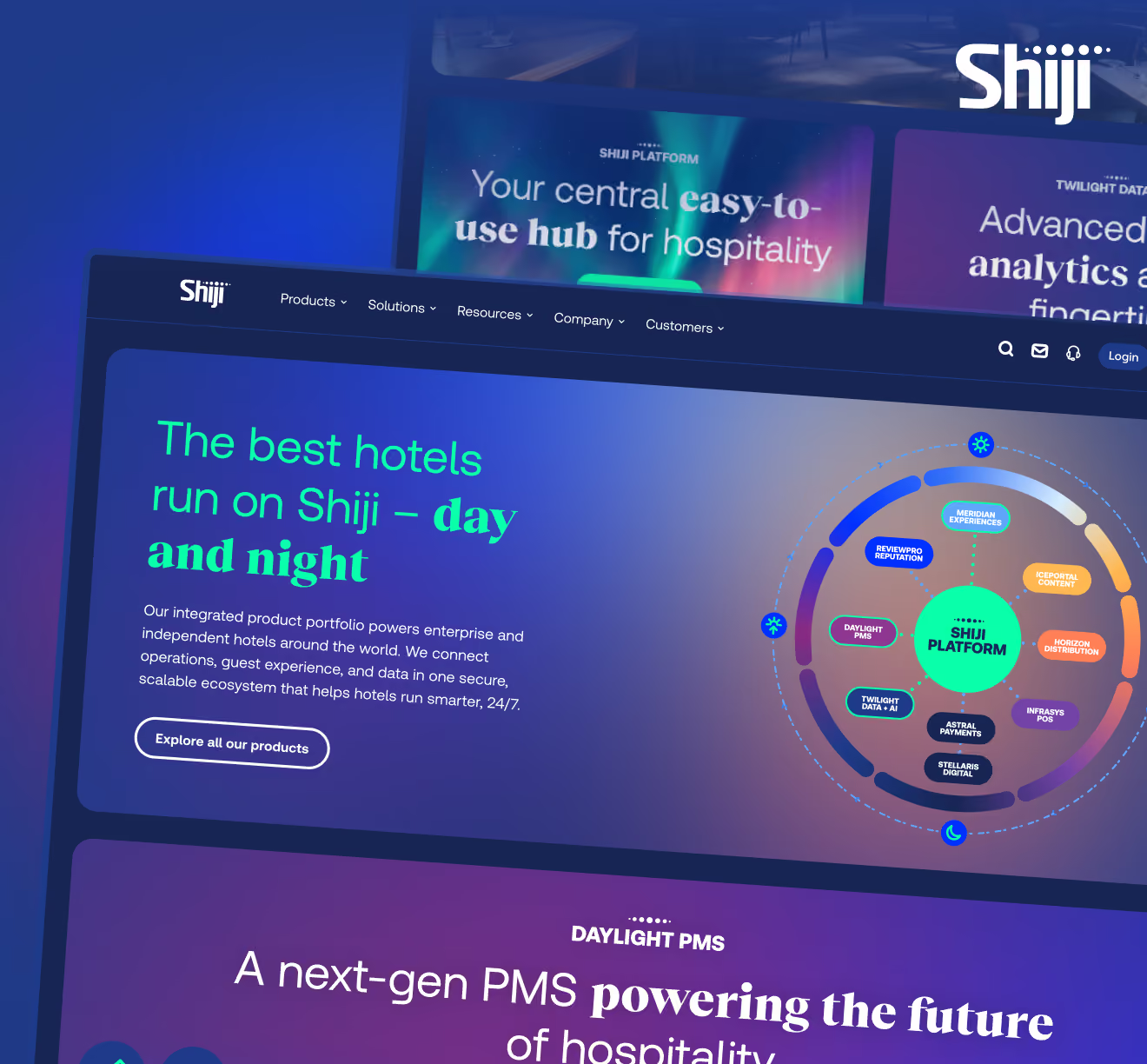
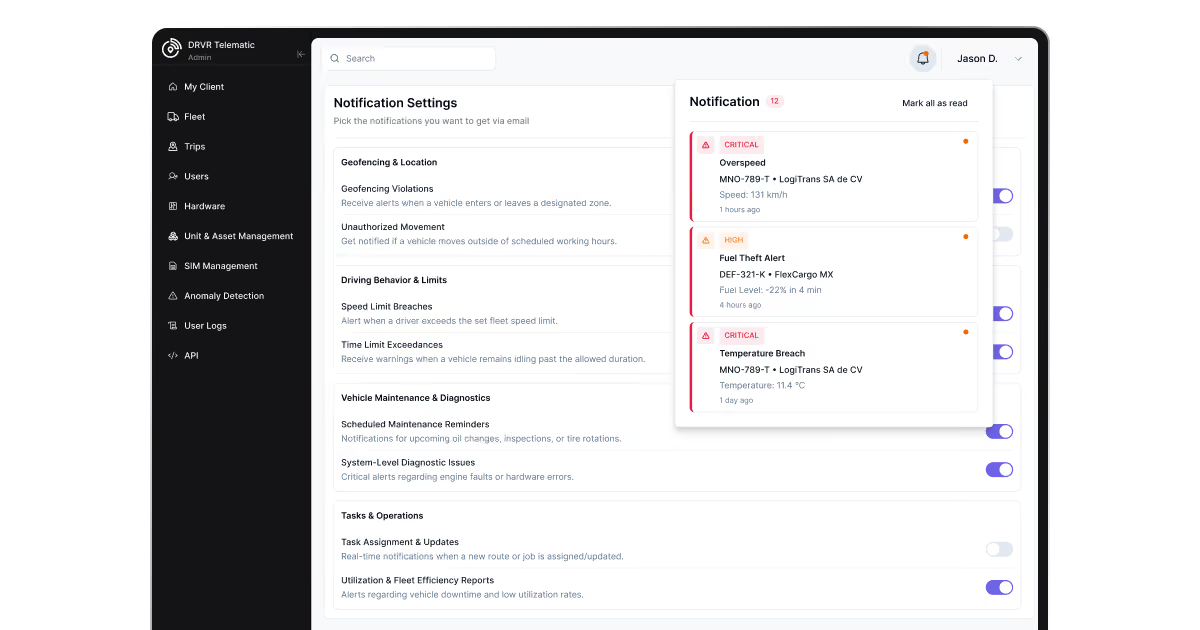
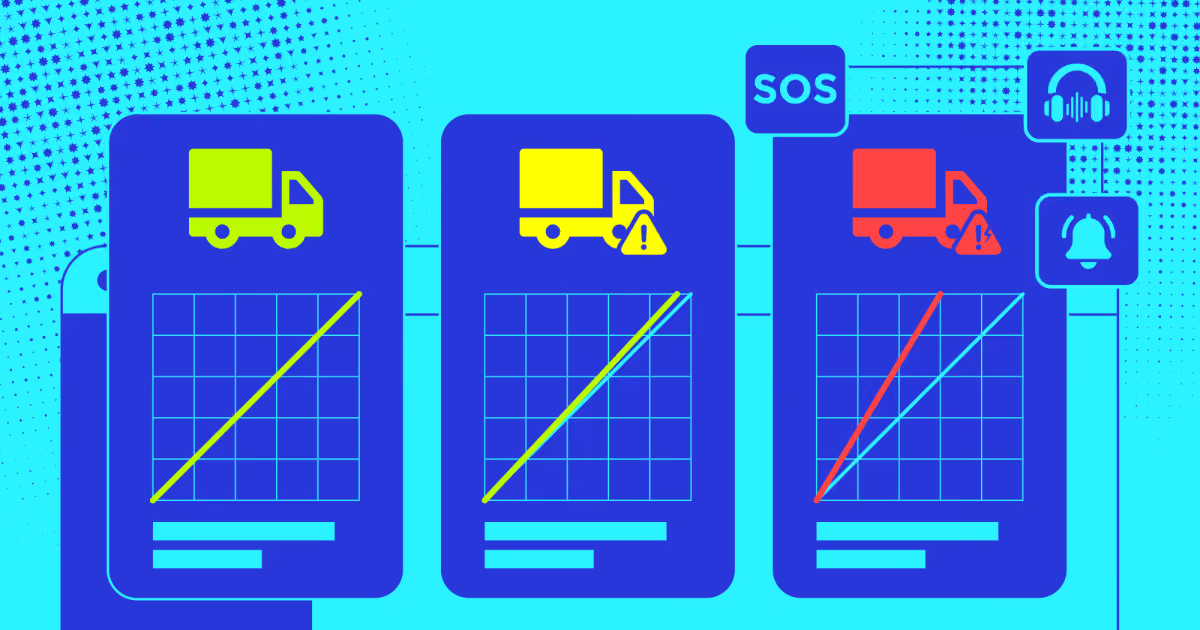
On SyncMatix, our configurable alert and notification system shows the split. Alerts route by role: fleet managers get utilization warnings, drivers get task updates, admins get system-level flags. That routing logic isn't RPA. It's backend automation built into the platform itself.
Here's where the two approaches diverge:
Depth: RPA clicks through screens like a human would. Traditional automation connects systems through APIs directly.
Data handling: RPA bots navigate a WMS solution manually, screen by screen. Traditional automation pulls the same data straight from the database.
Adaptability: RPA adjusts fast when a screen layout changes. Traditional automation often needs a developer to rebuild the integration.
Deployment speed: RPA bots go live in weeks. Traditional automation projects can run for months.
Cognitive scope: RPA executes fixed rules without judgment. Intelligent automation layers in AI and decision-making on top.
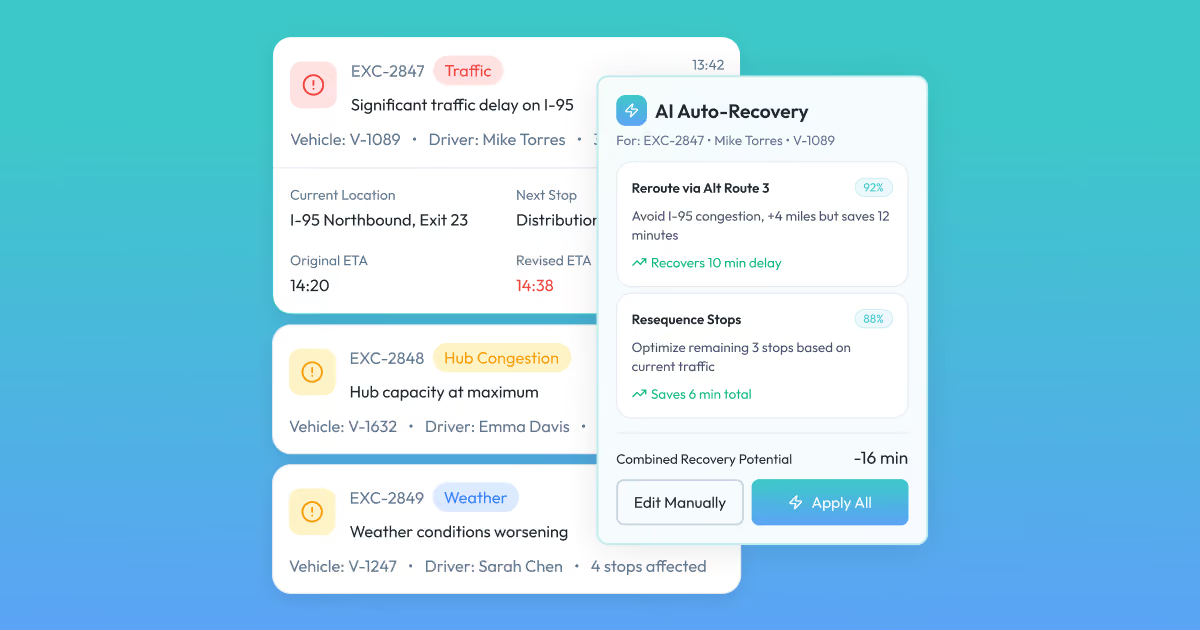
That last distinction matters more each year. On the DriveIQ platform COAX built, our auto-recovery optimizer doesn't just repeat a rule. It weighs traffic, driver safety scores, and workload before suggesting a route change. That's business process automation vs robotic process automation in practice: one recommends, the other repeats.
Robotic process automation logistics use cases belong mostly on the repeat side, and that's fine. Most of the pain isn't a missing algorithm. It's a dispatcher manually re-typing the same exception into three systems before lunch, every single day.
How does RPA work in the supply chain?
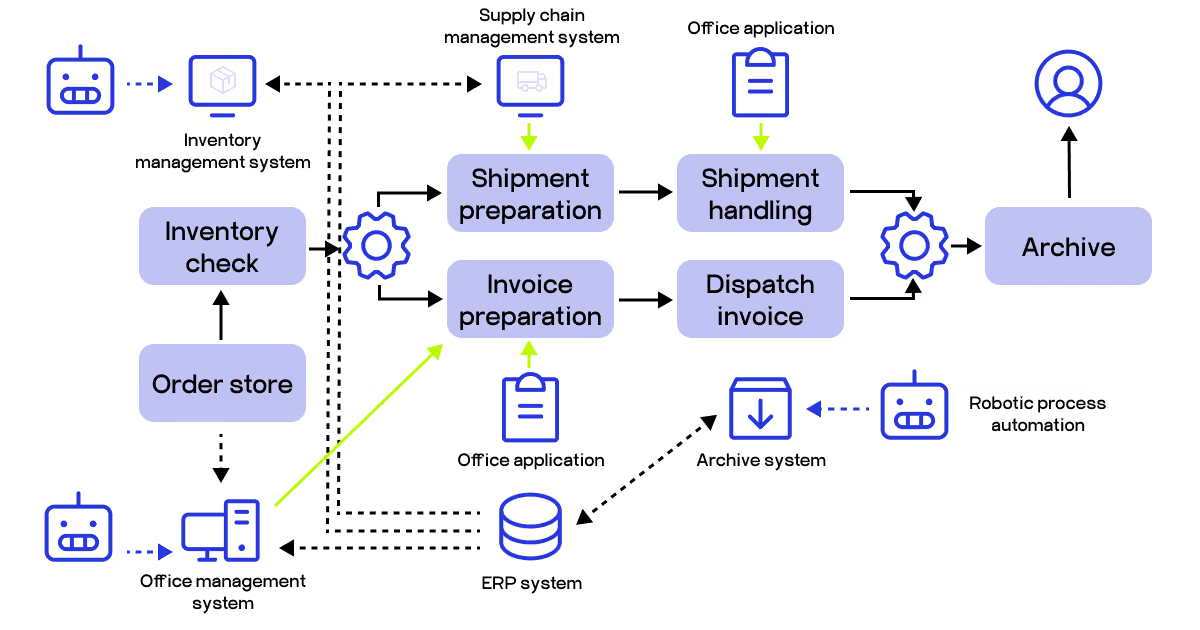
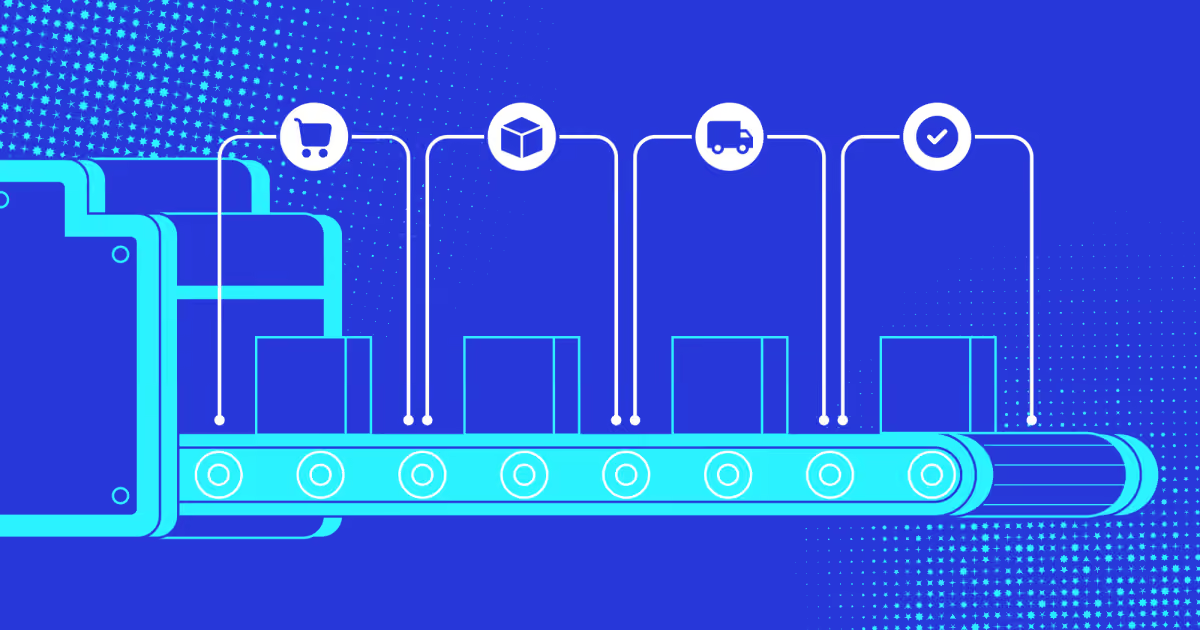
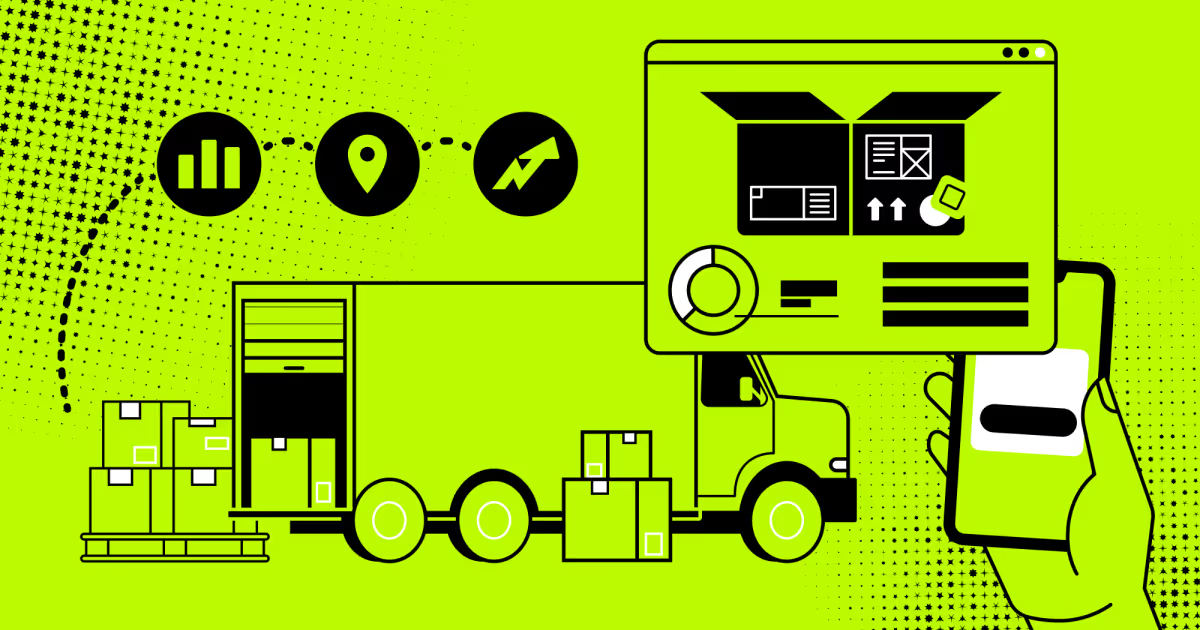
RPA in the supply chain runs on bots that sit between your systems. They read a trigger, pull data, and push it forward, no human typing required. Picture an order coming in: a bot checks inventory, prepares the shipment, and dispatches the invoice, all without anyone touching a keyboard.
"The bot doesn't know what a truck is. It just knows: if this field says 'delayed,' update that field over there," explains a COAX backend engineer from the DriveIQ project.
Here's what that looks like stage by stage:
Order intake triggers an inventory check across the order store and warehouse system.
Shipment preparation pulls data from the supply chain management system automatically.
Invoice preparation cross-references the same order against office and ERP records.
Shipment handling and invoice dispatch run in parallel, then converge into one archive step.
Archiving logs everything back into the ERP system for audit and reporting.
That's supply chain process automation at its simplest: one trigger, several systems, zero re-typing.
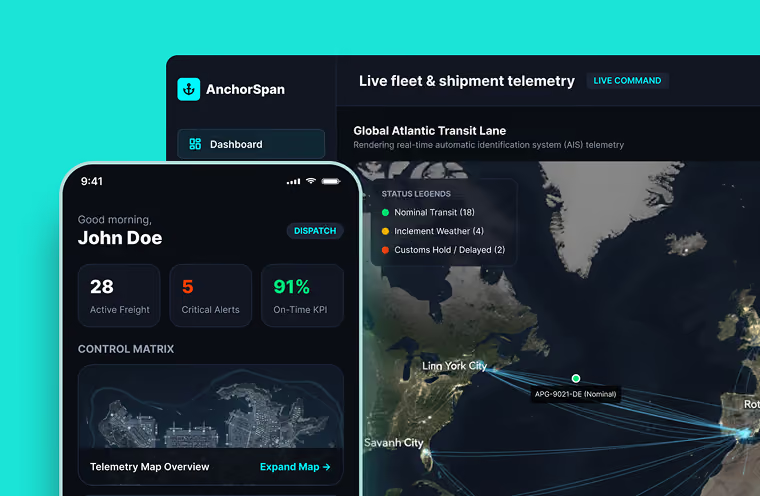
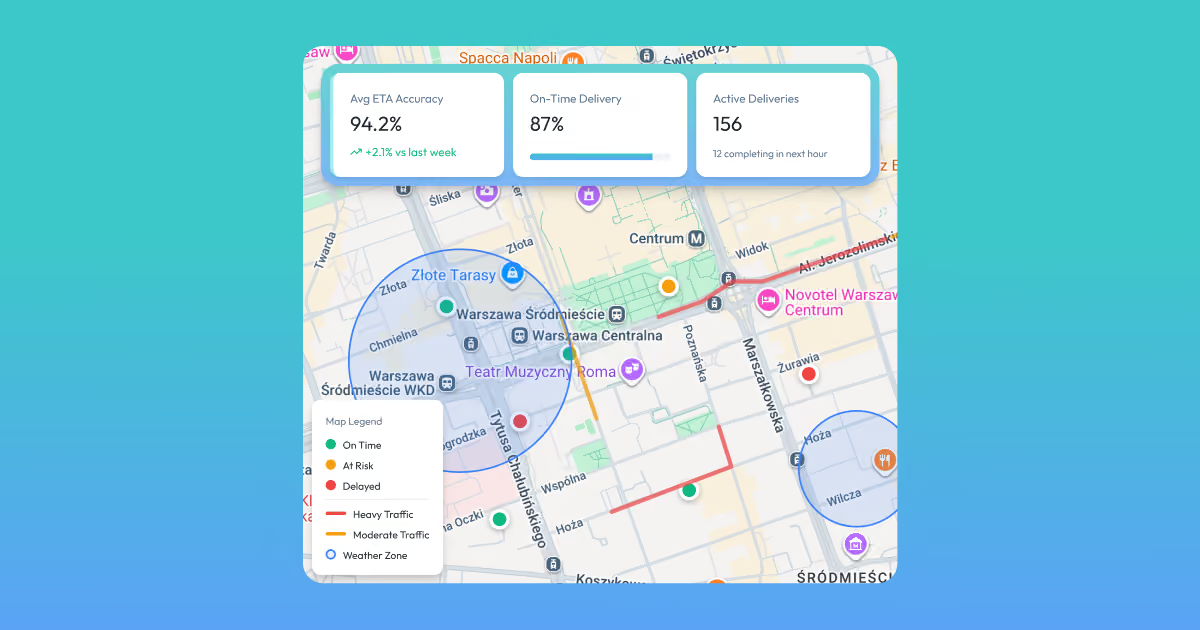
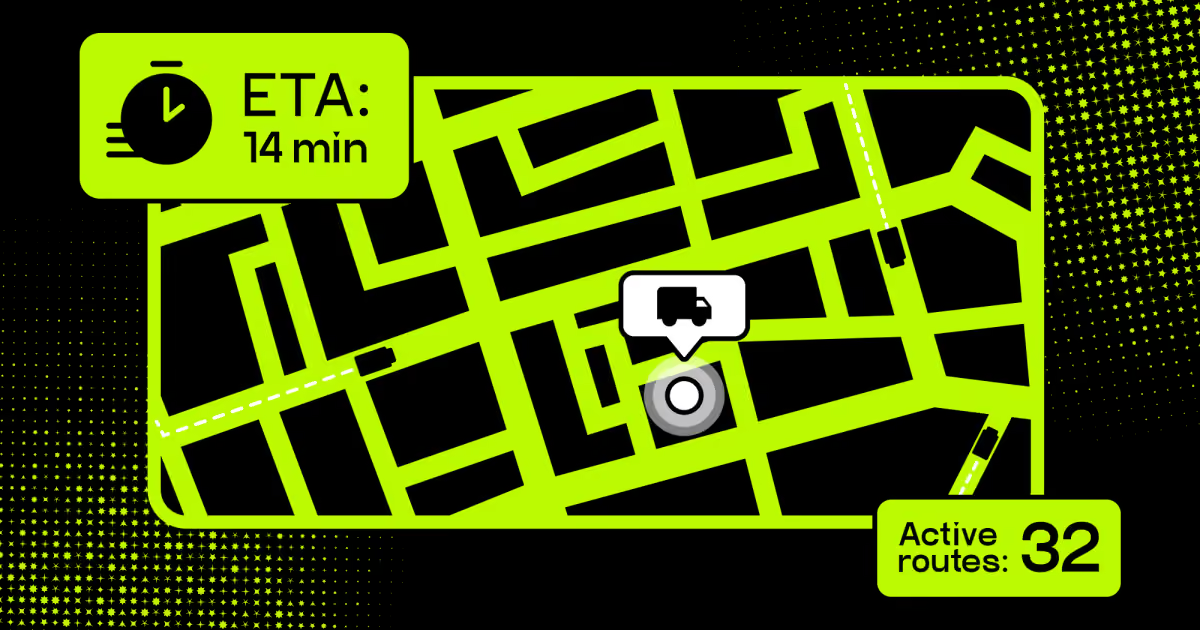
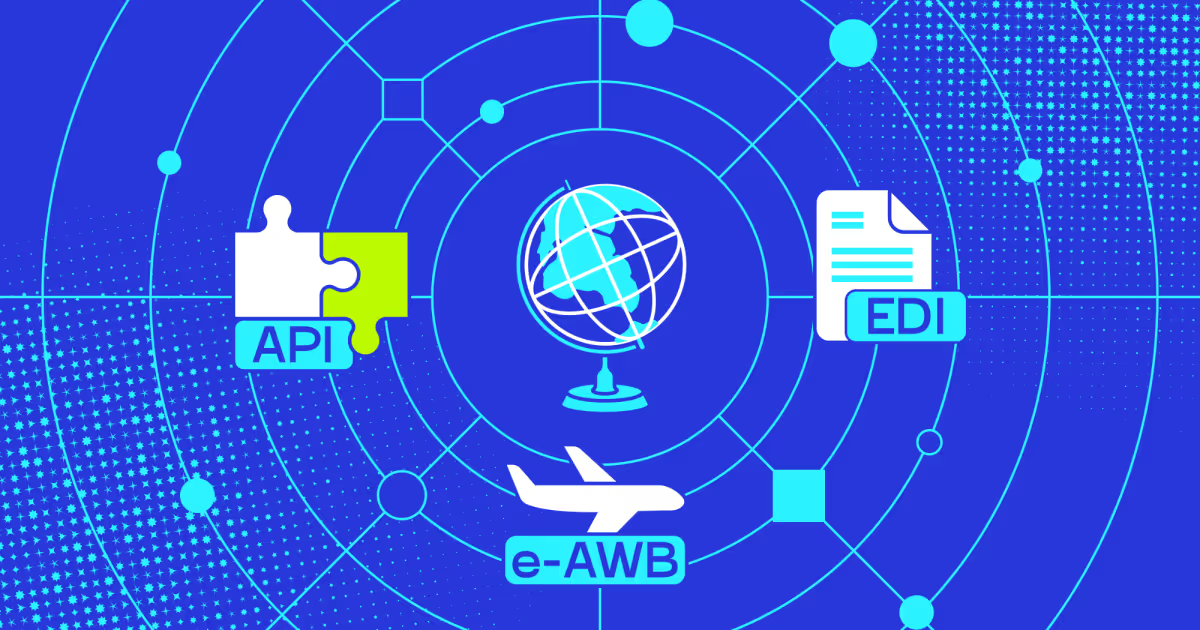
On SyncMatix, this kind of cloud RPA logic sat underneath the platform's real-time tracking. GPS pings, EDI feeds, and manual logs merged into one queryable source. Fleet managers stopped switching between apps to answer one question.
DriveIQ pushes the same idea further into customer-facing workflows. Its proactive customer interaction feature generates delay notifications automatically, in English, Ukrainian, and Polish. A human still approves anything SLA-sensitive. But the drafting, translating, and sending run without manual input, cutting notification requests by 85%.
That's robotics in supply chain work in practice. Bots handle the repetitive middle, so your team handles the judgment calls. Next, let's look at where this pays off fastest.
What are the challenges in supply chain operations that RPA solves?
Most supply chain teams don't lack tools. They lack sync between the tools they already have. That gap creates delays, errors, and burnout long before anyone blames the technology itself.
Every supply chain hits the same handful of walls eventually. They just wear different names depending on the industry. Here's what shows up most often across our client builds.
Fragmented data: systems don't share timestamps, so nobody trusts the numbers.
Manual reconciliation: staff re-key the same order into three separate tools.
Slow reporting: generating one route summary can eat 30+ minutes by hand.
Inventory drift: stock counts fall out of sync the moment volume spikes.
Compliance paperwork: cross-border shipments pile up customs forms nobody automated.
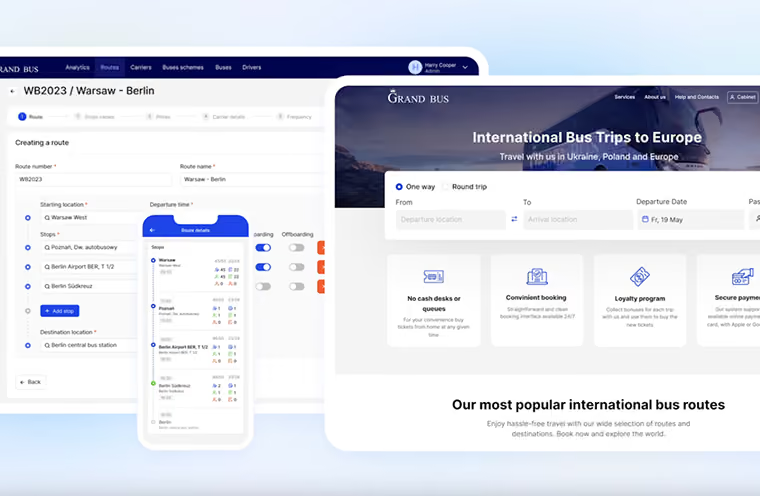
Automation supply chain projects usually start by fixing exactly one of these, not all five at once. On GrandBus, dispatchers ran routes through Excel spreadsheets and phone calls. Drivers logged passengers in paper notebooks. That's not a tech failure. It's an RPA in supply chain management gap, plain and simple.
The pattern repeats at scale too. A 500-vehicle carrier we worked with hit 45% driver turnover partly because dispatchers learned about missed deliveries from angry phone calls. RPA supply chain fixes don't replace judgment. They remove the friction that buries it.
How RPA closes the gaps
RPA doesn't solve strategy. It solves the repetitive layer sitting underneath it. Once that layer clears, the real problems finally become visible enough to fix.
"We didn't build DriveIQ to replace dispatcher judgment. We built it so judgment wasn't buried under twelve minutes of manual diagnosis," shares Orest Falchuk, Head of Engineering at COAX Software.
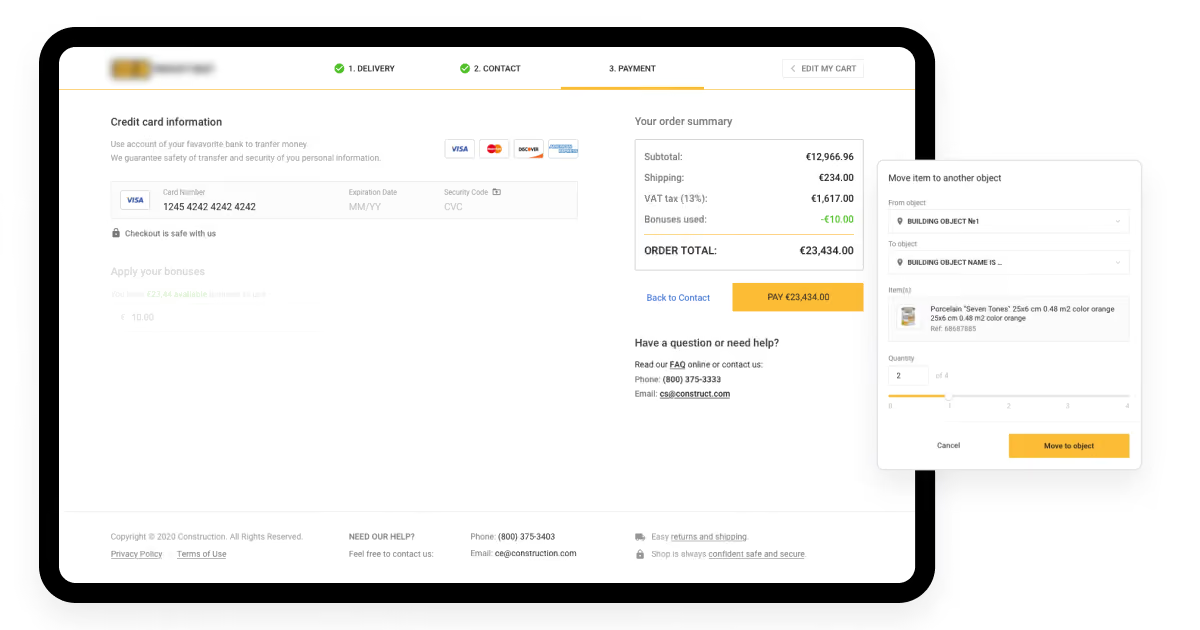
A construction retailer, SmartBat, came to us wanting a faster checkout. That was the ask. The real problem surfaced during discovery: inventory counts drifted the second traffic spiked, and staff manually adjusted stock between sales channels. We built real-time inventory validation in under one second per transaction. Reorder time dropped 75%. The "checkout" project turned into an inventory-sync project instead.
Robotic process automation in supply chain work often plays out this way. The stated problem and the real one rarely match on day one. On DriveIQ, the client asked for better routing. What they actually needed was an exception queue that clustered root causes automatically, cutting diagnosis time from 12 minutes to under three.
Robotic process automation supply chain deployments succeed when they target that hidden layer, not the surface complaint. Here's how three of our own builds mapped the challenge to fix:
Automated clustering groups root causes into one flagged issue
Inventory drift during traffic spikes (SmartBat)
Real-time validation checks stock in under one second
Paper notebooks and Excel-based route coordination (GrandBus)
Digital route management with automated reporting
Manual customer delay notifications (DriveIQ)
LLM-based messaging drafts and sends automatically
Cross-app data reconciliation (SmartBat, GrandBus)
Bots sync records across systems without re-entry
These aren't hypothetical fixes. They're RPA success stories pulled straight from real production projects. That's the part worth remembering before you start looking for a platform. The fix that worked for someone else's fleet might not be your actual bottleneck at all.
What are the benefits of RPA in supply chain management?
It's a Wednesday. Nothing special about it, until 2 p.m. hits.
A customs form sits unflagged in someone's inbox. A dispatcher juggles four screens, trying to find one shipment's real status. A driver waits 45 minutes for a status update nobody sent. By 3 p.m., a customer calls, furious, and nobody on the line has an answer.
None of this is dramatic. It's just Wednesday, repeated every week, quietly draining hours nobody tracks. This is exactly the gap RPA in supply chain management closes. Not the big crisis, but the thousand small ones.
Deloitte's global RPA survey found that 53% of businesses have already implemented it, with wider adoption expected within two years. Here's why the rush makes sense, category by category.
Data processing and insights
Supply chains generate massive amounts of data. Most of it gets buried under manual handling before anyone can use it. Robotic process automation in logistics clears that pile before it forms.
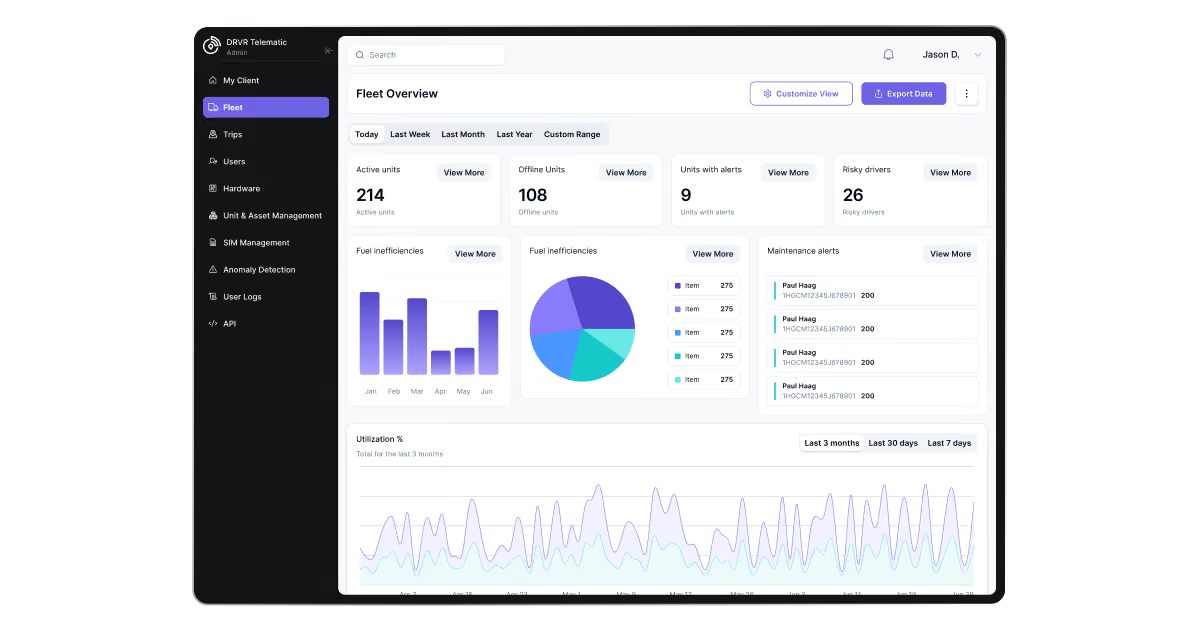
On SyncMatix, this is specifically the layer we built. The advanced analytics engine provides actionable intelligence from raw telemetry data for fuel consumption, maintenance indicators, and driver behavior patterns. No analyst touched raw GPS feeds by hand.
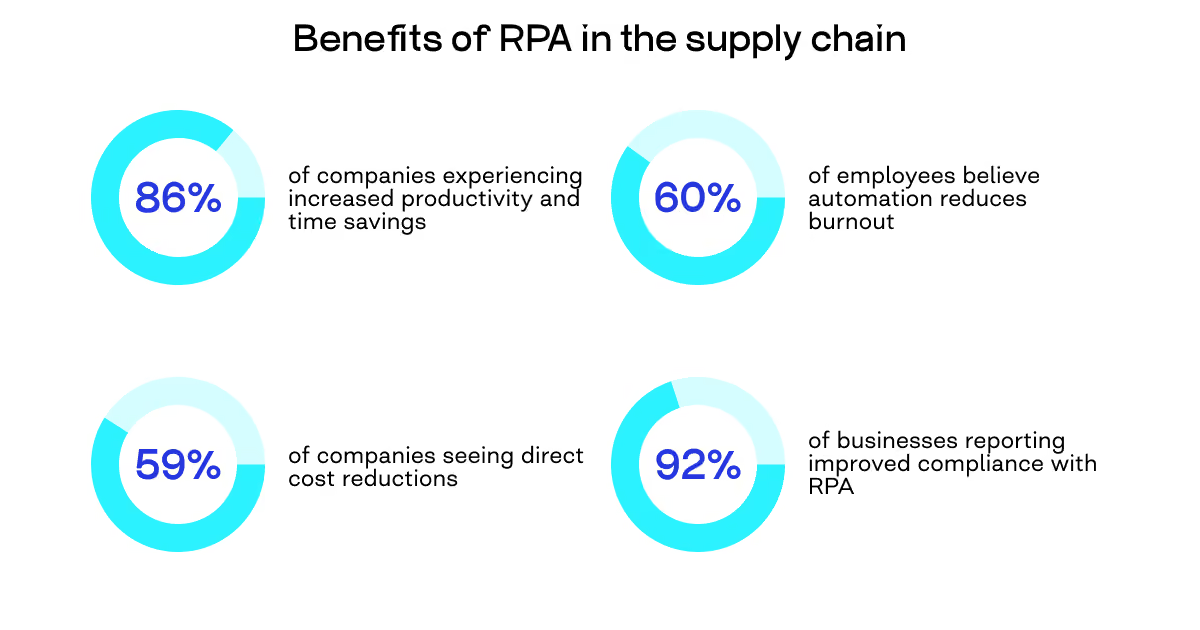
With 86% of companies reporting increased productivity after RPA, we've seen why. Once bots handle the data prep, analysts skip straight to the decision. That's the actual time savings, not the headline number.
Speed and efficiency
Global trade runs on dozens of documents and hundreds of regulations, all needing verification. RPA in supply chain handles that verification at machine speed, not human speed.
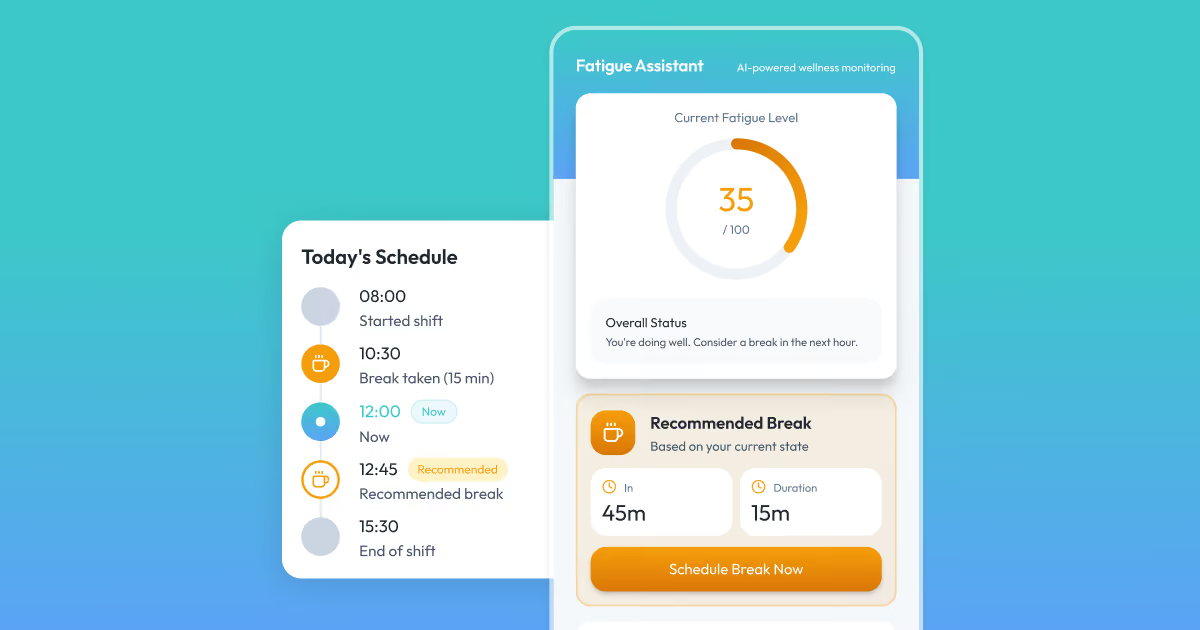
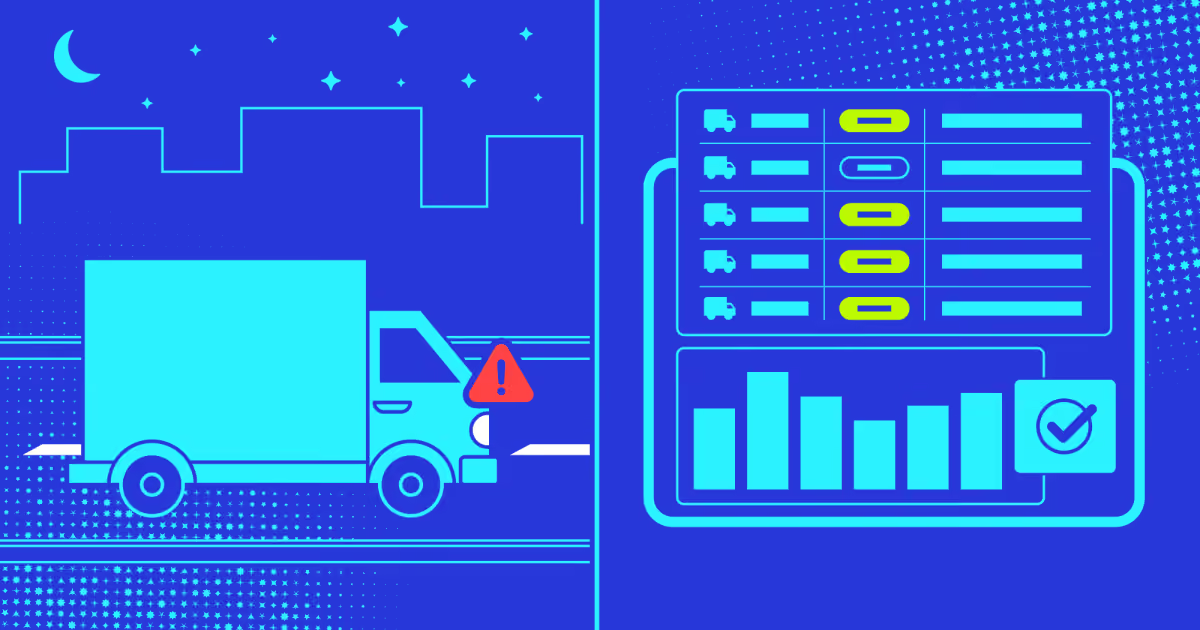
Our DriveIQ project shows what that looks like in a live dispatch environment. The predictive model of DriveIQ examines shift length, time of day, and historical data to identify high-risk fatigue levels and flag them before a human would catch it. That's not a report generated overnight. It's a warning generated in real time.
RPA cuts costs mainly by removing the need for extra headcount during peak load. No overtime. No temp staff for a demand spike. Bots run the same shift every day, without payroll attached.
On DriveIQ, this showed up in the numbers. Fuel savings, reassignment efficiency, and reduced overtime all stacked from one optimization layer. With 59% of companies reporting direct cost reductions from RPA, our experience says the bigger win is usually the reduction in rework, not the reduction in headcount.
Employee satisfaction and retention
Supply chain process automation removes the tasks that quietly wear people down. Invoice entry. Status updates. Copy-pasting the same shipment ID into five tabs.
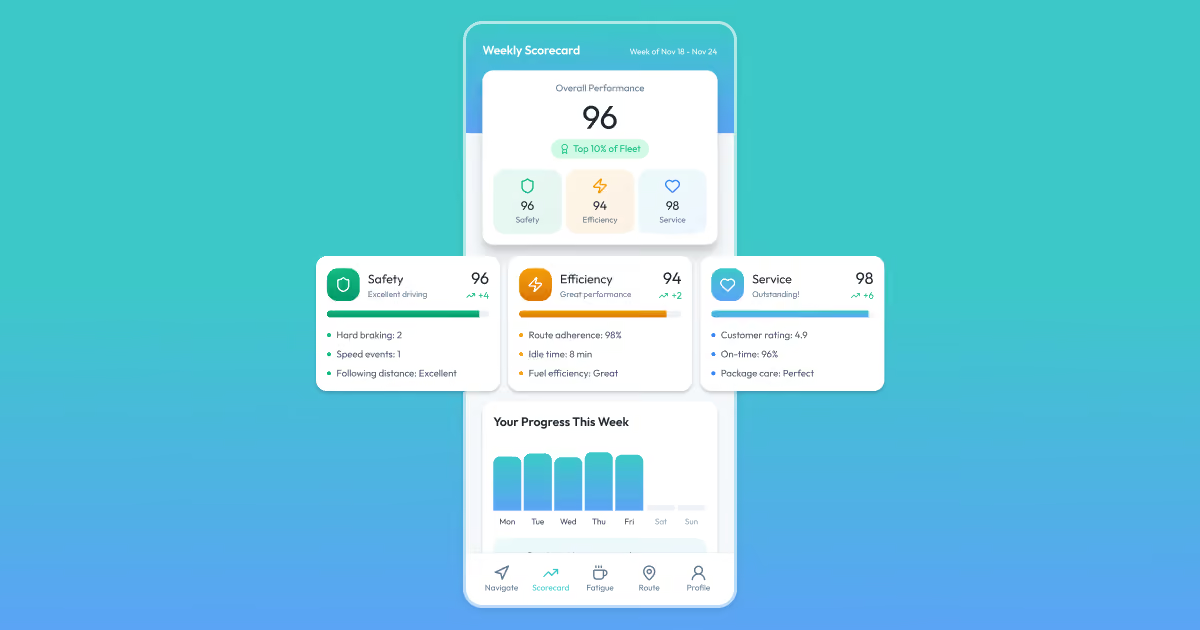
We saw this firsthand on a 500-vehicle fleet with 45% annual driver turnover. Once coaching moved from raw scores to peer benchmarking, engagement changed almost overnight. The benchmarking format was the engagement choice: drivers responded better to "here's where you rank" than to scores alone.
Stats back this pattern. 89% of employees report more job satisfaction after automation, and 60% say it reduces burnout. Retention isn't a side effect here. It's often the main return on investment.
Compliance and accuracy
Compliance in 2026 isn't optional, and it isn't forgiving. Automation in logistics and supply chain management helps by running the same check, the same way, every single time.
DriveIQ's fatigue system is a direct example of this working under real regulatory pressure. In the first quarter, the system potentially prevented over 40 HOS violations by notifying dispatchers before drivers hit their limits. No bot forgets a compliance step at hour eleven of a night shift.
With 92% of businesses reporting improved compliance after RPA, our take is simple. Bots don't skip steps because they're tired or rushed. That consistency is the actual compliance win, not just the audit trail it produces.
Where this heads next matters just as much as where it stands today. The future of robotic process automation in freight leans further into prediction, not just repetition, pairing bots with load optimization software that decides the smartest route before a human even opens the dashboard. Now let's look at how RPA changes each process on the ground.
Who needs supply chain management RPA?
If you touch the same data twice across two different systems, you need it. That's the plain test. Anyone re-typing an order, a shipment status, or an invoice line belongs on this list.
Dispatchers manually diagnosing exceptions need it. Fleet managers reconciling fuel and GPS data across five logins need it. Warehouse staff correcting inventory counts by hand need it. Finance teams matching invoices against purchase orders line by line need it. Customer service reps typing the same delay message forty times a day need it.
If any of that sounds familiar, robotic process automation supply chain tools were built for exactly your Wednesday.
The main supply chain automation use cases
RPA doesn't apply the same way twice. Each corner of the supply chain has its own repetitive pain, and its own fix.
Order processing eats the most hours industry-wide. Bots extract order details from emails or forms, validate them against inventory, and confirm to the customer, all without a person opening a spreadsheet. Ashok Leyland, a commercial vehicle manufacturer, processes 10,000 invoices daily this way. This helps them cut processing costs to a quarter of manual rates. Suppliers don't even need to follow a template. Bots extract, verify against purchase orders, and route straight into payment.
Inventory management runs on the same logic, just applied to stock instead of orders. Bots track levels across locations, flag reorder points, and update every connected system in real time. Cdiscount, a major French e-commerce player, pairs warehouse sensors with forecasting automation. It cross-checks stock against incoming orders. On our SmartBat project, we built the equivalent for a construction retailer. It has real-time inventory validation processing in under one second. This helped cut reorder time by 75% compared to standard checkout.
Returns and after-sales handling is where robotic process automation in logistics quietly saves the most complaints. Bots authorize returns, update inventory, process refunds, and generate shipping labels, while people handle the messy, unstructured conversations that actually need judgment. For instance, DHL runs more than 160 bots across its global service centers, handling the workload of 500 full-time employees.
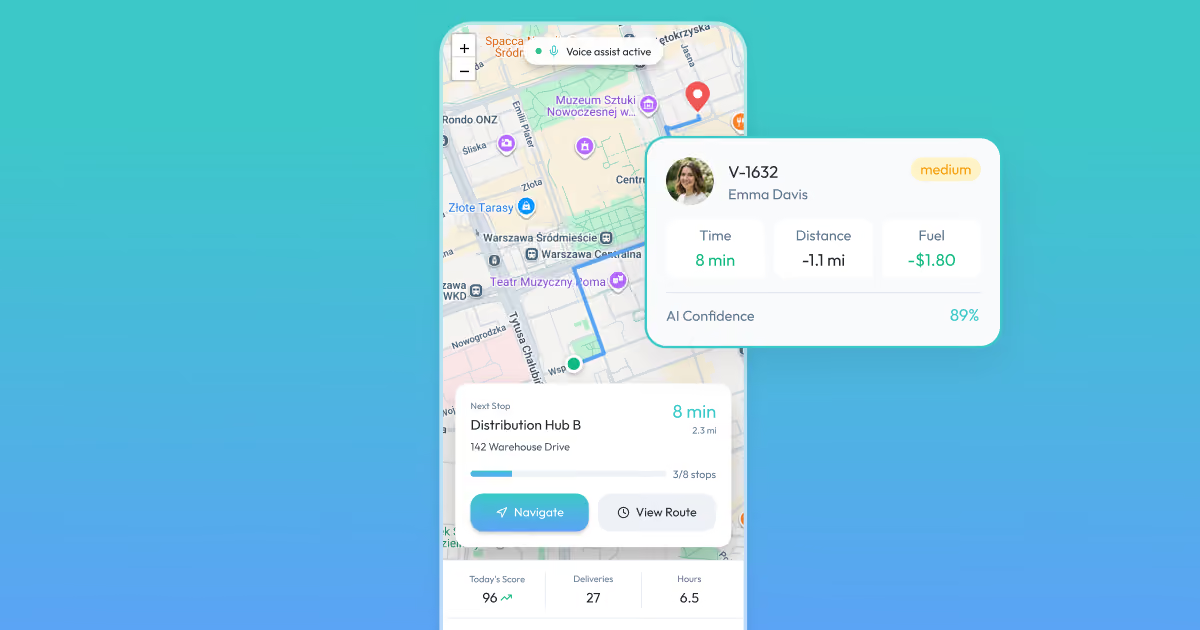
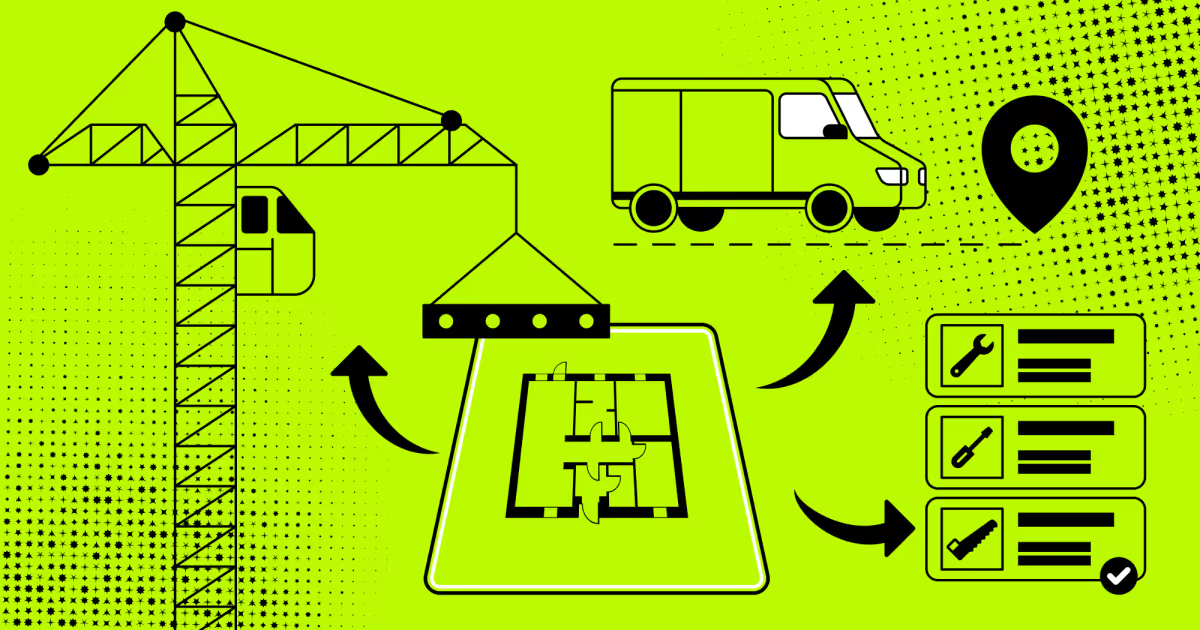
Delivery and route automation focuses on the dispatch layer, not the physical driving. Bots reroute around traffic and closures, then notify drivers and customers automatically. On DriveIQ, the route planning engine makes a recommendation to the dispatcher. They approve it with one click, cutting empty miles by 8% and overtime hours by 22%. Walmart runs a version of this at massive scale. The giant uses 500-plus bots to process over 200 million invoices and 2.1 million payrolls a year.
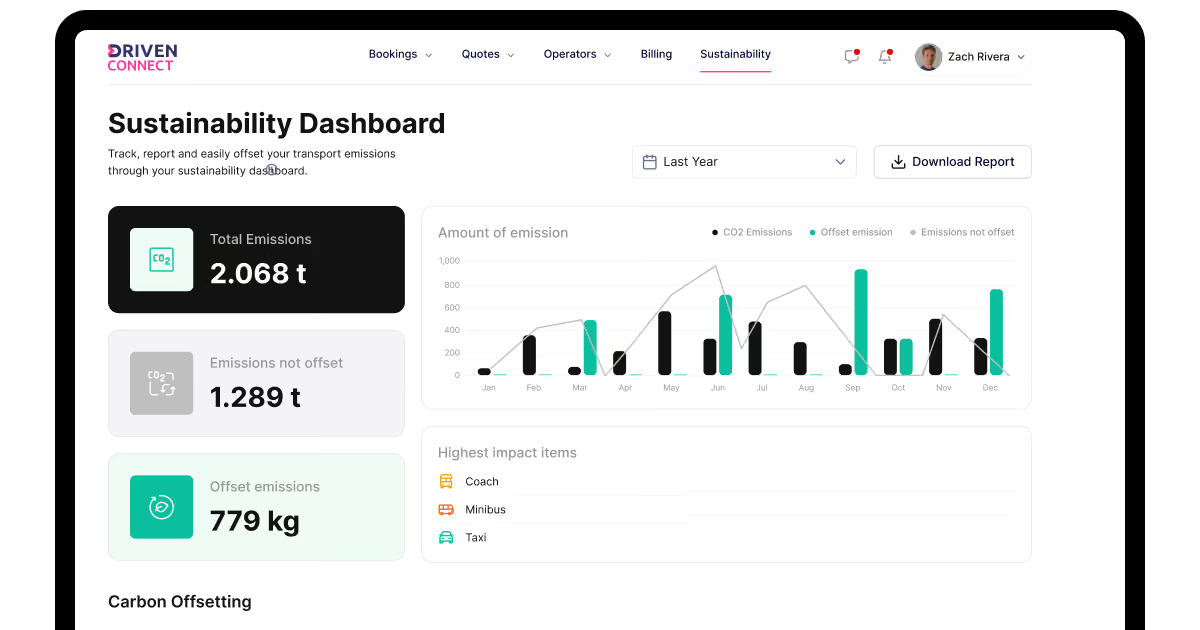
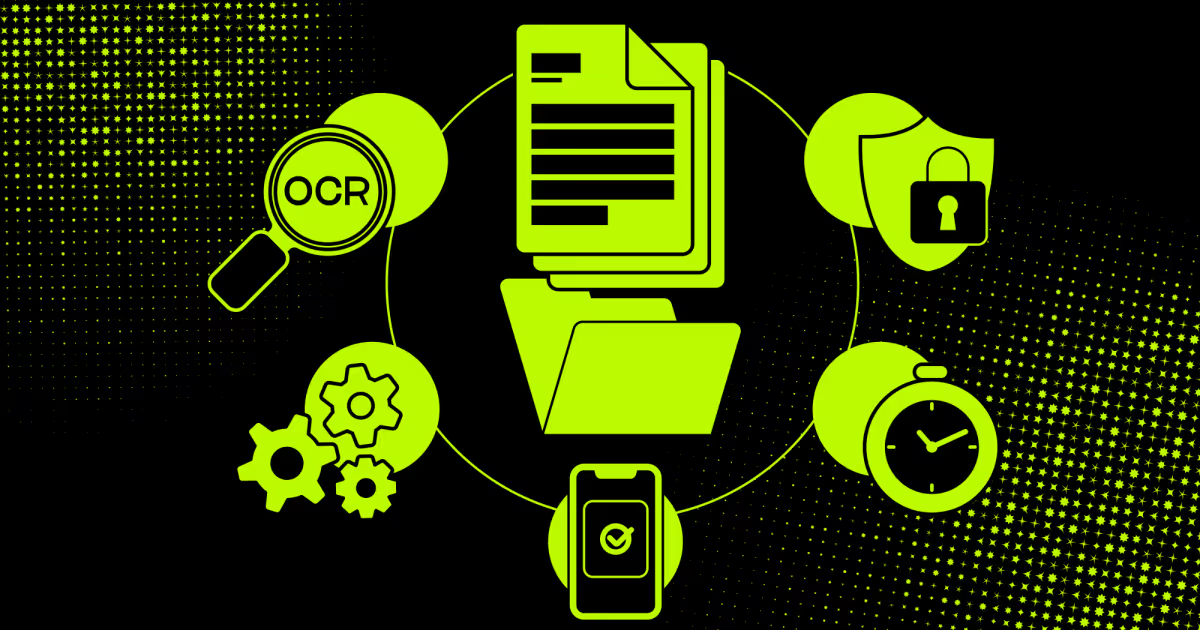
Transaction and document processing covers the paperwork that keeps freight legal at every border. Bots handle customs forms, tax calculations, and compliance checks. They cross-reference regulations. Amazon deployed RPA for tax withholding and cash tracking. They also invested $700 million upskilling 100,000 employees for the strategic work the bots freed up. On the Driven Connect platform we built, our emissions tracking module runs the same principle. It uses vehicle specifications, distance, and fuel type together. It then handles UK carbon tax payments without anyone filing manually.
That's five categories, five different bottlenecks, and five different fixes. Each one maps to a specific role feeling a specific kind of pain. This is exactly why supply chain automation use cases rarely look identical across two companies.
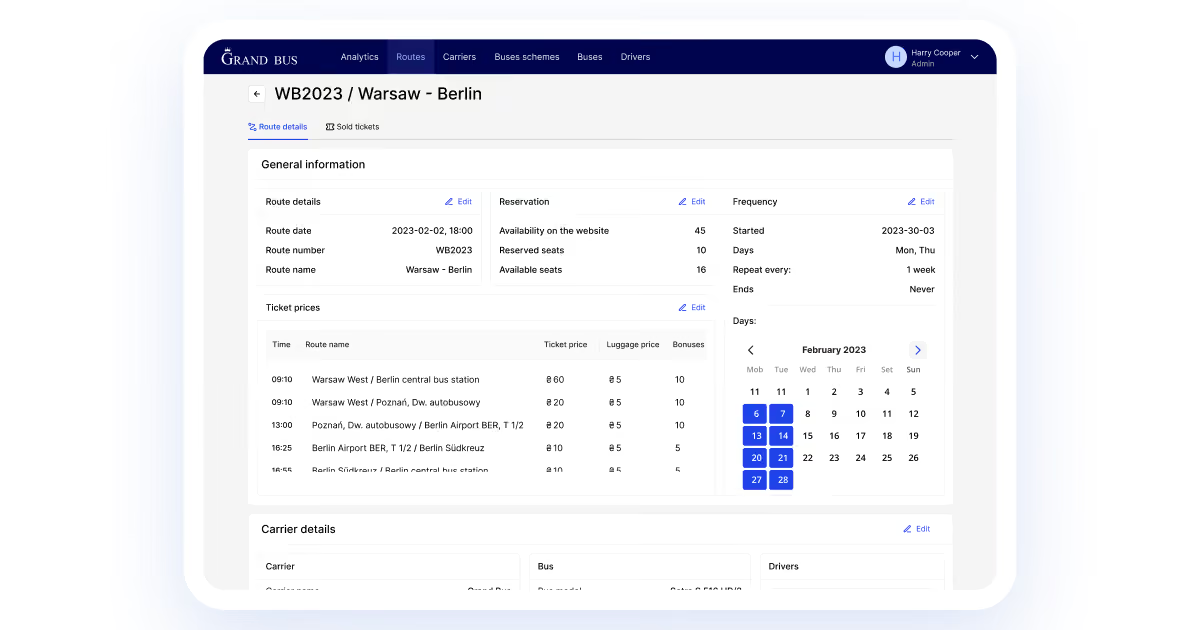
On GrandBus, the story started small and human. Dispatchers coordinated buses through Excel spreadsheets and phone calls. Drivers logged passengers in paper notebooks. We built a TMS integration layer that let dispatchers assign routes digitally. It generated reports automatically instead of by hand. Reporting time dropped by roughly 35 minutes per route, and bus-location phone calls fell from 35% of all customer contact to 5%.
Robotic process automation in supply chain work, done well, touches every one of these roles without asking any of them to change how they already work.
"The best automation is invisible to the person it helps. A dispatcher shouldn't notice the bot ran. They should just notice the exception queue is finally empty," adds Orest Falchuk, Head of Engineering at COAX Software
What to look for in automated supply chain solutions?
The right platform doesn't announce itself with a feature list. It shows up in the moments nobody notices anymore. No reconciliation, no re-typing, no dispatcher digging through five tabs for one answer. That invisibility is the actual signal.
Choosing the right RPA logistics platform decides whether automation actually sticks, or quietly gets abandoned in month three. Matching the tool to your real operational needs matters more than any feature checklist.
Ease of use decides whether your team actually touches the tool after the demo ends. Look for drag-and-drop building, clear documentation, and training that doesn't require a developer for every tweak. On Driven Connect, operators needed to build quote workflows themselves, without engineering support for each change. A platform requiring a ticket for every adjustment slows the whole team down.
Scalability separates a tool that fits today from one that fits in a year. It should run more tasks and connect to new systems without a rebuild. Our DrivenBus platform launched processing thousands of bookings within months. Route creation stayed fast at an average of 12 minutes, even as volume climbed. A platform that buckles under growth costs more later than the migration would have cost upfront.
Cost considerations go beyond the license fee. Factor in setup, training, and the price of future changes. Ask whether pricing grows with usage or stays flat as you scale. Some platforms charge per bot, which gets expensive fast once you're running dozens across a fleet.
System and process compatibility comes first. Pick a tool that connects to what you already run, not one that demands a rebuild. RPA in supply chain environments especially needs connectors for inventory systems, ERP platforms, and dispatch tools already in daily use. On DrivenBus, the calendar scheduling system had to sync with Google Maps, Stripe, and Firebase simultaneously. A platform that couldn't talk to all three would've forced a workaround at launch, not later.
Customer support shows up loudest during the first outage. Check response times, contact options, and whether an active user community exists for troubleshooting. Vendors without documented support history are a real risk once something breaks at 2 a.m. during peak dispatch hours.
Security matters. Supply chain process automation touches sensitive operational and customer data constantly. Check for encryption, access controls, and audit trails built in from day one. On DrivenBus, ticket validation and payment data needed strict handling, since a breach there hits both trust and compliance at once.
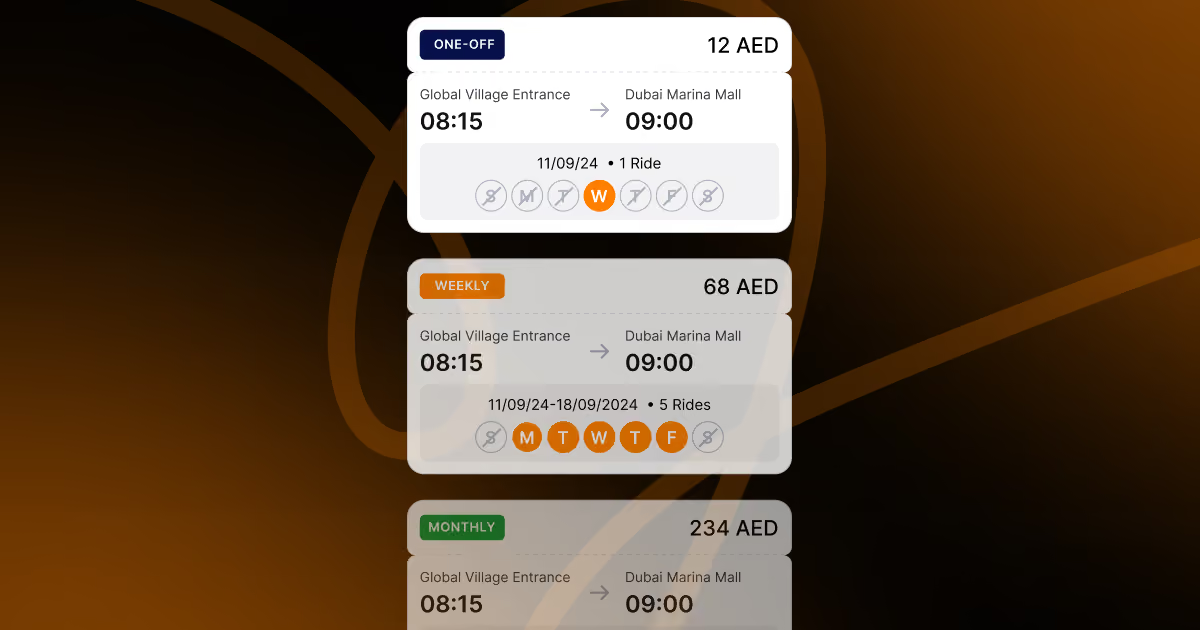
Flexibility and customizability decide how painful future changes will be. Choose platforms that adjust without vendor intervention for every tweak. On DrivenBus, adding weekly and monthly pass tiers meant adjusting pricing logic without touching the core booking engine. Automation supply chain tools built rigidly around one use case rarely survive a pivot in business model.
Scalability matters just as much as features. A tool that handles 50 vehicles today needs to handle 500 without a rebuild. On SyncMatix, that scalability came from partner architecture with multi-tenancy, letting the client grow to 500 customers through partners without touching the core system once.
The key RPA supply chain integrations
RPA acts like a bridge between your systems. It connects data across platforms without forcing you to rip anything out. That's the entire value: sync without disruption.
ERP integration.
RPA enhances ERP workflows greatly. It does it by automating data entry, invoice processing, and report generation. As a result, it reduces human error and frees people for strategic work. Data stays consistent across every ERP module; reporting doesn't drift between departments.
This pairing bridges legacy systems with modern cloud ERP without forcing a full migration. Companies keep what already works, then layer automation on top. That's often the cheaper, faster path compared to a total ERP overhaul.
WMS integration.
Robotic process automation use cases in warehouse management cover data entry, inventory tracking, order processing, and report generation. RPA enables real-time processing so managers see up-to-the-minute stock levels, not yesterday's count.
A WMS solution connects to existing warehouse systems without heavy modification. On the SmartBat solution COAX built, this showed up directly. It was about real-time inventory validation processing in under one second, tied straight into order and fulfillment flows. That scalability matters most during seasonal peaks, when demand swings fast. Manual counts fall behind within hours.
TMS integration.
Automating supply chain processes through TMS integration connects RPA with route planning, carrier management, and freight booking. It brings visibility and optimization together in one layer instead of three disconnected ones.
TMS integration lets the supply chain RPA process shipping documents, update delivery statuses, and coordinate multiple carriers at once. On DriveIQ, this logic powered the auto-recovery optimizer, where the route planning engine makes a recommendation to the dispatcher the moment risk gets flagged. Load planning tightens, route selection improves, and communication with drivers happens automatically instead of over the radio.
CRM integration.
RPA in customer management automates lead scoring, onboarding, and data validation inside CRM systems. It also handles invoice processing and customer communication, cutting out the repetitive manual steps that used to eat a rep's morning.
On MICRM, we built exactly this kind of layer for a travel company drowning in a generic CRM. The new system significantly benefits our client, their suppliers, and their customers. It simplifies analytics and enables real-time coordination across a growing supplier network. The result: a 40% profit increase, 60 new affiliates, and 20 new suppliers onboarded without adding headcount to manage them.
Choosing between the RPA logistics solutions comes down to compatibility, scalability, and how well the vendor supports sensitive customer data. We'll compare those platforms further down.
At COAX, integration work like this sits at the center of what we do. Our logistics software development services cover ERP, WMS, TMS, and CRM connections built around your existing stack. Every robotic process automation example in this article started the same way. It was about one system that share data with another right, and a team tired of being the translator between them.
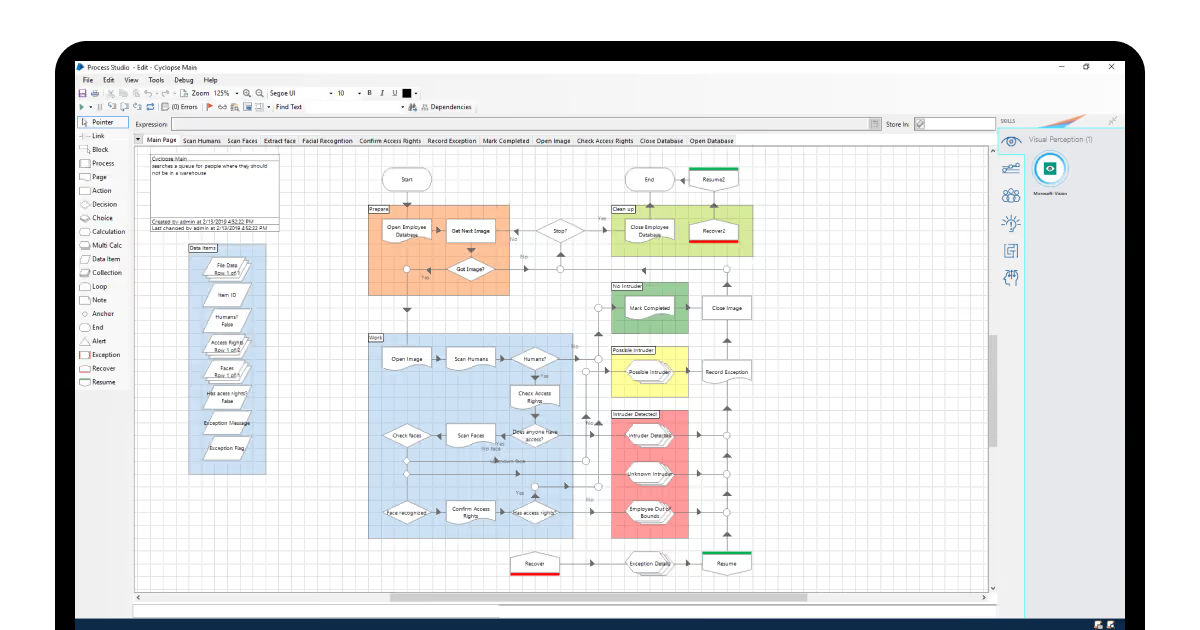
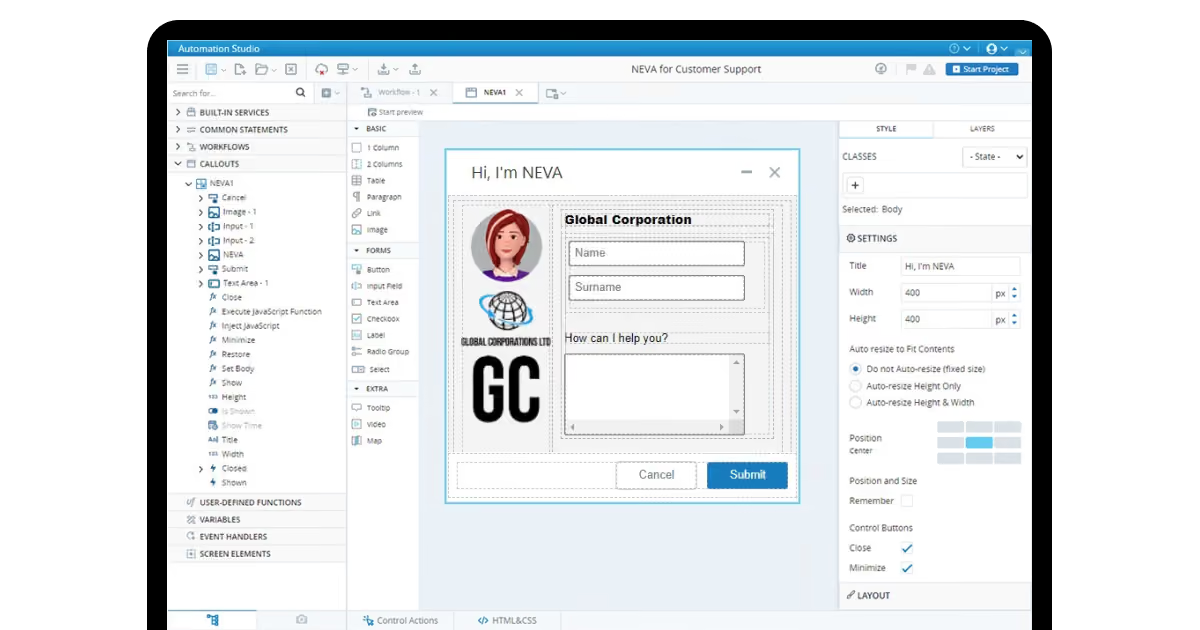
Best robotic process automation software
We didn't rank these from any spec sheets and integration playbooks that vendors show. We tested them against real deployment friction across our own client work.
Our criteria came from what actually breaks a rollout.
Data messiness: can the tool handle mismatched formats without a custom parser?
Integration friction: does it plug into an existing TMS, WMS, or ERP without months of middleware work?
Learning curve: can a non-technical ops person actually run it, or does every change need a developer?
Scalability under load: does it hold up when transaction volume triples overnight?
Compliance depth: does it satisfy regulated industries out of the box, or need custom hardening?
Here's what we found running each platform against those four questions.
Platform
Data handling
Integration ease
Non-technical usability
Scalability
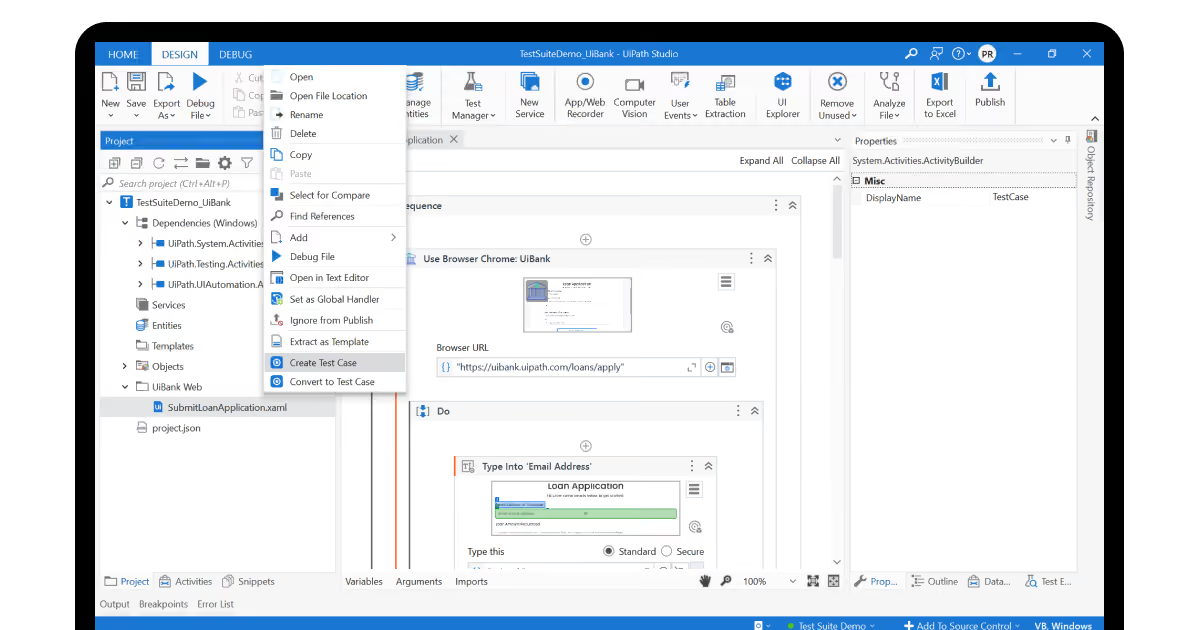
UiPath
Strong
Moderate
High
High, at a cost
WorkFusion
Very strong (unstructured)
Moderate
Low
High
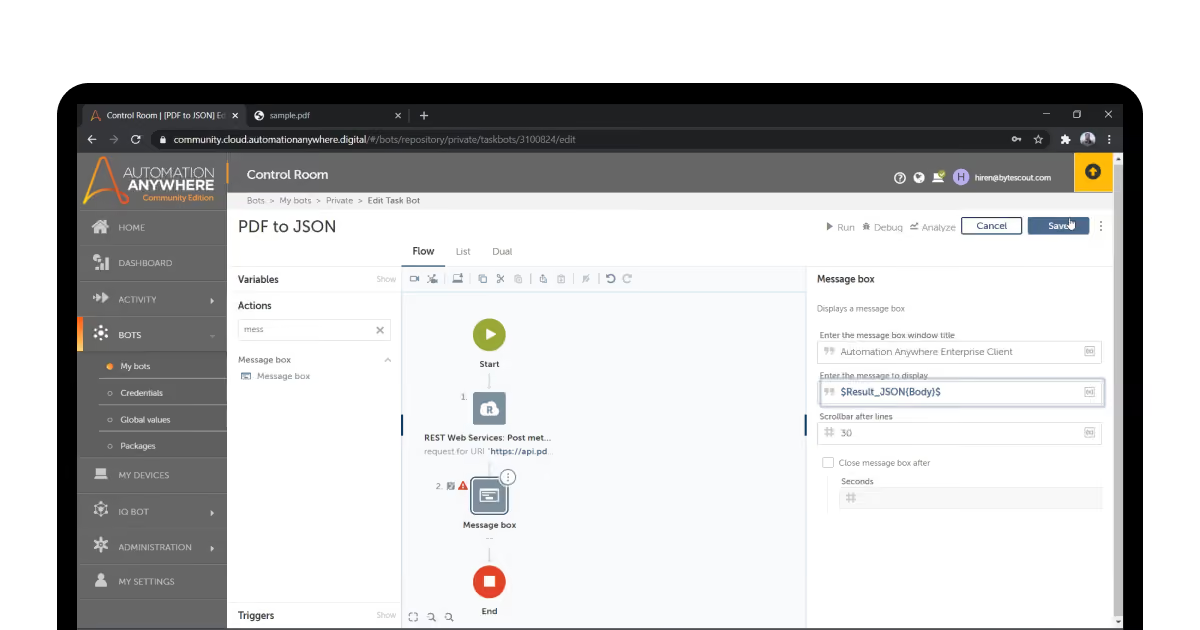
Automation Anywhere
Strong (IQ Bots)
Moderate
Low
High
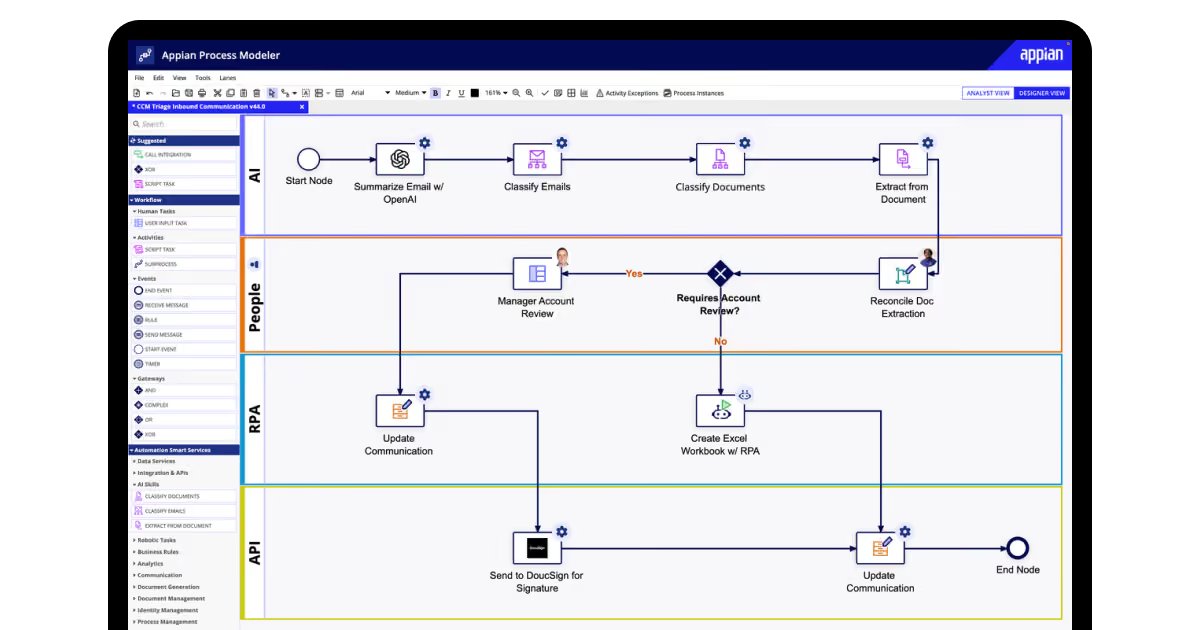
Appian
Moderate
High (low-code)
High
Moderate
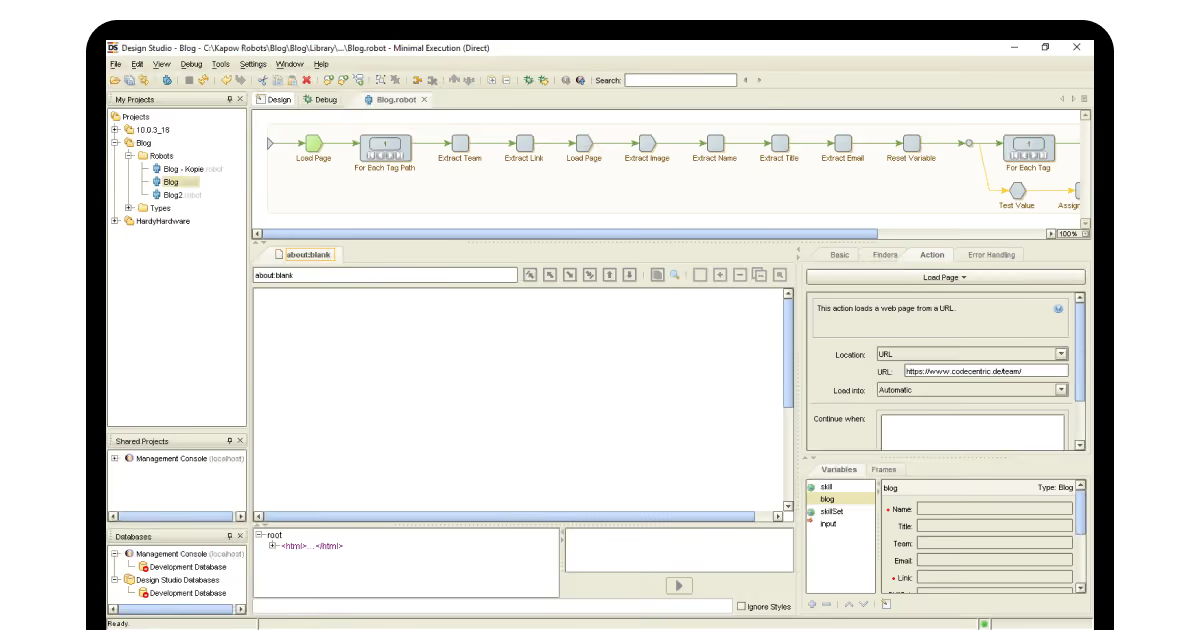
Kofax Kapow
Strong (web/document)
Moderate
Moderate
High
Blue Prism
Strong
High for enterprise stacks
Low
High
NICE
Moderate
High for logistics
Moderate
High
Datamatics
Strong (ML-driven)
Moderate
Moderate
Moderate
Power Automate
Moderate
Very high (Microsoft-only)
Very high
Moderate
Pega
Strong
High
Moderate
High
UiPath earned its reputation the way we expected. The drag-and-drop builder let our non-technical testers build a working bot in under a day. The 250,000-strong community means most integration questions already have an answer posted somewhere. The tradeoff shows up on the invoice, not the interface.
WorkFusion handled the messiest data we threw at it. This included torn PDFs, inconsistent invoice templates, scanned forms with half-legible fields. That strength comes with a real cost. We wouldn't hand this to a team without a dedicated automation lead already in place.
Automation Anywhere's IQ Bots processed unstructured documents about as well as WorkFusion. However, it had a steeper learning curve on setup. For RPA in supply chain management processes, its mobile control and web-based dashboard made sense. With them, dispatchers can easily check bot status from a phone.
Appian's low-code approach got a working prototype live faster than anything else on this list. FedRAMP compliance out of the box makes it the obvious call for government or heavily regulated freight work. It's not built for deep, complex process rebuilds, though.
Kofax Kapow's data extraction from scattered web sources and documents outperformed most competitors in our testing. Teams pulling rate quotes, customs forms, or scattered spreadsheet data will get the most value here.
Blue Prism's security architecture satisfied every compliance checklist we ran against it. However, the setup demanded real engineering hours. This fits large enterprises with a technical team already on staff, not a lean logistics operation testing its first bot.
NICE's real-time decision layer felt built for the kind of supply chain automation software logistics teams need. This covers fast customer-facing responses paired with drag-and-drop configuration for non-developers.
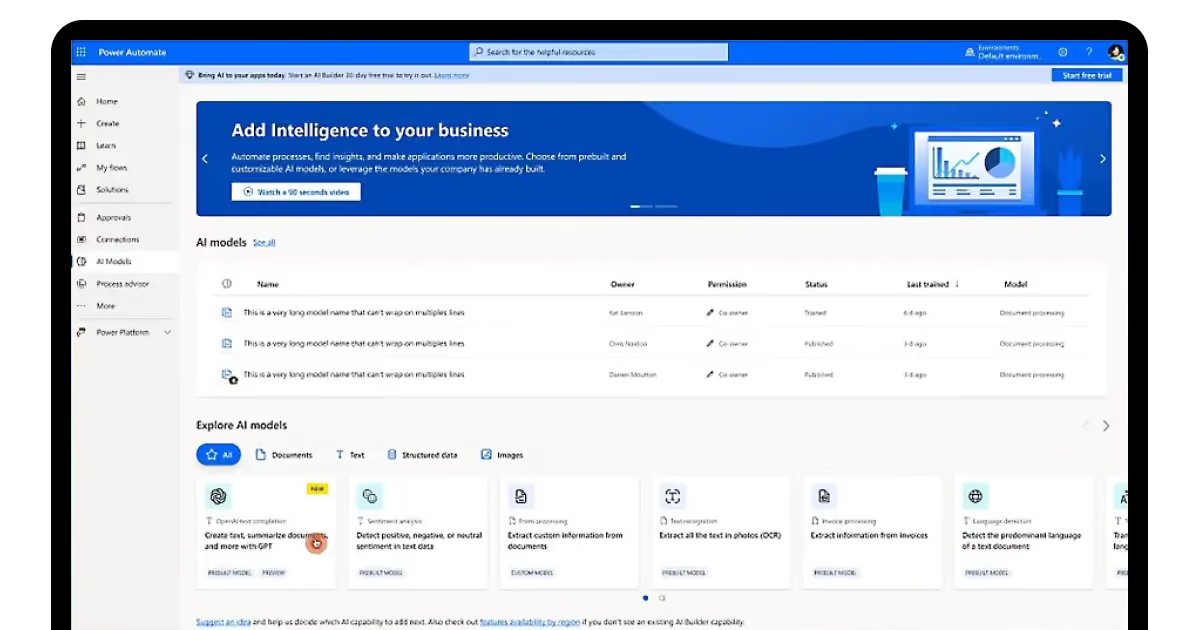
Power Automate is the easy call if your company already runs on Microsoft 365 or Azure. Outside that ecosystem, its usefulness drops fast. We'd only recommend it to teams already committed to Microsoft's stack.
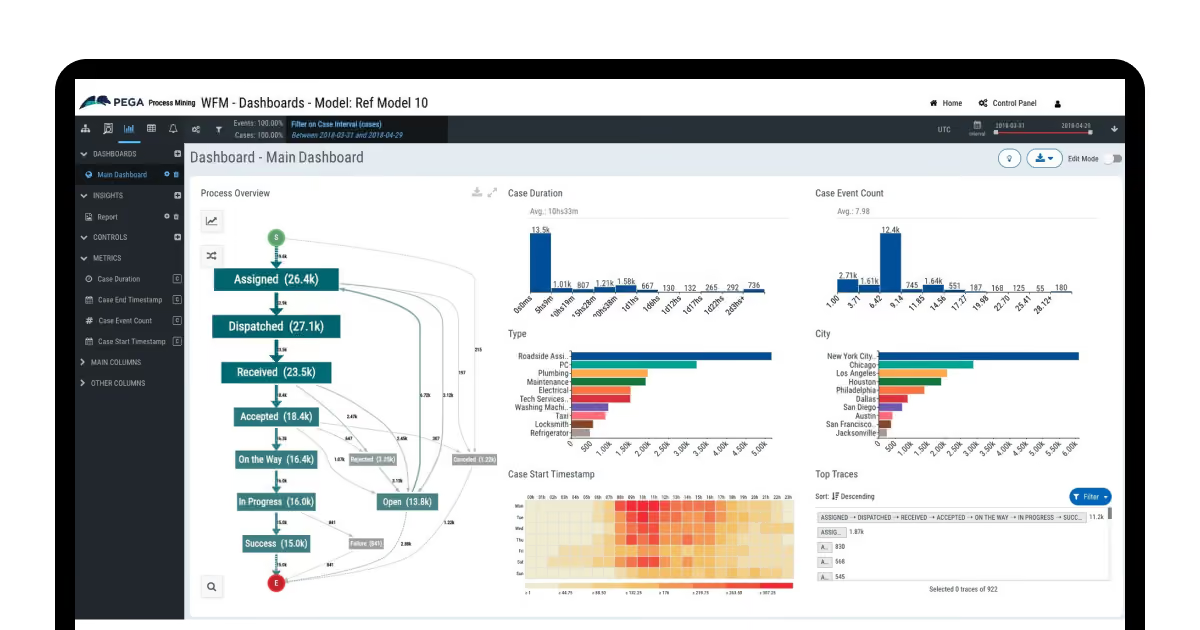
Pega suits companies wanting full business-process transformation. It’s not about throwing in an isolated bot here and there. If you're rebuilding how work moves across departments, not just automating one task, this is the platform built for that scope.
None of these are the "right" answer in the abstract. Each one solves a different robotic process automation example scenario. Picking based on brand reputation alone is how most rollouts stall.
Cloud vs. on-premise RPA deployment considerations
Cloud RPA gets you running fast. On-premise gets you full control. Neither is universally better.
In practice, cloud means bots go live in days. On SyncMatix, this mattered directly. The client needed to scale to hundreds of partners fast. Cloud infrastructure let new tenants onboard without new hardware.
On-premise means months of setup first. Servers need procurement. Networks need configuration. But once running, you own every layer of security completely.
Cost follows the same split. Cloud runs on subscriptions that scale with usage. On-premise demands upfront capital before any benefit appears. For a company testing its first automation, cloud lowers the financial risk considerably.
Scalability favors cloud almost every time. Volume spikes get absorbed by adding bots instantly. On-premise requires new hardware purchases first. That lag hurts most during seasonal demand surges.
Maintenance follows the same logic. On-premise needs a dedicated IT team on staff to implement RPA in the supply chain efficiently. Cloud providers handle patches and updates automatically. That difference alone shifts staffing costs significantly.
Connectivity is the last real tradeoff. On-premise keeps running without internet access. Cloud needs a connection but allows remote monitoring anywhere. Most logistics teams value that remote visibility more than offline resilience.
At COAX, we build for both models depending on the client's actual constraints. Our team is 90% mid-and-senior engineers, so there's no junior handoff mid-project. We cover web and mobile equally across every deployment. On GrandBus, that meant building a driver-facing mobile app alongside the core booking platform, cloud-hosted, live within months. We've done the on-premise version too, when compliance demanded it. Either way, the deployment model should match your constraints, not a vendor's default pitch.
Robotic process automation tutorial from the COAX team
"The RPA rollouts that fail aren't the ones with bad bots. They're the ones that automated a process nobody agreed was broken yet," says Orest Falchuk, Head of Engineering at COAX Software.
We learned that lesson early, on a project that had nothing to do with logistics RPA on paper. RoadStr, a social network for car enthusiasts, came to us with 150,000 to 200,000 downloads and code nobody could safely touch. No tests. No documentation. Features nobody remembered building.
We didn't automate anything on day one. We cleaned the code first, then modernized it piece by piece. That order matters more than the tools you pick. Automating a broken process just breaks it faster.
Deploying robotic process automation in supply chain operations rewards patience over speed. Here's the order that's actually worked across our builds.
Define goals with numbers attached. Not "save time." Instead: cut invoice processing from five minutes to thirty seconds. On MICRM, the goal was concrete from day one: unify supplier data and speed up bookings. That specificity drove every later decision.
Win executive buy-in with a small pilot first. Pick one painful, easy-to-automate process. Prove it works before asking for a bigger budget. Scaling RPA needs leadership support, and leadership trusts results over pitches.
Build change management before you scale. Track every modification as your program grows. On RoadStr, we documented each cleanup step precisely, since 200-plus API dependencies made undocumented changes dangerous fast.
Create a center of excellence. One team should own standards, spot new automation opportunities, and train staff. Without this, automation sprawls into a dozen inconsistent bots nobody fully understands.
Integrate with what you already have. Choose tools with ready-made connectors. On Driven Connect, we integrated route planning, emissions tracking, and payments into one platform, instead of forcing the client onto five disconnected tools.
Monitor with supply-chain-specific KPIs. Track speed, accuracy, and savings continuously. Use cases for robotic process automation only stay valuable if someone's watching to see whether the bot still matches current demand.
Even following this robotic process automation tutorial closely, teams still hit friction. Legacy systems resist connectors. Staff resists new workflows. That's usually where outside expertise earns its cost.
At COAX, we've spent over 15 years modernizing transportation businesses. We have developed the supply chain management software that considers your business case and pain points. We cover custom RPA builds tailored to your existing architecture, not a template.
Costs and ROI of RPA
The cost of RPA implementation breaks into three real buckets: setup, infrastructure, and ongoing maintenance. Skipping any of them in your budget guarantees a surprise later.
Setup and configuration run from $10,000 for a simple task. They can reach over $50,000 for complex, multi-system workflows. Consulting fees for process analysis add more on top. Infrastructure, hardware, software, and databases push costs up further, especially when legacy systems need custom bridging.
Maintenance and licensing never stop once you go live. Expect 15% to 20% of your initial investment annually, covering updates, monitoring, and bug fixes. Perpetual licenses cost more upfront but less over time. Subscriptions flip that math the other way.
Here's the robotic process automation ROI formula:
(Total Benefits − Total Costs) / Total Costs × 100. Payback typically lands between 12 and 18 months.
Let's run real numbers, using our DriveIQ platform as the example. The client invested roughly $400,000 across an eight-month build, based on typical project scope at this complexity. Within one year, measurable gains included:
An 11-point drop in late deliveries (18% to 7% of stops), protecting contract penalties worth an estimated $180,000 annually.
A 22% cut in driver overtime, saving roughly $95,000 a year across the fleet.
An 8% reduction in empty miles, worth close to $60,000 in fuel and time.
That's about $335,000 in measurable annual benefit against a $400,000 investment. Run the formula: (335,000 − 400,000) / 400,000 × 100, which lands near negative 16% in year one, but crosses fully positive by month fourteen once turnover savings and reduced recruitment costs compound in. That's the kind of payback window that looks discouraging on paper in month three and obvious in month eighteen.
The cost of robotic process automation only makes sense against a specific baseline like this one. Not an industry average pulled from a vendor's slide deck.
At COAX, we help clients build that baseline honestly before any code gets written. You may need software built from scratch or a new automation layer added to a trusted system. Either way, we've usually already encountered the specific complication slowing your team down. We ran into it (and solved it) on someone else's project first.
FAQ
What's the biggest obstacle companies hit when adopting RPA in supply chain management?
Legacy systems without APIs cause the most delay. Bots need something to click on, but old TMS platforms sometimes lack stable interfaces. On SyncMatix, mismatched vendor timestamps broke early automation attempts. We had to normalize data first, before any bot could run reliably. Budget extra time for this cleanup step. Most rollouts stall here, not at the bot-building stage itself.
How do I know if I need intelligent process automation vs robotic process automation?
Ask whether the task needs judgment or just repetition. Simple data entry needs plain RPA, nothing more. Route optimization under changing conditions needs intelligence layered on top. DriveIQ's auto-recovery optimizer weighs traffic, safety scores, and workload before suggesting a change. That's intelligent automation. A bot copying invoice fields into an ERP is not.
Where should I start if I don't know how to implement robotic process automation yet?
Start with one painful, high-volume task, not your whole operation. Pick something with a clear, measurable outcome. On MICRM, we began with supplier data unification before touching bookings. Prove value on that single process first. Executive buy-in follows results, not promises. Scaling comes after the pilot works, never before it.
Are there examples of robotic process automation that failed and why?
Yes, usually from automating a broken process instead of fixing it. Bots executed the same flawed logic, just faster and at scale. We saw this pattern before touching automation directly, on RoadStr's original codebase. Untested, undocumented code made every later change riskier. Clean the process first. Automating chaos just produces faster, more expensive chaos.
Can RPA handle multi-country compliance rules without constant manual updates?
It depends on how the platform structures jurisdiction rules. Hardcoded logic breaks the moment a country's regulations shift. DriveIQ's client ran freight across the US-Canada border daily, needing automated ruleset switching by route. Ask any vendor how compliance updates propagate before signing. A system needing manual patches per regulation change isn't real automation.
































































_.avif)







%2520explained.avif)

We are interested in your opinion